

Pull requests pile up. Reviewers miss bugs. Security issues slip through. GitHub’s native code review handles the basics, but it doesn’t analyze your code, catch vulnerabilities, or enforce your team’s standards automatically.
That’s where AI code review tools in GitHub Marketplace come in. They add automated feedback, security scanning, and intelligent suggestions directly into your PR workflow. This guide covers the 9 best options available today—what each tool does well, where it falls short, and how to pick the right one for your team.
Why Native GitHub Code Review Falls Short
GitHub’s pull request system handles the basics well. You can comment on code, request changes, assign reviewers, and set branch protection rules. For small teams with straightforward workflows, that’s often enough.
But here’s the thing: as your team grows, native GitHub reviews start showing cracks. The platform doesn’t analyze your code for you. Every insight, every caught bug, every security concern comes from a human reviewer spending time and mental energy.
No Intelligent Suggestions or Context Awareness
GitHub’s review interface is essentially a commenting system. It doesn’t understand your code patterns, your team’s conventions, or the architectural decisions behind your codebase. When a reviewer misses something, it stays missed until production.
Manual Workflow Overhead
Assigning reviewers, following up on stale PRs, re-requesting reviews after changes—all of this coordination falls on your team. For organizations processing dozens of PRs daily, this overhead adds up fast.
Large Pull Requests Become Unmanageable
When a PR touches 50+ files, GitHub’s diff view doesn’t help you prioritize. There’s no summary explaining what changed or why it matters. Reviewers often skim large PRs or miss critical changes buried in the noise.
Limited Security and Vulnerability Scanning
GitHub Advanced Security offers some scanning capabilities, but real-time Static Application Security Testing (SAST) isn’t built into the standard review flow. SAST refers to automated tools that analyze source code for security vulnerabilities before the code runs. Without it, security issues often surface after merge, not during review.
Inconsistent Enforcement of Coding Standards
Without automated rule enforcement, coding standards depend on whoever happens to review the PR. One reviewer catches a style violation; another misses it entirely. This inconsistency compounds across large teams and multiple repositories.
How AI Code Review Tools Improve GitHub Workflows
AI code review tools fill the gaps that native GitHub leaves open. They analyze diffs automatically, comment on problematic code, and suggest fixes before a human reviewer gets involved.
Here’s what changes when you add AI to your review workflow:
Automated line-by-line feedback: AI scans every change and comments directly on issues
PR summarization: Tools generate plain-English summaries so reviewers understand changes faster
Security scanning: Real-time vulnerability detection catches risks before merge
Custom rule enforcement: Define your standards once, and AI enforces them on every PR
Reduced reviewer fatigue: AI handles repetitive checks so humans focus on architecture and logic
What to Look for in GitHub Marketplace Code Review Tools
Not all AI code review tools work the same way. Before installing anything, here’s what to evaluate.
AI-Powered Feedback and Auto-Fix Suggestions
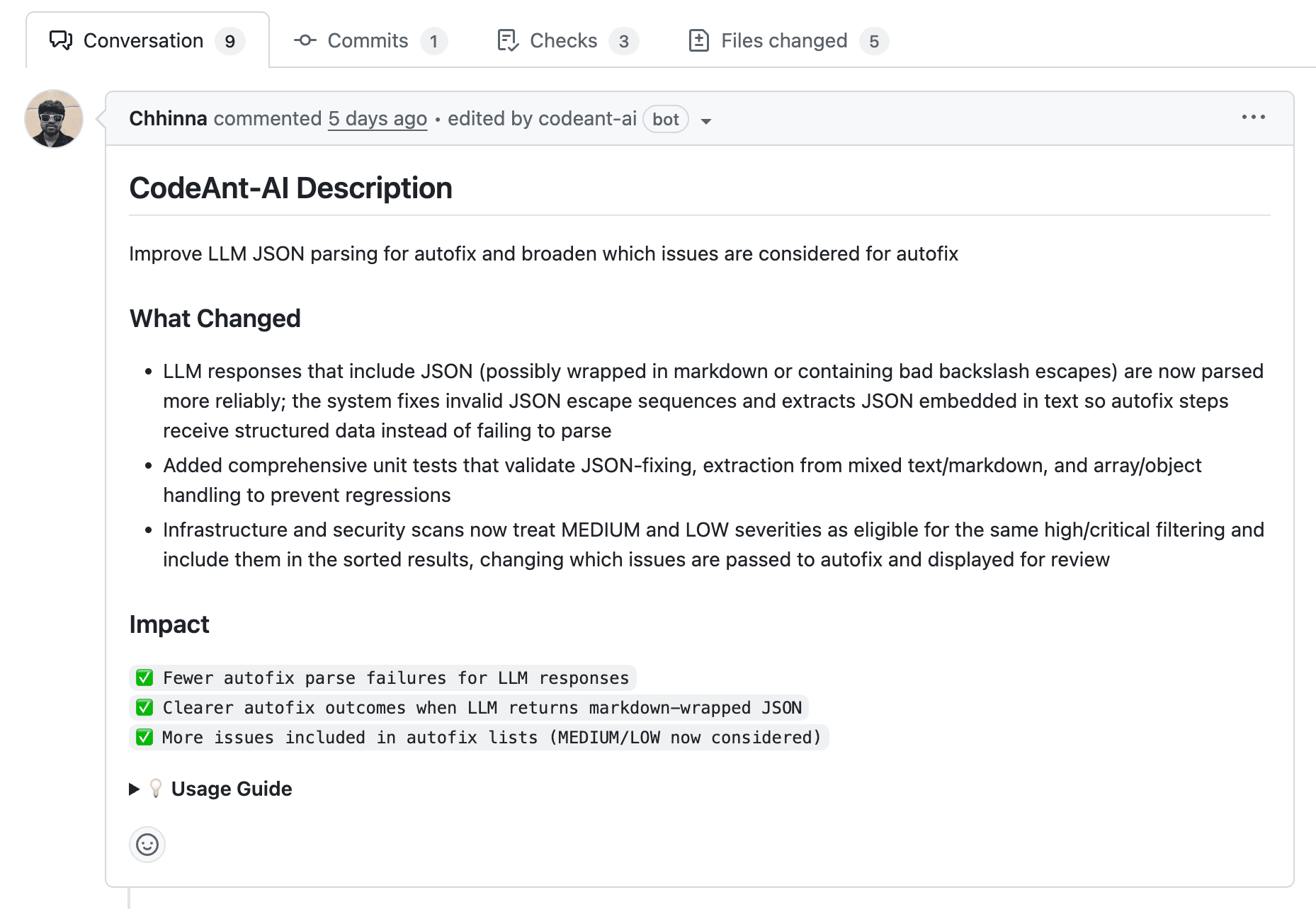
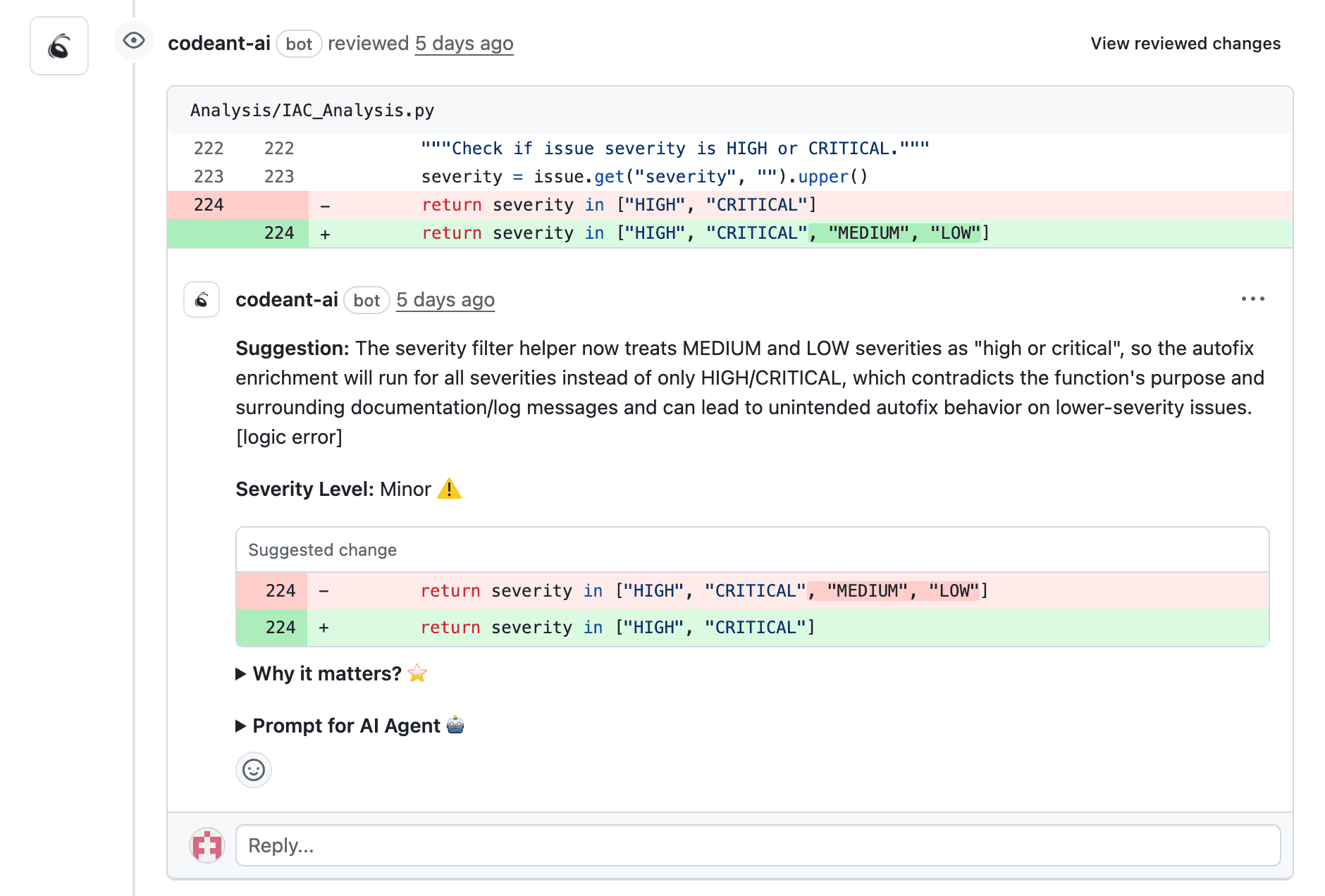
The best tools don’t just flag problems. They explain why something is wrong and offer a fix. Look for one-click apply features that let developers resolve issues without context-switching.
Security Scanning and SAST Integration
Your tool can catch vulnerabilities, exposed secrets, and infrastructure misconfigurations inline during review. For regulated industries, compliance-ready reports matter too.
Language and Framework Coverage
Confirm the tool supports your stack. Most cover major languages like JavaScript, Python, and Java. Check for framework-specific rules if you’re using React, Django, or similar.
Pricing Transparency and Free Tiers
Many tools offer free tiers for open source or small teams. Understanding whether pricing scales per seat or per repository helps before your team grows.
Enterprise Compliance and SSO Support
Larger organizations typically require SSO, audit logs, and SOC 2 or GDPR compliance. Some tools also offer on-prem or private cloud deployment for sensitive codebases.
Marketplace Apps vs GitHub Actions for AI Code Review
The Marketplace sells two shapes of the same idea. Apps install once at the org level, run on the vendor’s backend, and review every PR through webhooks.
Actions instead run inside your workflow YAML, usually with your own LLM API key. You control the runtime and pay per token, but you also own rate limits, upgrades, and secrets handling.
Marketplace App | GitHub Action | |
|---|---|---|
Setup | One org-level install | Per-repo workflow YAML |
Cost | Per-seat or per-repo subscription | Runner minutes plus LLM tokens |
Maintenance | Vendor-managed | You manage keys and versions |
Most teams reviewing at scale land on an app. Actions suit one-off repos or teams that already broker their own model access. Graphite and Sourcery also keep live listings if you want adjacent picks beyond the nine here.
GitHub AI Code Review Tools Comparison
Tool | AI Feedback | Security Scanning | Marketplace App | Free Tier | Best For |
CodeAnt AI | Yes | Yes | Yes | Yes | End-to-end code health |
CodeRabbit | Yes | Limited | Yes | Yes | PR summaries |
Qodo | Yes | No | Yes | Yes | Test generation |
Codacy | Yes | Yes | Yes | Yes | Multi-repo dashboards |
SonarQube Cloud | Limited | Yes | Yes | Yes | Enterprise governance |
GitHub Copilot | Yes | No | Native | Paid only | Copilot users |
DeepSource | Yes | Yes | Yes | Yes | Auto-fix suggestions |
CodeScene | Yes | No | Yes | Trial | Behavioral analysis |
CodeClimate | Limited | No | Yes | Yes | Maintainability metrics |
CodeAnt AI
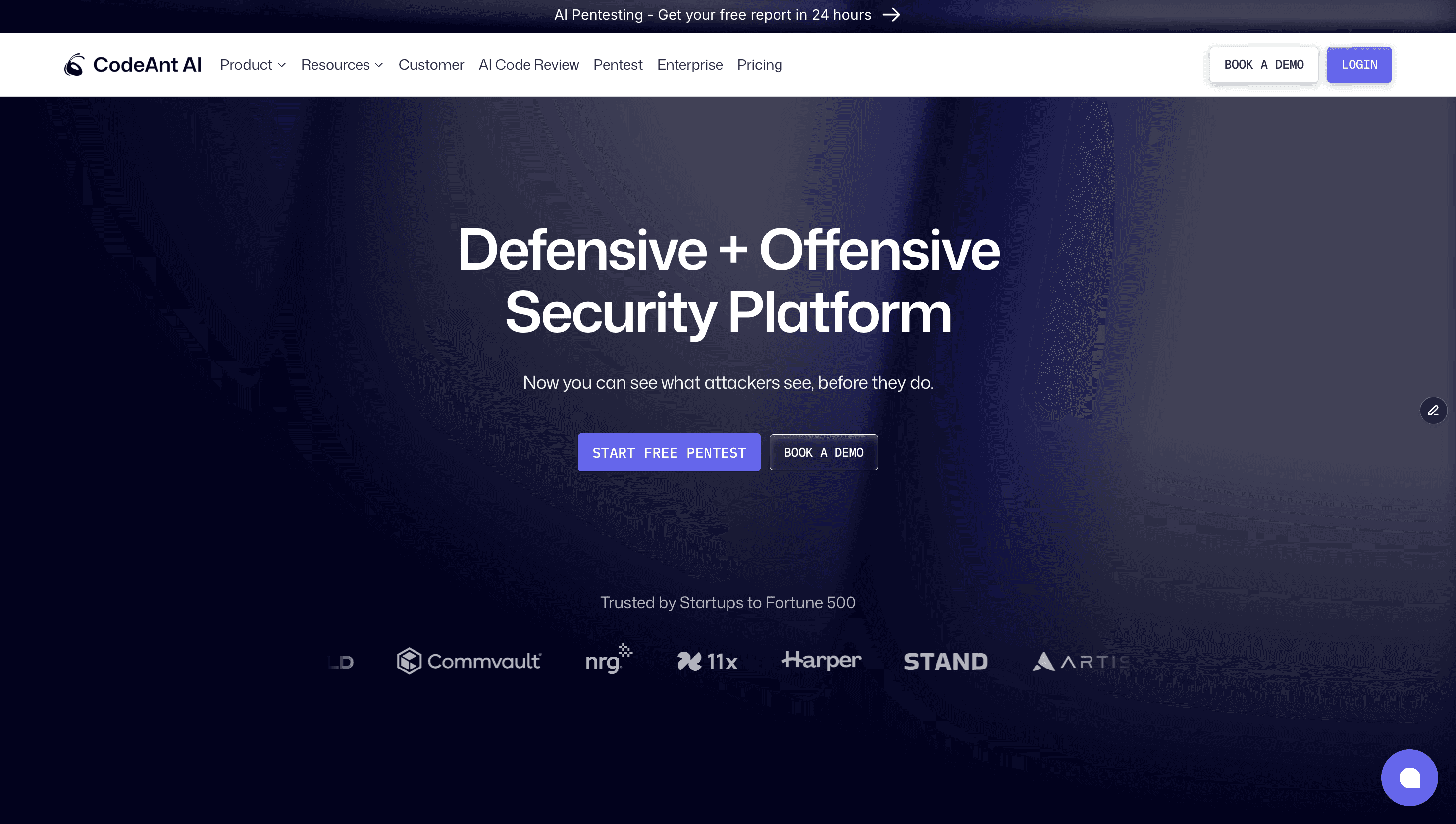
CodeAnt AI combines AI-driven code review, security scanning, and quality metrics in a single platform. It’s available directly in GitHub Marketplace with one-click installation. Its Marketplace listing shows 6,498 installs as of July 2026.
Features:
AI-driven line-by-line reviews with auto-fix suggestions
Security scanning for vulnerabilities, secrets, and misconfigurations
PR summaries and change impact analysis
DORA metrics and maintainability tracking
Support for 30+ languages
Best For: Engineering teams seeking unified code health across review, security, and quality. Works well for organizations with 100+ developers consolidating their toolchain.
Limitations: Newer entrant compared to legacy tools.
Pricing: 14-day free trial with 100 PR reviews, no credit card. Premium is $24/user/month with unlimited reviews, and open source is free. Try CodeAnt AI free for 14 days.
CodeRabbit
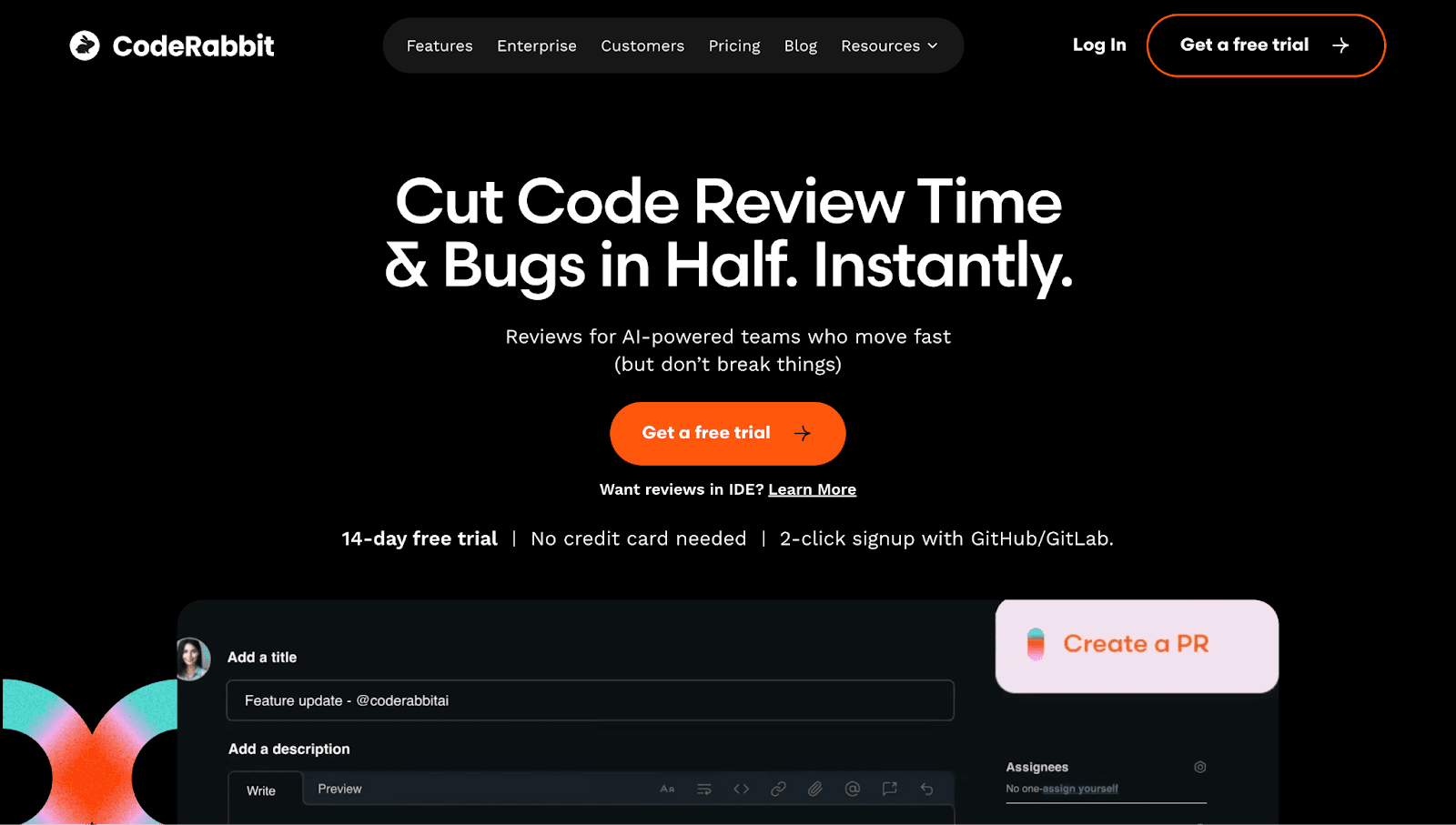
CodeRabbit focuses on AI-powered PR summaries and conversational review. It’s one of the most-installed AI apps on GitHub Marketplace. The listing shows 282,093 installs as of July 2026, the most of any dedicated AI reviewer here.
Features:
AI-generated PR summaries and change explanations
Inline comments with contextual suggestions
Chat-based interaction for follow-up questions
Free tier for public repositories
Best For: Teams prioritizing faster PR comprehension over deep security scanning.
Limitations: Security features are less comprehensive than dedicated SAST tools. Limited custom rule configuration.
Pricing: Free tier with PR summaries. Pro is $24/user/month billed annually, Pro Plus $48, and public repos are free forever.
Check out this CodeRabbit alternative.
Qodo
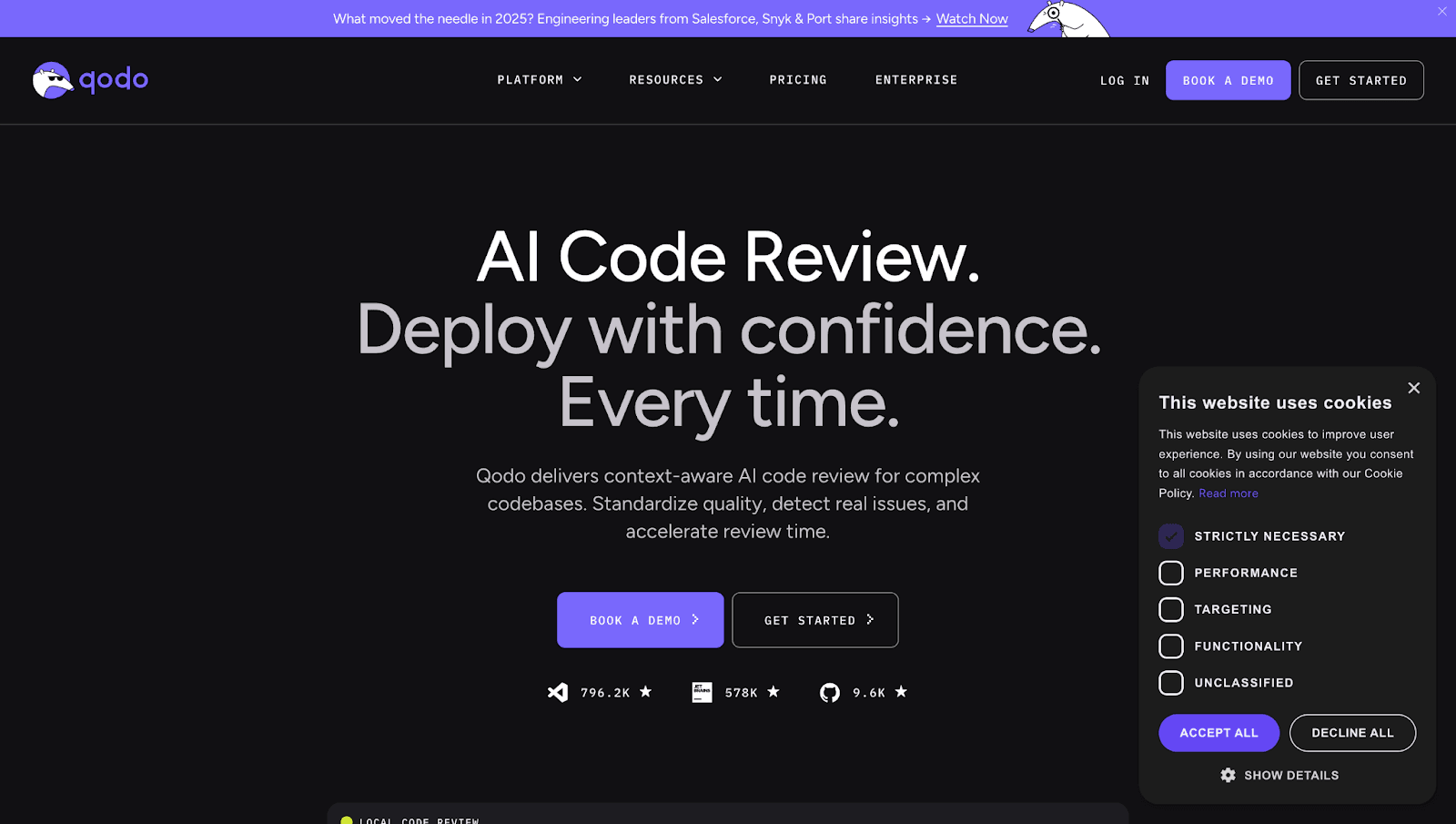
Qodo (formerly CodiumAI) blends code review with AI-powered test generation. It learns from your team’s patterns to provide contextual suggestions. The current listing is Qodo Merge Pro, the CodiumAI-era app’s replacement, with 29,371 installs as of July 2026.
Features:
AI test generation alongside code review
IDE plugins for VS Code and JetBrains
Support for 20+ languages
GitHub Marketplace integration
Best For: Teams focused on improving test coverage alongside code review.
Limitations: Not a full security scanner. Review capabilities are secondary to test generation.
Pricing: 14-day trial, then Pro Team at $30/month base plus credit packs. Free for qualified open source, Enterprise custom.
Check out this Qodo Alternative.
Codacy
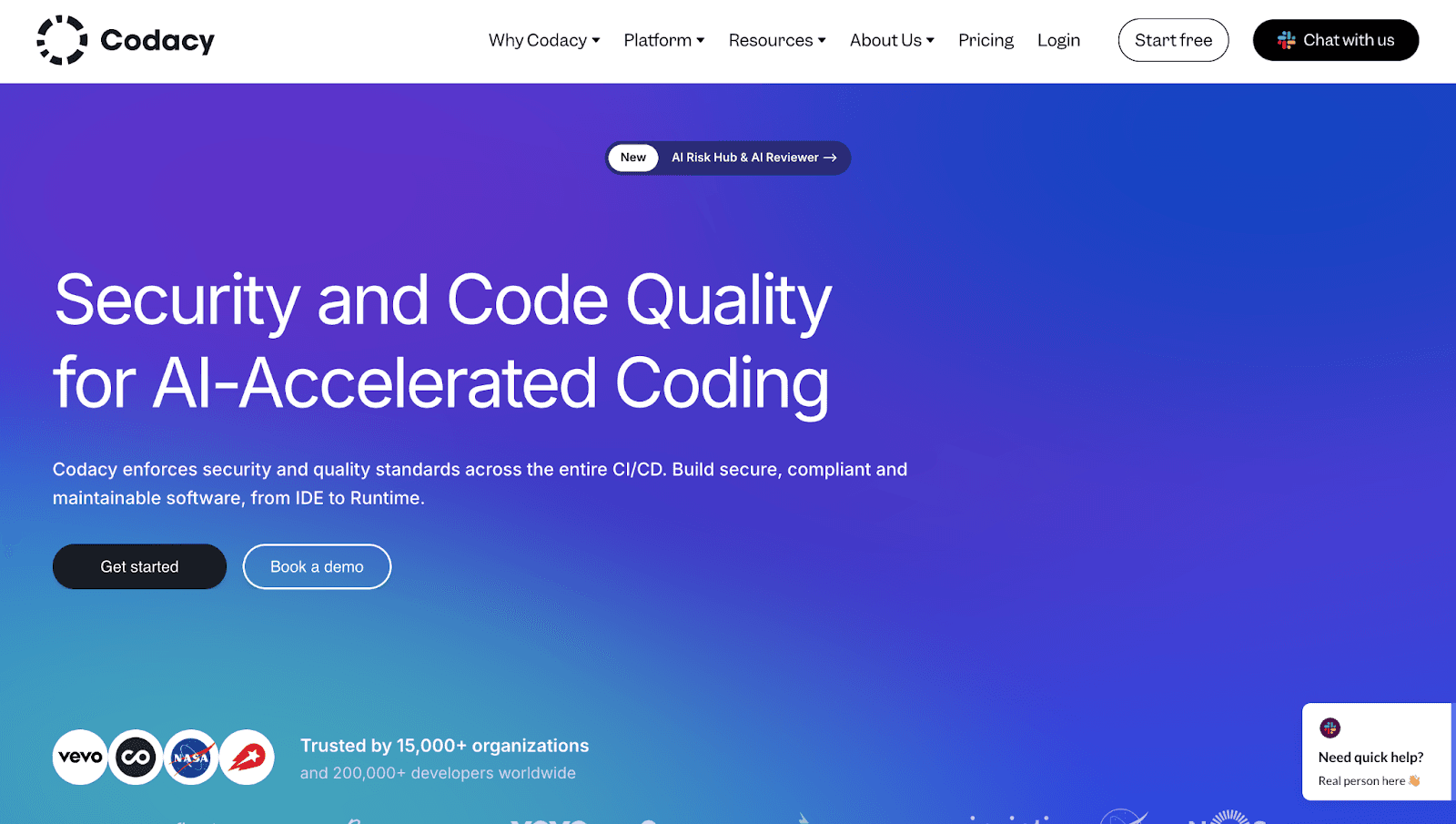
Codacy brings automated code quality, style enforcement, and static analysis into your GitHub workflow. Its listing shows 75,882 installs as of July 2026.
Features:
Automated PR analysis for style violations and code smells
Security scanning and coverage tracking
Quality gates that block merges
Multi-repo dashboards
Best For: Teams managing multiple repositories who want centralized quality dashboards.
Limitations: AI capabilities are less advanced than newer tools. Setup can be complex for large organizations.
Pricing: Free Developer IDE plan. Team is $18/user/month billed annually, $21 monthly, with 49 languages on the Team plan.
Check out this Codacy Alternative.
SonarQube Cloud
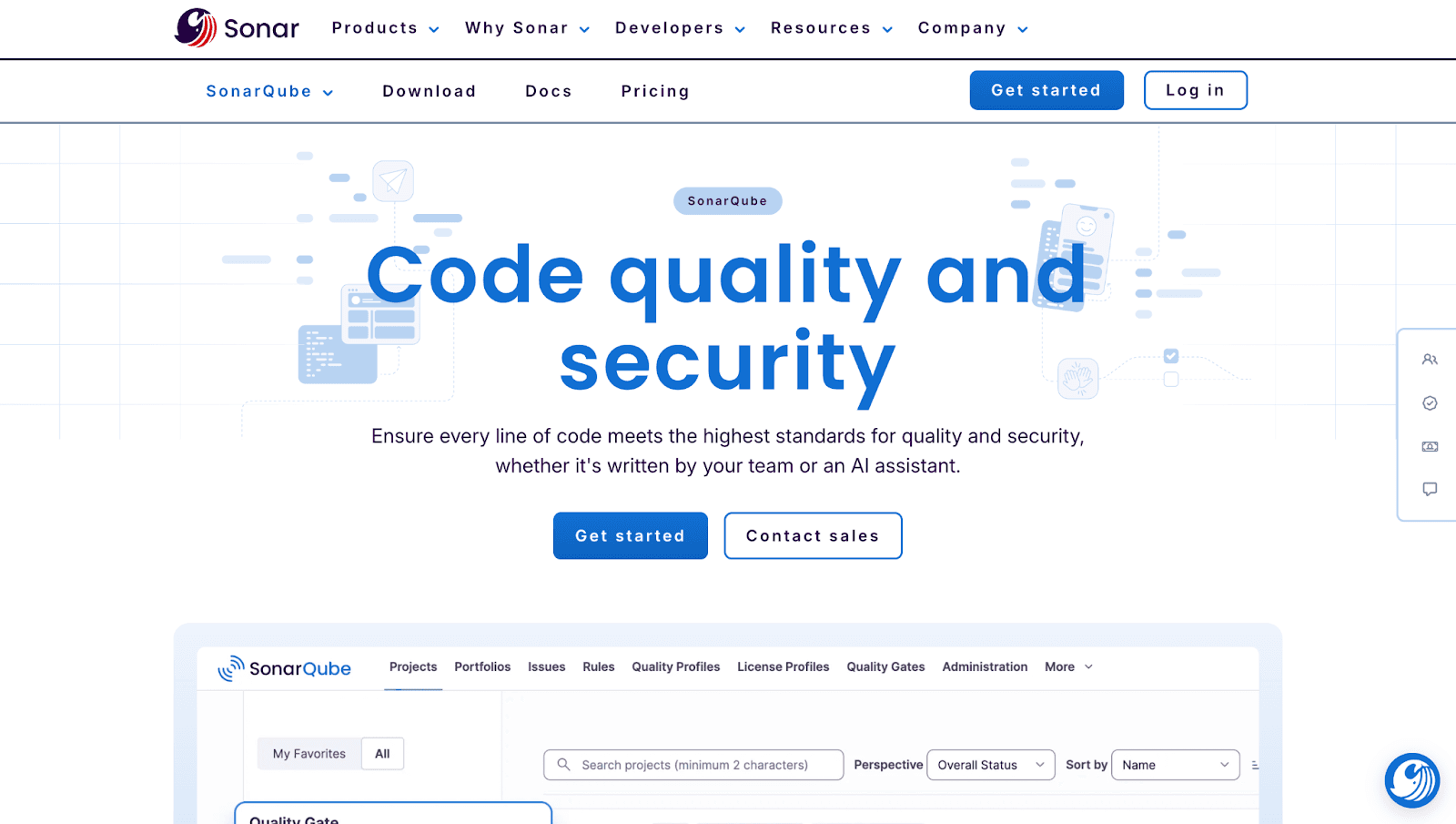
SonarQube Cloud (formerly SonarCloud) excels at enterprise governance and compliance-grade scanning. Its listing shows 349,594 installs as of July 2026, the largest footprint on this list.
Features:
Deep static analysis and security hotspot detection
Quality gates with branch analysis
Technical debt tracking
GitHub integration via Marketplace
Best For: Enterprises requiring compliance-grade scanning and detailed technical debt tracking.
Limitations: AI-driven suggestions are limited compared to newer tools. Can generate noise on large codebases.
Pricing: Free for public repos and private projects under 50k lines. Team starts at $34/month for 100k lines of code.
Check out this SonarQube Alternative.
GitHub Copilot Code Review
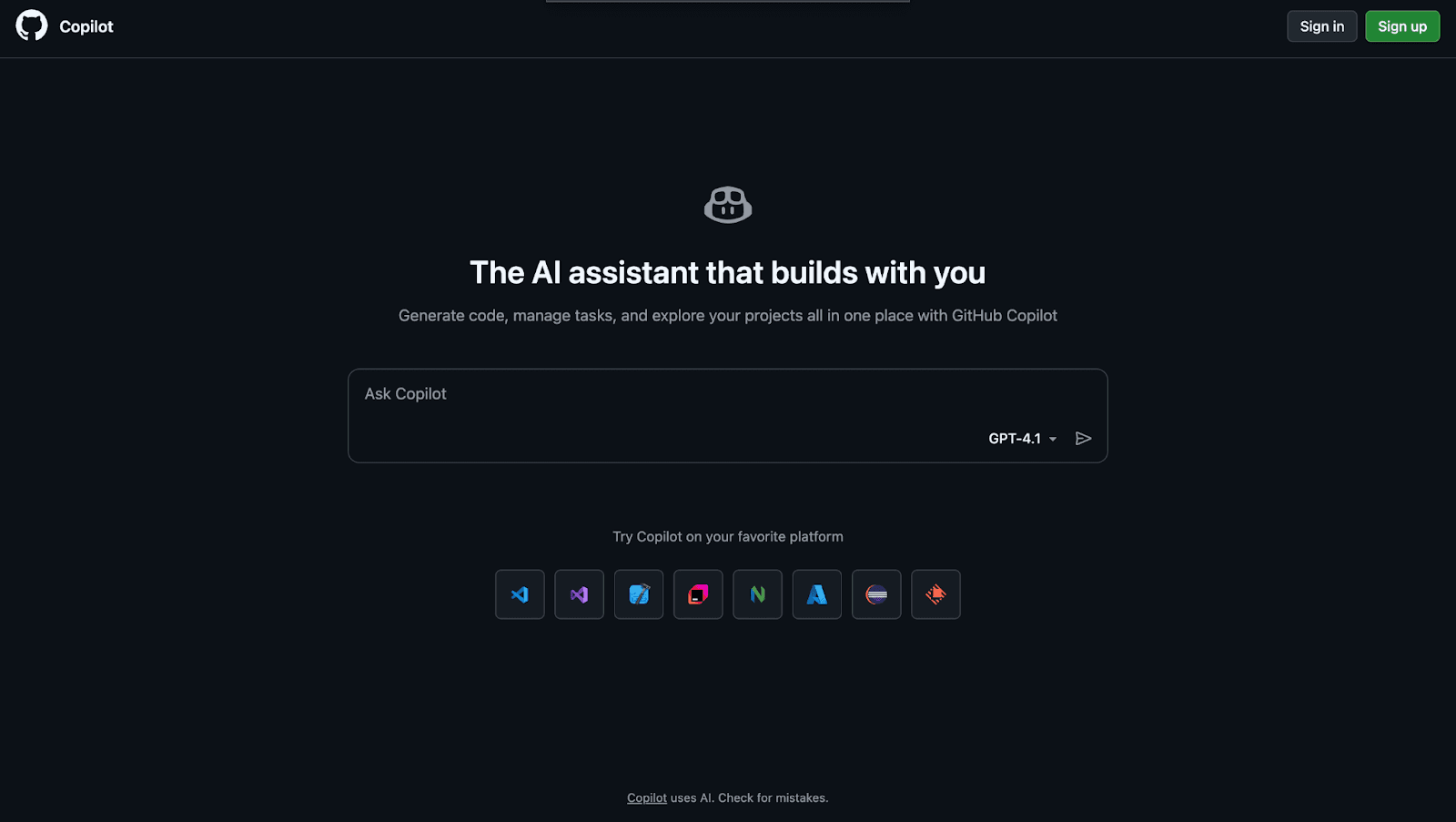
GitHub Copilot Code Review is the native AI option for teams already using Copilot. As of July 2026 it is included from the Pro plan up, works as a requestable reviewer, and can be auto-required through repository rulesets.
Features:
AI-powered review comments in PRs
Inline suggestions integrated with Copilot
Native GitHub experience
Best For: Teams already using GitHub Copilot who want basic AI review without additional tools.
Limitations: No dedicated security scanning, and reviews are comment-only, so they never satisfy required approvals. Excluded from Copilot Free.
Pricing: Included from Copilot Pro at $10/month, with Pro+ at $39 and Max at $100. Not available on Copilot Free.
Check out this GitHub Copilot alternative.
DeepSource
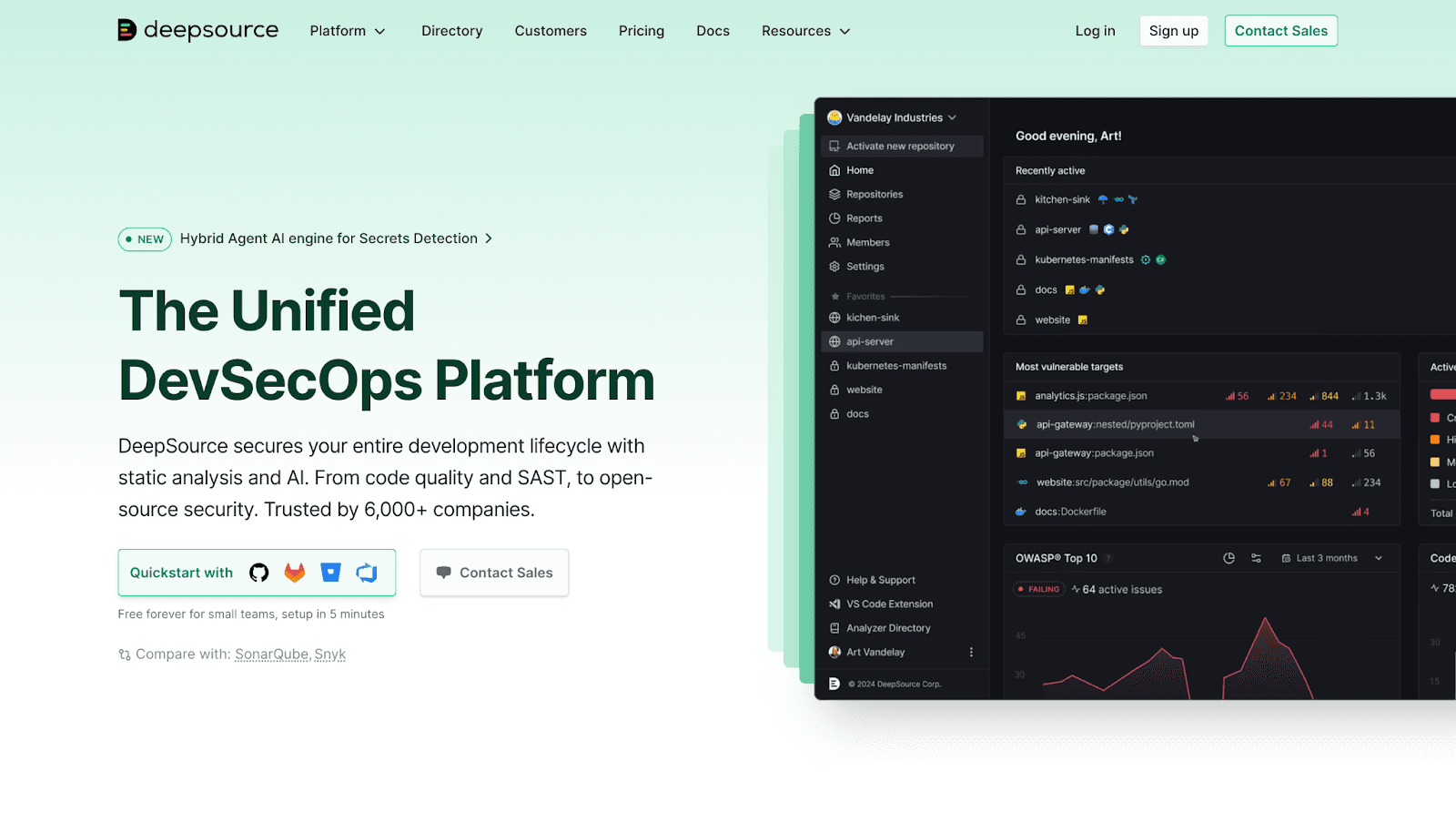
DeepSource emphasizes automated remediation with one-click fixes. Its listing shows 52,227 installs as of July 2026.
Features:
AI-powered analysis with auto-fix capabilities
Security scanning for vulnerabilities
Support for many languages
GitHub Marketplace app
Best For: Teams wanting automated fixes rather than just issue flagging.
Limitations: Less focus on PR summarization. Enterprise features require paid tier.
Pricing: Free for public repos with 1,000 PR reviews/month. Team is $24/user/month billed yearly.
Check out this Deepsource Alternative.
CodeScene
CodeScene takes a behavioral approach, analyzing code change patterns to identify hotspots and team coordination issues. Its listing shows 13,542 installs as of July 2026.
Features:
Behavioral code analysis
Code health trends and hotspot detection
Team coordination insights
GitHub integration
Best For: Teams wanting to understand code health trends based on change patterns.
Limitations: Not a traditional AI code reviewer. Security scanning is not a core focus.
Pricing: Free for open source. Standard is EUR 18/month per active author, Pro EUR 27, billed yearly.
CodeClimate
CodeClimate (now Qlty Cloud) focuses on maintainability metrics and engineering analytics. The listing still runs under the code-climate slug, with 28,675 installs as of July 2026.
Features:
Maintainability scoring
Test coverage tracking
Velocity metrics
GitHub Marketplace integration
Best For: Engineering leaders tracking code quality trends and team productivity over time.
Limitations: AI review capabilities are minimal. More analytics platform than active reviewer.
Pricing: Qlty is free for open source and individuals, with team plans around $20-30/user/month. Legacy CodeClimate plans are gone.
How to Add AI Code Review to GitHub from the Marketplace
Installation takes about five minutes end to end. Here is the exact path.
Step 1. Navigate to GitHub Marketplace
Go to github.com/marketplace. Use the search bar or browse the “Code quality” and “Code review” categories.
Step 2. Search and Select Your Tool
Search by name and review the app’s permissions, ratings, and verified publisher status. Check recent reviews to confirm the tool is actively maintained.
Step 3. Configure Repository Access
Choose which repositories the tool can access. Grant permissions for PR comments and status checks.
Step 4. Customize Review Rules and Thresholds
Most tools offer configuration files (typically YAML) or dashboard settings. Define which rules to enforce, severity levels, and auto-fix preferences.
Metrics to Track After Implementing GitHub AI Reviews
A reviewer either moves these four numbers or it does not deserve the seat.
Review Cycle Time
Time from PR open to merge. AI tools typically reduce this by catching issues early and automating feedback loops.
Defect Escape Rate
Bugs that reach production despite review. Lower rates indicate more effective pre-merge scanning.
Code Coverage Trends
Percentage of code exercised by tests. Some AI tools track this alongside review.
DORA Metrics
DORA (DevOps Research and Assessment) metrics include deployment frequency, lead time, change failure rate, and mean time to recovery. Platforms like CodeAnt AI track DORA metrics to connect code health with delivery performance.
How to Choose the Right AI Code Review Tool for Your Team
Your choice depends on what you’re optimizing for:
Prioritize security - CodeAnt AI or SonarQube Cloud for compliance-grade scanning
PR summaries first - CodeRabbit for conversational review and fast comprehension
Unified code health - CodeAnt AI for review, security, and metrics in one place
Already using Copilot - Copilot code review for zero-setup basics, paired with a security scanner
Enterprise compliance - SonarQube Cloud or Codacy with quality gates
If you want one tool that covers all five, CodeAnt AI is the strongest pick. It combines review, security, and metrics in one defensive and offensive security platform built on code health principles.
Ready to see how AI code review fits your workflow?Book your 1:1 with our experts today.

