

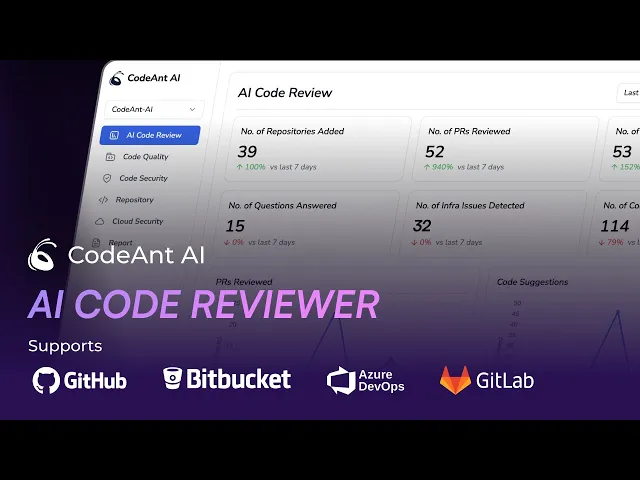
Pull requests pile up. Senior engineers become bottlenecks. And somewhere in a 400-line diff, a security vulnerability slips through because the reviewer's eyes glazed over at line 50.
GitHub's native code review features work fine until they don't—and for teams running dozens of PRs daily, that breaking point comes fast. AI code review tools change the equation by analyzing every pull request instantly, flagging issues before human reviewers even open the diff, and enforcing standards automatically. This guide compares the top options for teams using GitHub at scale.
Why GitHub Pull Request Reviews Break Down at Scale
The best AI code review tools for GitHub—CodeAnt AI, CodeRabbit, GitHub Copilot, Qodo, and others—automate pull request analysis, flag security vulnerabilities, and suggest fixes inline. They cut manual review time by catching bugs, enforcing coding standards, and providing instant feedback before human reviewers even open the PR.
But here's the thing: GitHub's native review features work fine for small teams. Once you scale past a handful of developers, cracks start to show.
No Intelligent Suggestions for Reviewers
GitHub's pull request interface shows you diffs. That's it. Reviewers see what changed but get no hints about potential bugs, performance issues, or security risks. There's no contextual guidance, no auto-generated summaries for large PRs. You're left reading hundreds of lines manually, hoping you catch what matters.
Manual Review Bottlenecks Multiply with Team Size
When five developers share review duties, queues stay manageable. Add twenty more, and suddenly your senior engineers become blockers. Every PR funnels through the same few people who understand the codebase deeply enough to approve changes.
Junior developers wait days for feedback. Senior engineers drown in review requests. Nobody wins.
Large Pull Requests Become Unmanageable
A PR with 500 changed lines across 30 files is cognitively exhausting. Without intelligent chunking or prioritization, critical issues hide in noise. Reviewers skim instead of scrutinize, and bugs slip through.
Security Gaps in Native GitHub Scanning
GitHub offers Dependabot for dependency updates and basic secret scanning. Both cover common cases but fall short on advanced Static Application Security Testing (SAST), custom rule enforcement, and infrastructure-as-code misconfigurations. If your compliance requirements go beyond the basics, you'll hit limits fast.
Inconsistent Coding Standards Across Teams
Distributed teams drift from style guides without automated enforcement. One team uses tabs, another uses spaces. One follows strict naming conventions, another doesn't. GitHub's native tools won't catch inconsistencies or enforce your organization-specific rules.
How AI Code Review Tools Accelerate Pull Request Workflows
AI-powered review tools close the gaps that native GitHub features leave open. Here's what changes when you add them to your workflow.
Instant Feedback on Every Pull Request
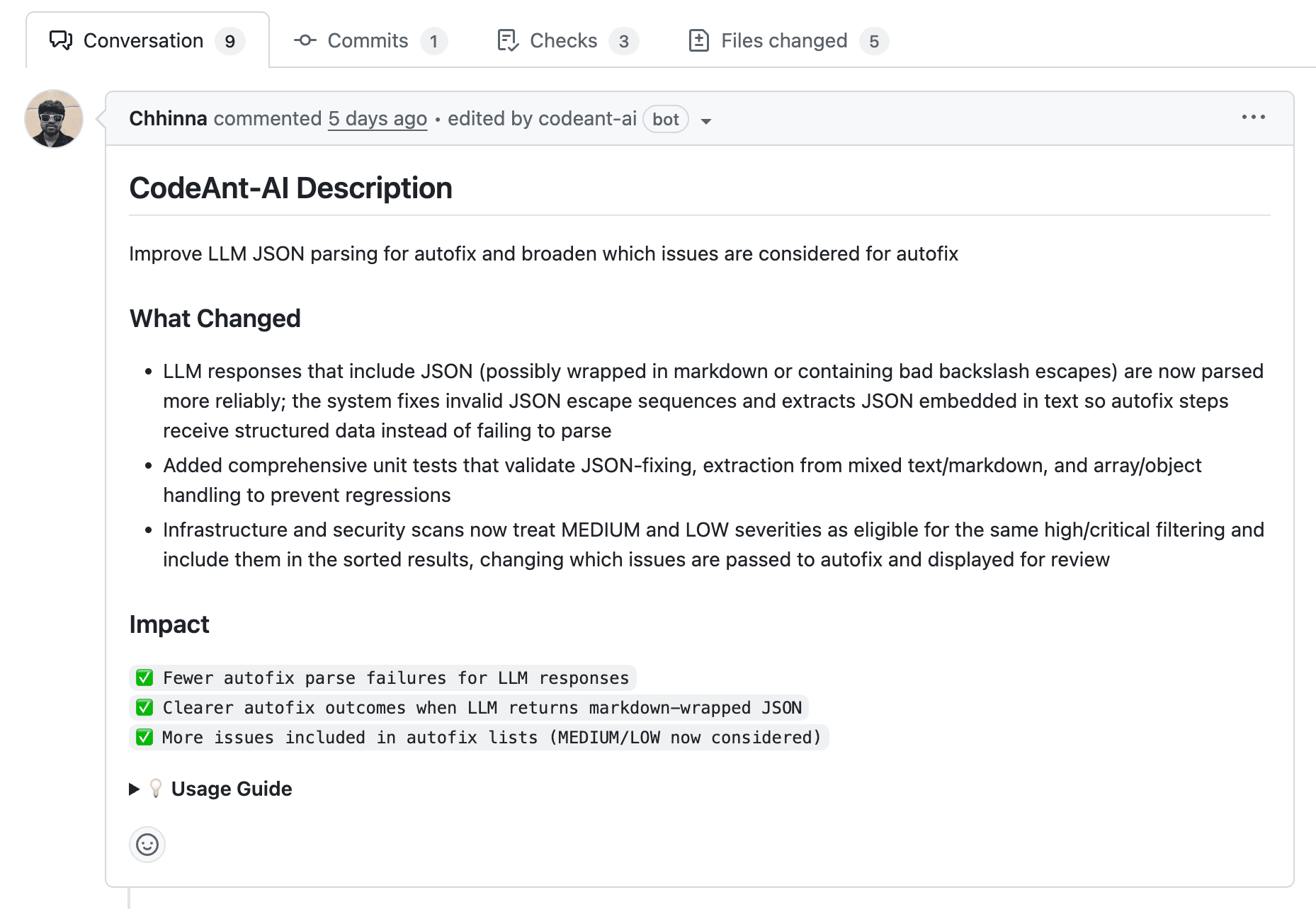
The moment a developer opens a PR, AI tools analyze the code. No waiting for a human reviewer to find time. Developers get actionable suggestions—often with one-click fixes—before the review cycle even starts.
Automated Security and Quality Checks
AI tools run security scans, detect vulnerabilities, and flag code smells automatically:
Security scanning: Catches secrets, misconfigurations, and dependency risks
Quality analysis: Identifies complexity, duplication, and maintainability issues
This happens on every PR, every time, without manual intervention.
Reduced Cognitive Load for Reviewers
When AI pre-filters trivial issues, human reviewers focus on what matters: architecture decisions, business logic, and nuanced trade-offs. PR summaries help reviewers understand changes without reading every line.
Enforced Coding Standards Automatically
Teams can codify their standards and let AI enforce them. This eliminates "style nit" comments and keeps reviews focused on substance rather than formatting debates.
What to Look for in a GitHub AI Code Review Tool
Before diving into specific tools, here's a practical checklist for evaluation.
Native GitHub Integration Depth
Some tools offer shallow integrations—webhook-only connections that provide limited context. Deep integrations (GitHub Apps with full PR access) enable inline comments, status checks, and merge blocking. The difference matters when you want AI feedback to feel native.
AI Suggestion Accuracy and Noise Reduction
False positives—incorrect flags—erode developer trust quickly. The best tools learn from dismissed suggestions and adapt to your codebase over time.
Security and Compliance Capabilities
Look for SAST, secrets detection, license scanning, and compliance reporting. Enterprise teams often require SOC 2 certification and audit trail support from their tooling.
Scalable Pricing for Large Teams
Common pricing models include per-seat, per-repo, and usage-based options. Teams with 100+ developers benefit from unlimited-seat options that don't penalize growth.
Unified Dashboard for Code Health Metrics
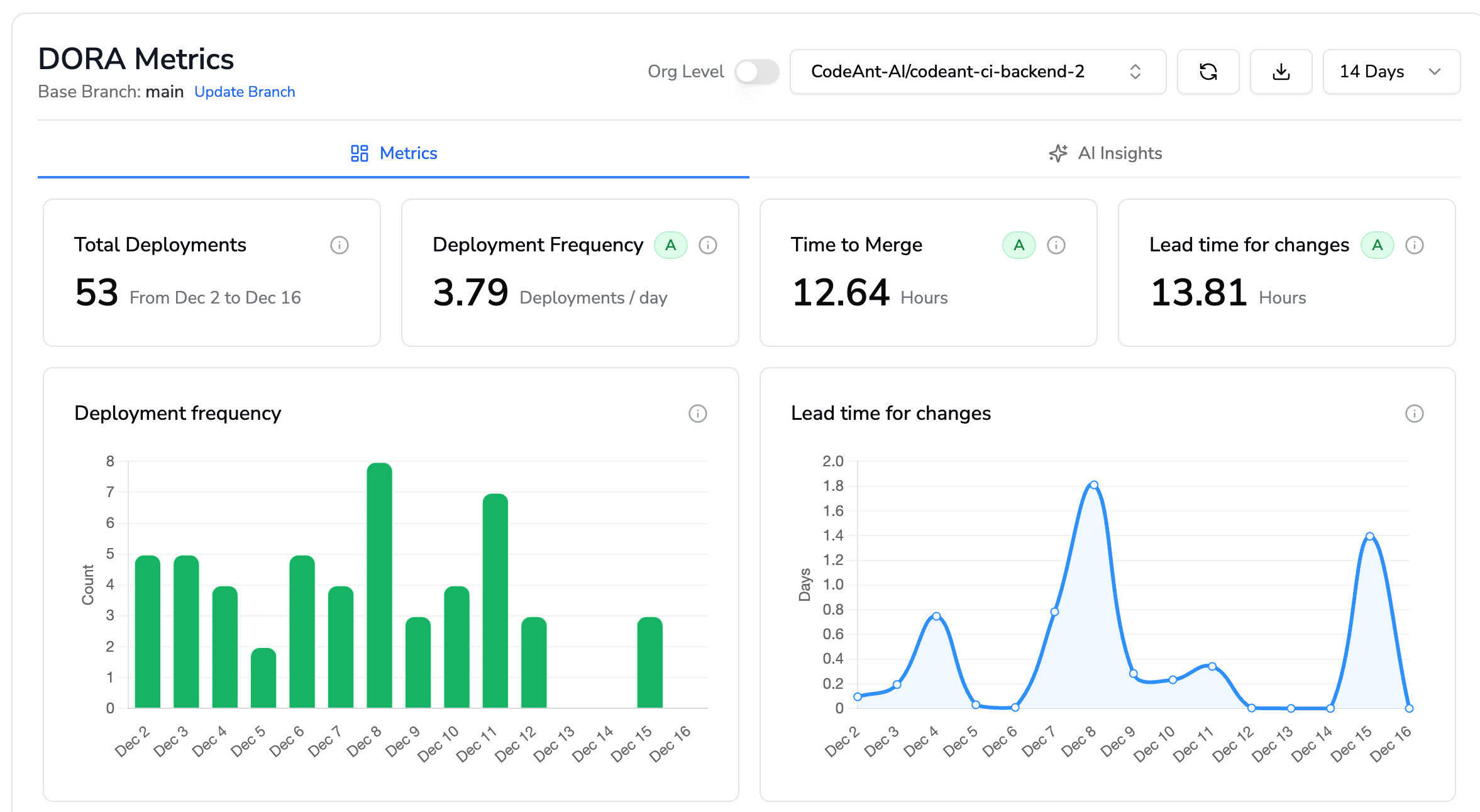
Scattered tooling creates blind spots. A unified dashboard tracking maintainability, coverage, and DORA metrics (deployment frequency, lead time, change failure rate) gives engineering leaders visibility across the entire codebase.
Top GitHub AI Code Review Tools Compared
Tool | AI Review | Security Scanning | GitHub Integration | Best For | Pricing Model |
CodeAnt AI | ✓ | ✓ | Native App | Teams at scale | Per-seat |
CodeRabbit | ✓ | Limited | Native App | Fast feedback | Per-seat |
GitHub Copilot | ✓ | Limited | Native | Copilot users | Per-seat |
Qodo | ✓ | Limited | Native App | Test generation | Freemium |
SonarQube | Limited | ✓ | Webhook | Enterprise compliance | Self-hosted/Cloud |
Codacy | ✓ | ✓ | Native App | Quality dashboards | Per-seat |
Snyk Code | Limited | ✓ | Native App | Security-first teams | Per-developer |
DeepSource | ✓ | ✓ | Native App | Open source projects | Freemium |
CodeAnt AI
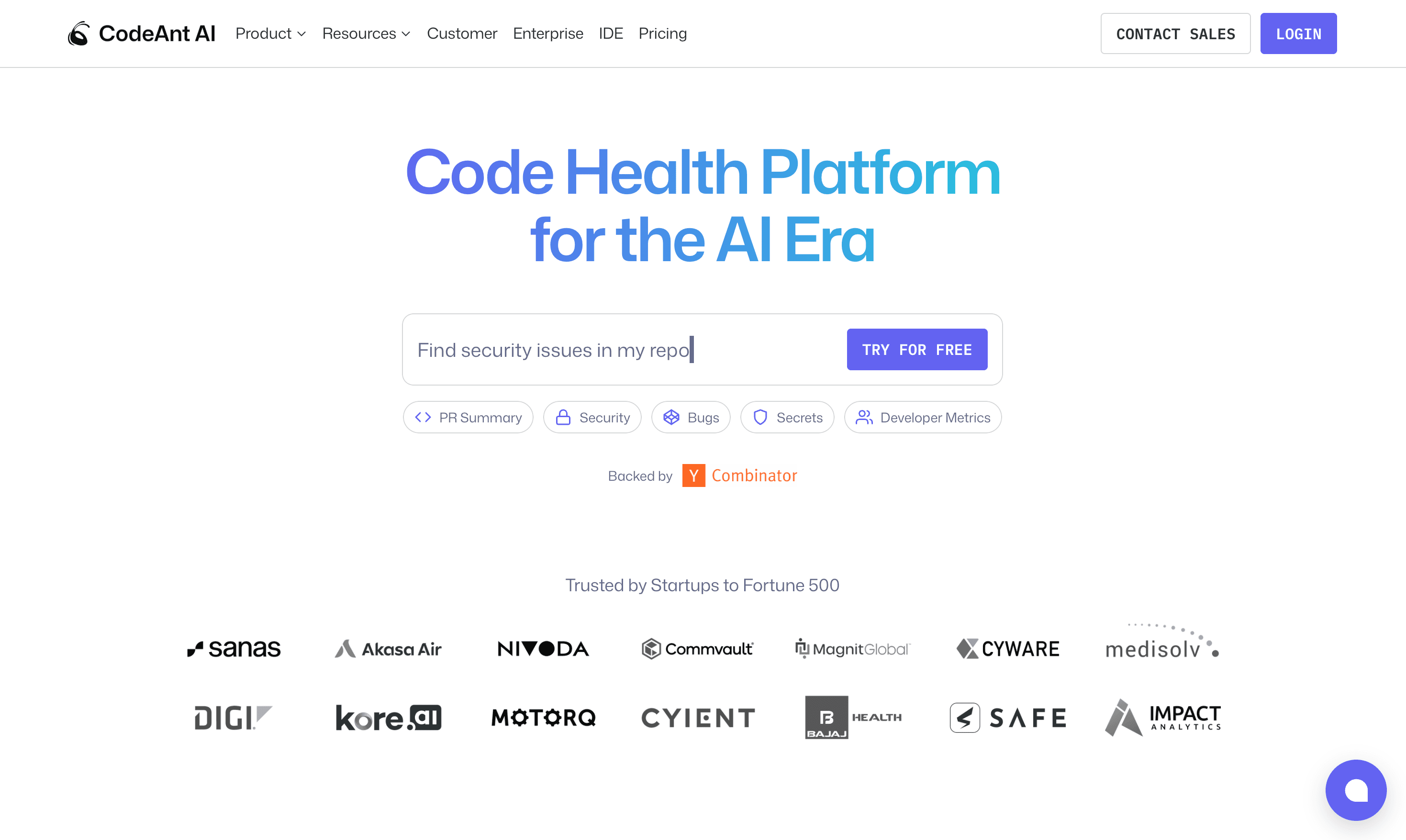
CodeAnt AI brings AI-powered code reviews, security scanning, and quality enforcement together in one platform. Rather than juggling multiple point solutions, teams get a unified view of code health across the development lifecycle.
Features:
AI-powered line-by-line reviews with fix suggestions
Security scanning including SAST, secrets detection, and dependency risk analysis
Quality enforcement tracking complexity, duplication, and maintainability
DORA metrics dashboard for deployment frequency and change failure rate
Support for 30+ languages across polyglot codebases
Best for: Engineering teams that want security, quality, and AI review unified—especially organizations scaling past the point where multiple tools become unmanageable.
Pricing: Per-seat pricing with a 14-day free trial. See pricing details.
Limitations: Newer entrant compared to established tools.
CodeRabbit
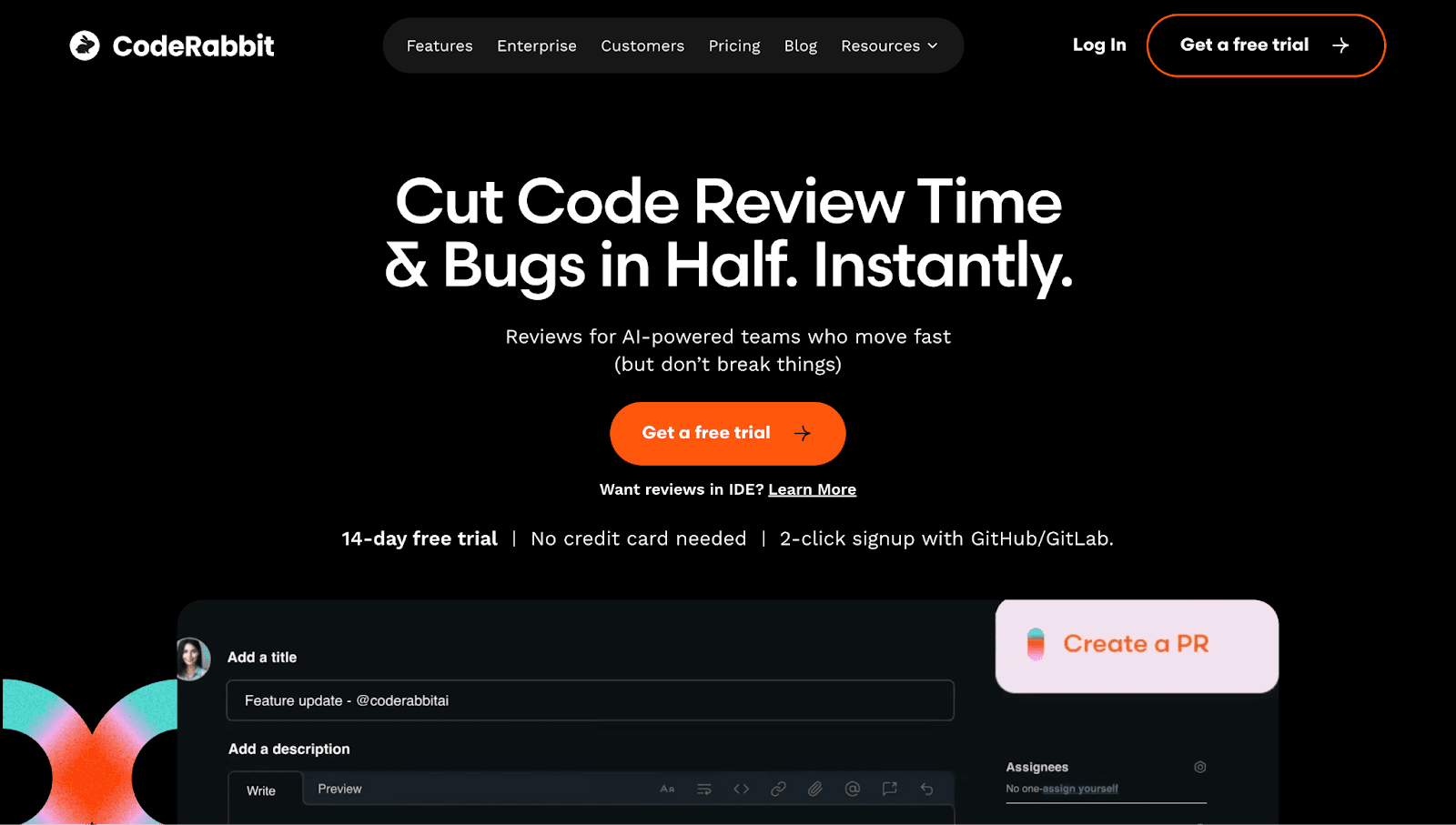
CodeRabbit focuses on speed and developer experience, generating instant PR summaries and enabling conversational review interactions.
Features:
Instant PR summaries in human-readable format
Conversational review where developers ask follow-up questions in comments
Multi-platform support for GitHub, GitLab, Bitbucket, and Azure DevOps
Best for: Teams prioritizing speed and developer experience over deep security scanning.
Pricing: Free tier available; paid plans per seat.
Limitations: Security scanning is basic compared to dedicated SAST tools. Less focus on long-term code health metrics.
Checkout this CodeRabbit alternative.
GitHub Copilot for Pull Requests
GitHub Copilot extends beyond code generation to offer review capabilities for teams already invested in the Copilot ecosystem.
Features:
AI-generated review comments with inline suggestions
Seamless integration for existing Copilot subscribers
Context-aware suggestions using repository history
Best for: Teams already using Copilot for code generation who want review capabilities bundled.
Pricing: Included in Copilot Enterprise; separate from individual plans.
Limitations: Review features are still maturing. Security scanning requires GitHub Advanced Security add-on.
Checkout this GitHub Copilot alternative.
Qodo
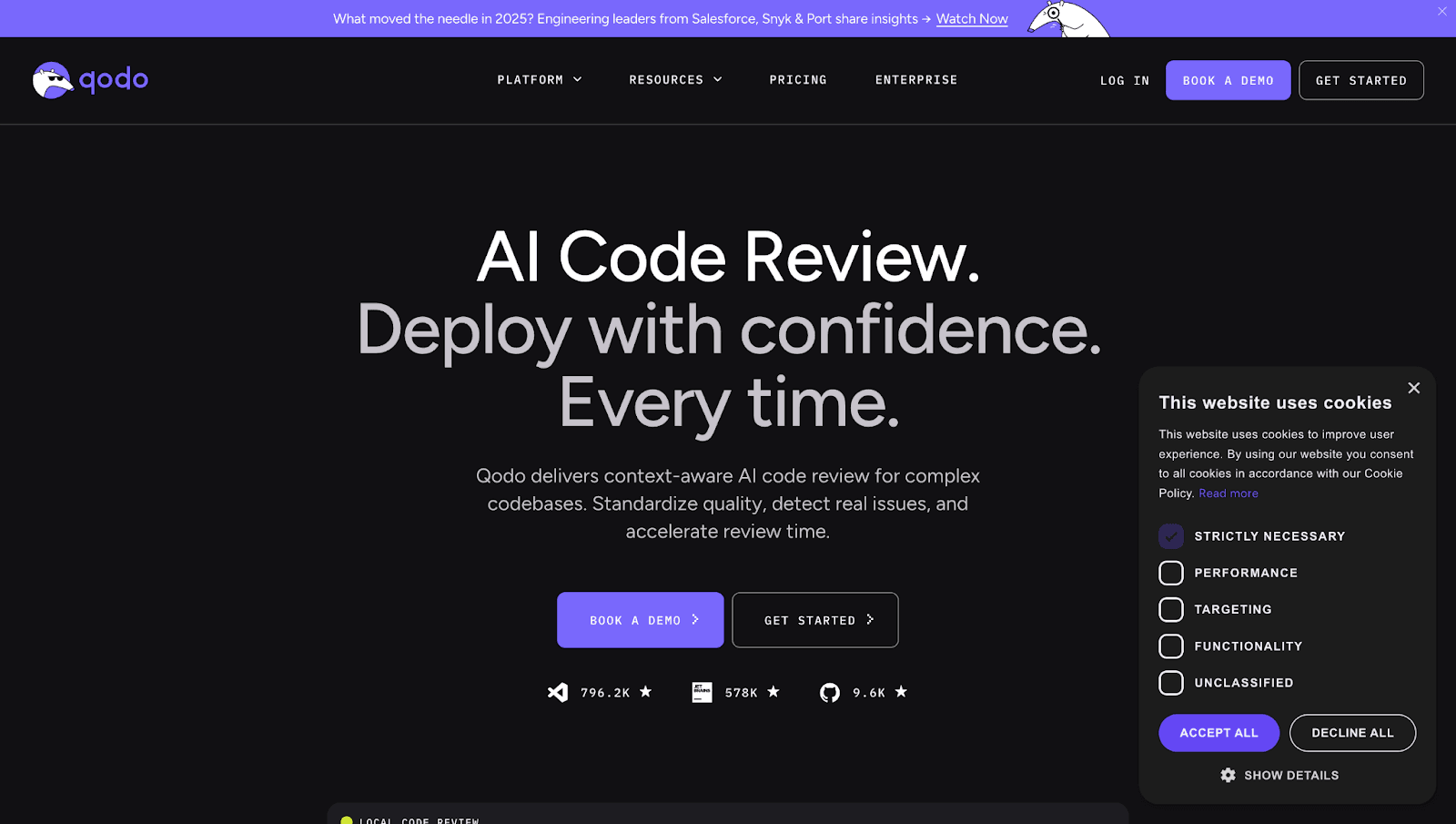
Qodo (formerly CodiumAI) emphasizes test generation alongside code review, helping teams improve coverage as part of the PR process.
Features:
AI test generation creating unit tests for PRs automatically
Code integrity analysis identifying logic gaps and edge cases
IDE and PR integration for both development and review contexts
Best for: Teams focused on improving test coverage alongside code review.
Pricing: Freemium model with paid tiers for teams.
Limitations: Narrower focus—less comprehensive for security and quality metrics.
Checkout this Qodo Alternative.
SonarQube
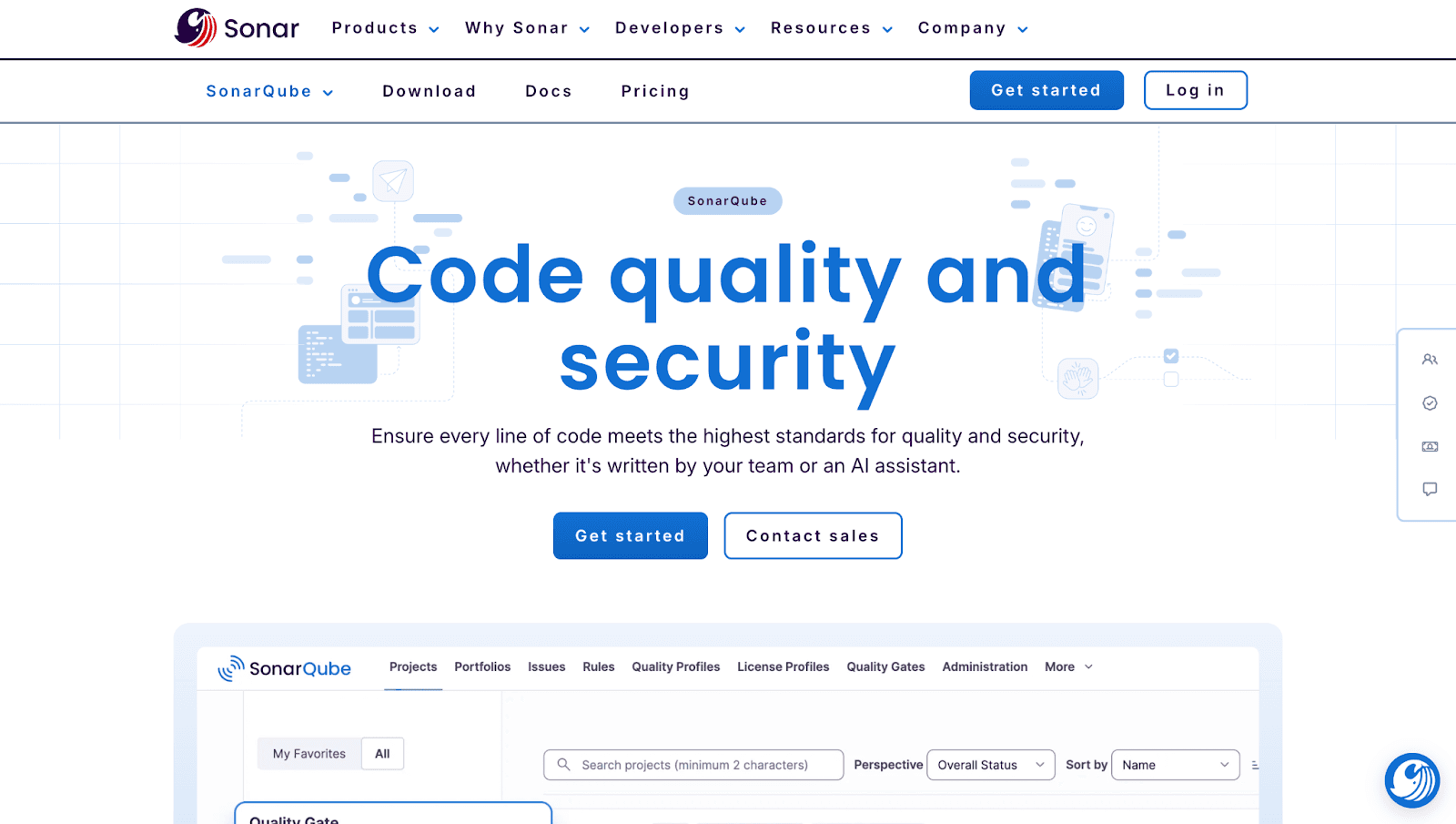
SonarQube remains the established choice for enterprise static analysis, particularly for teams with strict compliance requirements.
Features:
Deep static analysis detecting bugs, vulnerabilities, and code smells
Quality gates blocking merges that don't meet defined thresholds
On-prem and cloud options (SonarQube Server and SonarCloud)
Best for: Enterprise teams with compliance mandates and on-prem requirements.
Pricing: Free Community Edition; paid Developer, Enterprise, and Data Center editions.
Limitations: AI capabilities are limited—primarily rule-based analysis. Setup overhead for self-hosted deployments.
Checkout this SonarQube Alternative.
Codacy
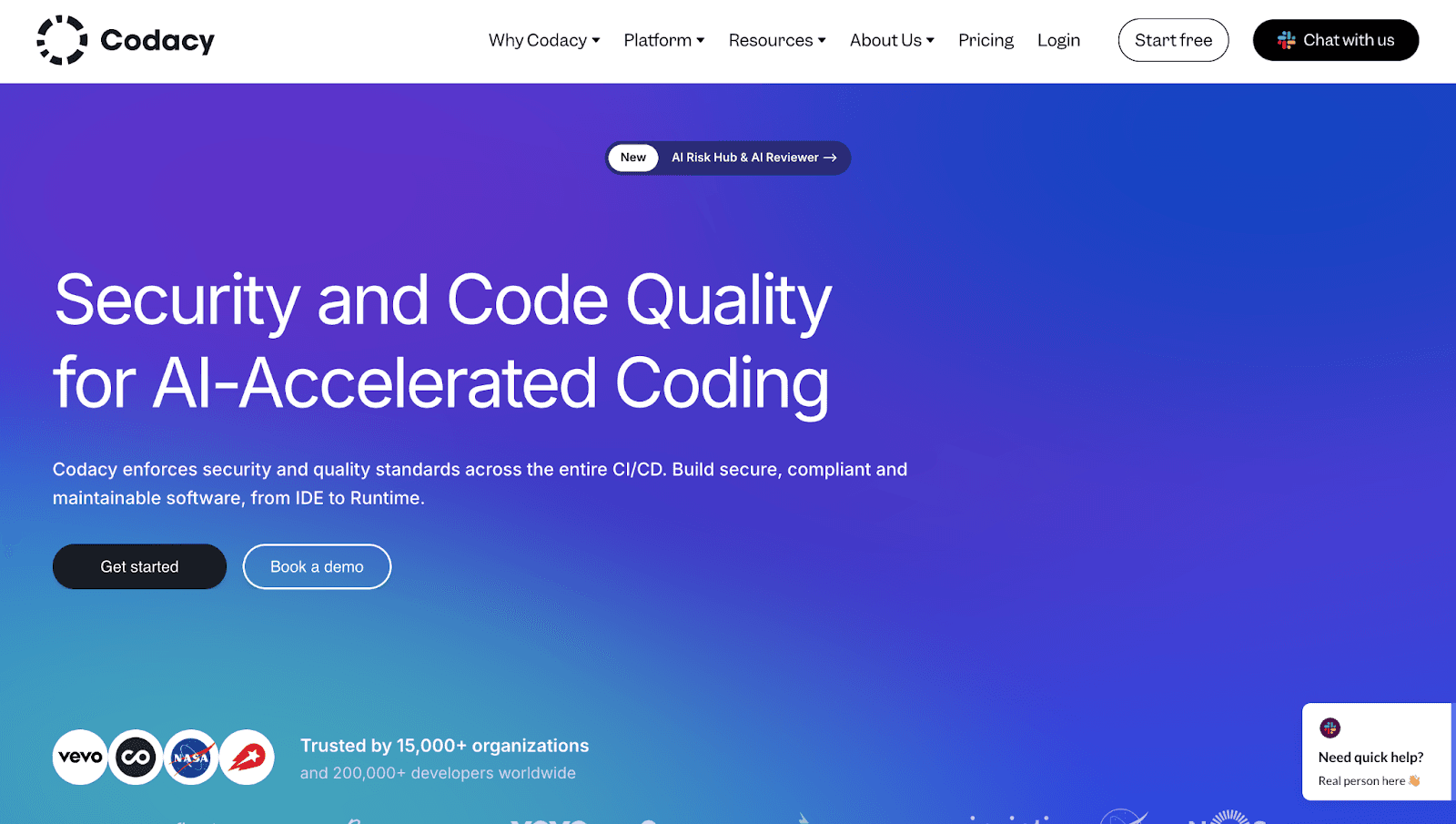
Codacy provides automated code reviews with strong dashboards for tracking quality trends over time.
Features:
Automated code reviews flagging issues on every commit
Quality dashboards tracking code health trends
Security scanning covering common vulnerabilities and secrets
Best for: Teams wanting visibility into code quality trends alongside review automation.
Pricing: Free for open source; paid plans per seat for private repos.
Limitations: AI suggestions are less advanced than newer tools.
Checkout this Codacy Alternative
Snyk Code
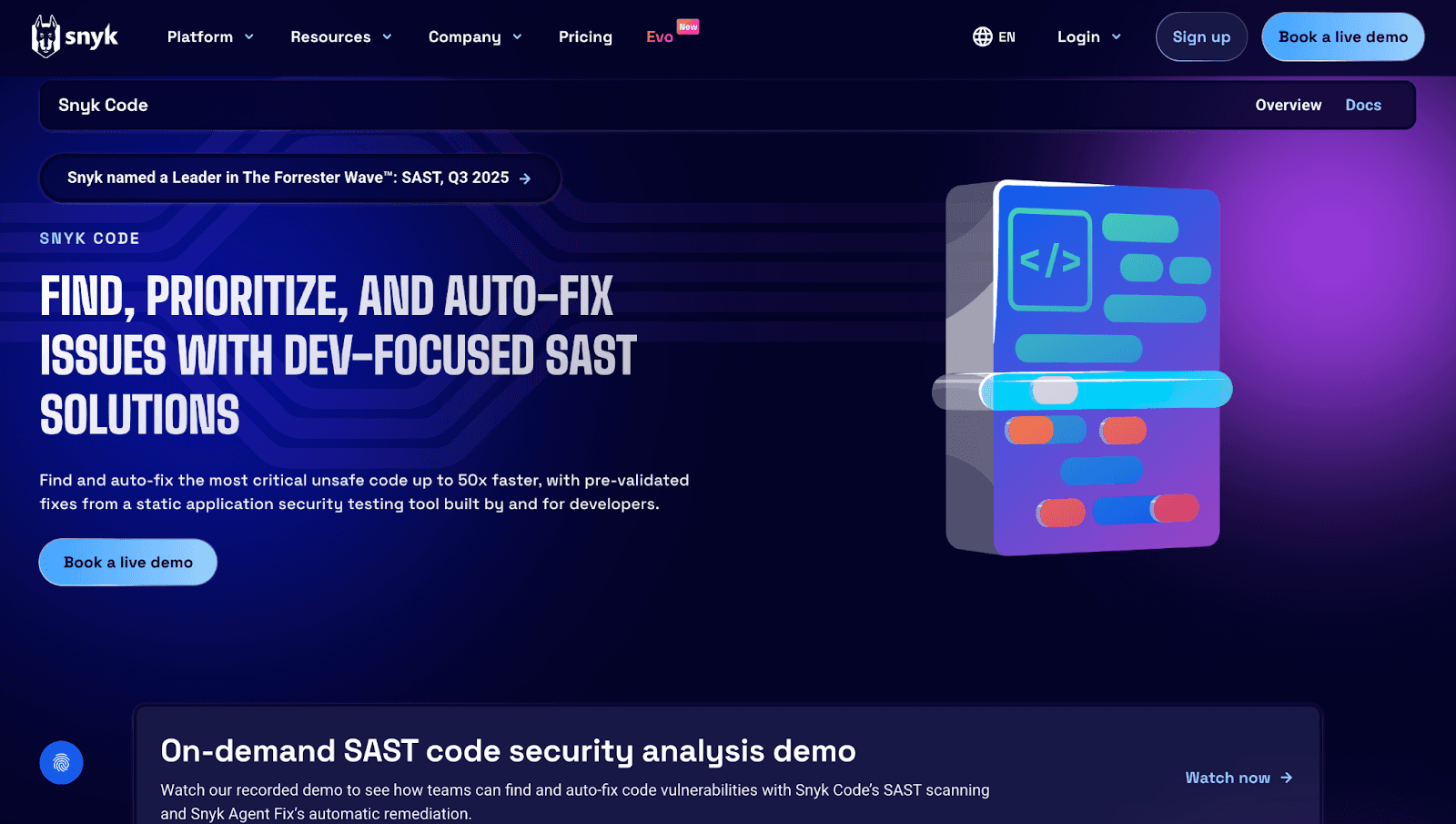
Snyk Code prioritizes security, offering real-time vulnerability detection with developer-friendly remediation guidance.
Features:
Real-time security scanning as developers write code
Developer-friendly remediation with fix guidance
Broad ecosystem coverage including containers, IaC, and open-source dependencies
Best for: Security-focused teams prioritizing vulnerability detection over general code quality.
Pricing: Free tier for individuals; team and enterprise plans per developer.
Limitations: Less focus on code quality, maintainability, and style enforcement.
Checkout these Top 13 Snyk Alternatives.
DeepSource
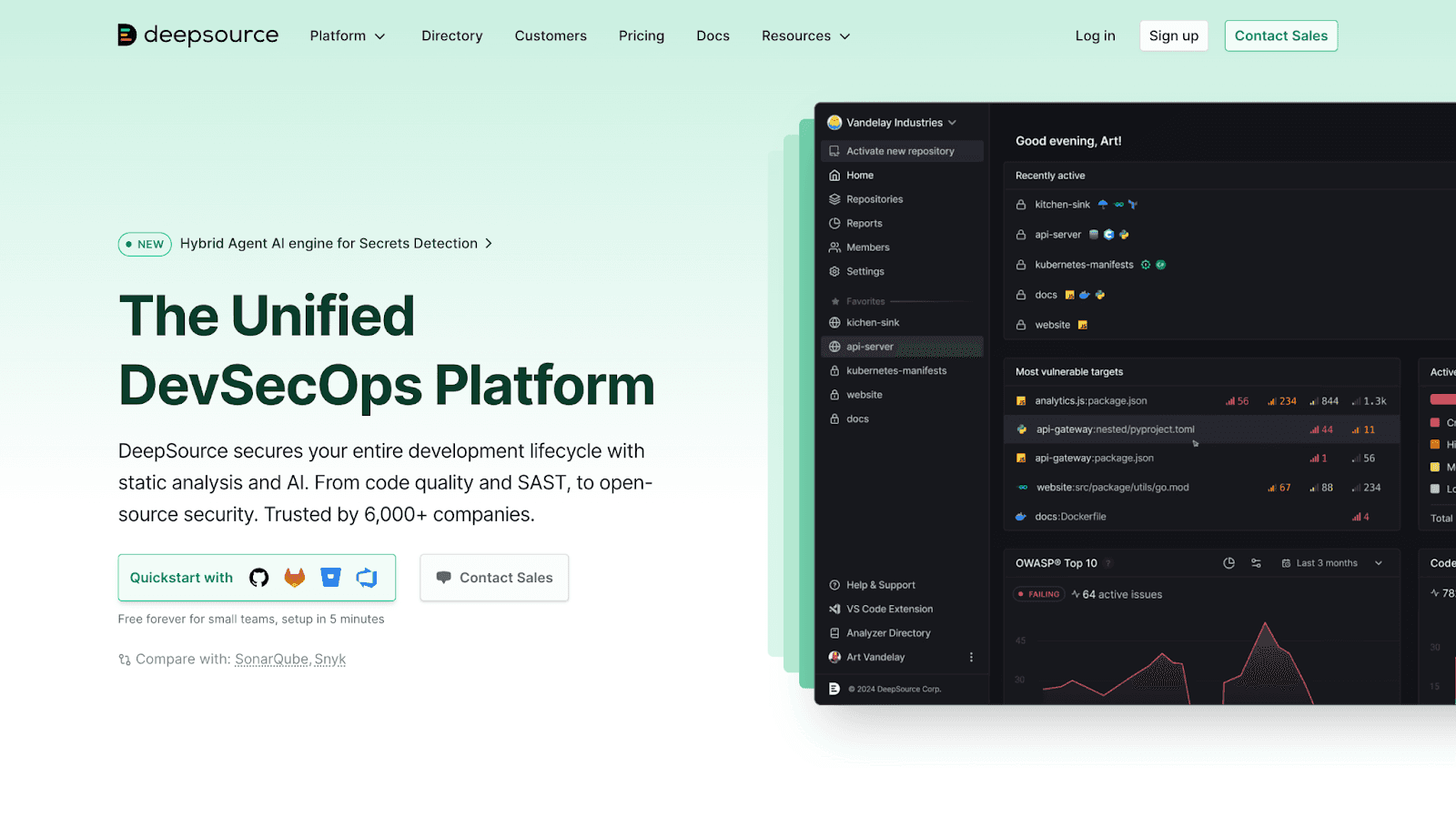
DeepSource offers strong open-source community support with automated analysis and one-click fixes.
Features:
Automated code analysis catching anti-patterns, bugs, and security issues
Autofix suggestions generating one-click fixes for common problems
Free unlimited scanning for public repos
Best for: Open-source projects and startups seeking cost-effective analysis.
Pricing: Free for public repos; paid plans for private repos.
Limitations: Enterprise features and compliance reporting are limited.
Checkout this Deepsource Alternative.
How to Implement Auto Code Review in Your GitHub Workflow
Getting started with AI code review typically follows a simple path:
Install the GitHub App from the marketplace for your chosen tool
Configure repo access and branch protection rules
Set quality gates and auto-review triggers based on your standards
Train your team on interpreting AI feedback effectively
Iterate on rule customization based on dismissed suggestions
Most tools offer guided onboarding. Initial setup often takes under an hour, though tuning rules to reduce noise may take a few weeks of iteration.
Ship Cleaner Code Faster with the Right AI Code Review Tool
GitHub's native features provide a foundation, but they hit limits at scale. AI code review tools close the gap by automating repetitive checks, enforcing standards, and giving reviewers back their time.
The right tool depends on your priorities. Security-first teams might lean toward Snyk. Compliance-heavy enterprises often choose SonarQube. Teams wanting unified code health—review, security, quality, and metrics in one place—find that approach reduces tool sprawl and context switching.
Ready to unify code review, security, and quality in one platform?Book your 1:1 with our experts today.

