

Pull requests pile up. Senior engineers become bottlenecks. Security vulnerabilities slip through because nobody has time to review 500 lines of code at 4 PM on a Friday. GitHub’s native review features handle the basics, but DevOps teams shipping multiple times per day hit limits fast.
AI code review tools change the equation with automated first-pass reviews, real-time security scanning, and consistent enforcement of your standards across every PR. This guide covers the 8 best GitHub AI code review tools for DevOps teams in 2026, with practical guidance on features, pricing, and how to choose the right fit for your workflow.
Why GitHub’s Native Code Review Falls Short for DevOps Teams
The best AI code review tools for DevOps teams on GitHub include CodeAnt AI, GitHub Copilot, CodeRabbit, and SonarQube. Each brings distinct strengths, from inline suggestions to deep static analysis. The right choice depends on your team’s integration requirements, security depth, and automation level.
GitHub gives you a solid baseline: pull requests, inline comments, branch protection rules, and required reviewers. For small teams with straightforward workflows, the native features work well. But as your team scales or your security requirements tighten, you’ll start noticing gaps.
No AI-Powered Suggestions or Automated Feedback
Native GitHub reviews rely entirely on human reviewers to catch every issue. There’s no intelligent analysis suggesting fixes or flagging patterns. Just manual inspection, line by line. AI-powered suggestions mean the tool analyzes your code and recommends specific changes, often with one-click fixes.
Manual Review Bottlenecks That Slow Pipelines
When every pull request waits for a human reviewer, delays stack up fast. Senior engineers become bottlenecks, and PRs sit idle while your CI/CD pipeline waits. For high-velocity DevOps teams shipping multiple times per day, this friction compounds quickly.
Basic Security Scanning That Misses Vulnerabilities
GitHub’s Dependabot handles dependency updates, and code scanning covers some basics. But native features don’t match dedicated Static Application Security Testing (SAST) tools. SAST analyzes source code for security vulnerabilities without executing it. Secrets, misconfigurations, and complex vulnerability patterns often slip through GitHub’s built-in scanning.
Poor Handling of Large Pull Requests
A 500-line PR becomes a wall of code without AI summarization. Native tools don’t chunk changes intelligently or highlight what matters most. Reviewers either skim and miss issues, or burn out and slow everything down.
Missing Context Across Complex Codebases
GitHub’s review interface shows file-by-file diffs but lacks cross-repository awareness. AI tools that understand your entire codebase catch issues spanning multiple files, something native reviews simply can’t do.
How AI Code Review Tools Accelerate DevOps Workflows
AI code review tools act as a first-pass reviewer that never sleeps, never gets tired, and catches the same categories of issues every single time. Here’s what that means for your pipeline.
Automated Line-by-Line Code Analysis
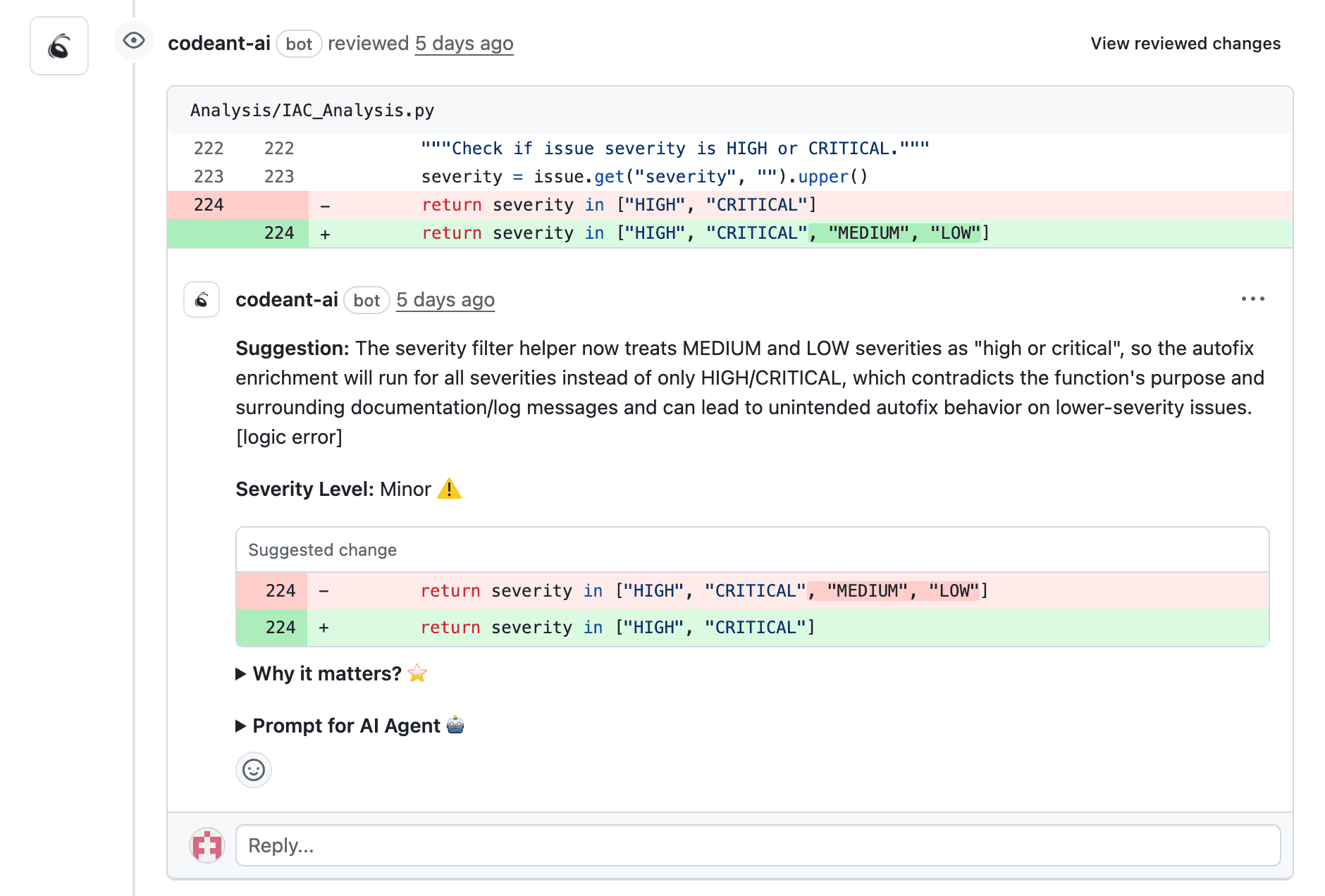
AI reviews every line of every PR and suggests fixes immediately. You’re not waiting for a human to spot a null pointer risk or a SQL injection vulnerability. The tool flags it within minutes of opening the PR.
Shift-Left Security with Real-Time Detection
“Shift-left” means catching issues earlier in development rather than in staging or production. AI tools flag vulnerabilities at PR time, when fixes are cheap and fast.
Faster PR Turnaround and Reduced Review Bottlenecks
When AI handles the repetitive checks like style violations, common bugs, and security patterns, your senior engineers focus on architecture decisions and complex logic. Review cycles that took days can shrink to hours.
Consistent Enforcement of Coding Standards
Human reviewers have good days and bad days. AI enforces your organization’s rules uniformly across every PR, every time. No more “it depends on who reviews it.”
Actionable Metrics for Developer Productivity
Many AI tools track DORA metrics. DORA stands for DevOps Research and Assessment, and the benchmarks include deployment frequency, lead time, and change failure rate. Dashboards help engineering leaders identify bottlenecks and measure improvement over time.
What to Look for in a GitHub AI Code Review Tool
Before you evaluate specific tools, here’s a practical checklist of what matters most for DevOps teams:
AI suggestion quality: Look for tools that minimize false positives and provide actionable fixes, not just warnings
Security scanning depth: Surface-level linting catches style issues; deep security scanning catches secrets, misconfigurations, and dependency vulnerabilities
GitHub integration: Native GitHub App or Action support means minimal context switching
Language support: Polyglot codebases require broad language coverage
Custom rules: The ability to define organization-specific standards ensures the tool enforces your rules, not just generic ones
Pricing model: Per-seat, per-repository, or usage-based; evaluate total cost at scale
Top 8 GitHub AI Code Review Tools Compared
Tool | Best For | AI Review | Security Scanning | GitHub Integration | Pricing Model |
CodeAnt AI | Defensive and offensive security platform | Line-by-line | SAST, secrets, dependencies | Native App | Per-seat |
CodeRabbit | Conversational PR review | Summaries, suggestions | Basic | Native App | Per-repo |
Qodo | Test generation + review | Test-focused | Limited | IDE + GitHub | Freemium |
Codacy | Mature automated analysis | Rule-based | SAST-lite | Native App | Per-seat |
SonarQube | Enterprise static analysis | Quality gates | Deep SAST | Actions/Pipeline | Per-LOC |
CodeScene | Behavioral code analysis | Analytics-focused | Limited | Native App | Per-repo |
GitHub Copilot | Native AI assistant | Inline suggestions | Limited | Native | Subscription |
DeepSource | Fast autofix analysis | One-click fixes | Basic SAST | Native App | Freemium |
CodeAnt AI
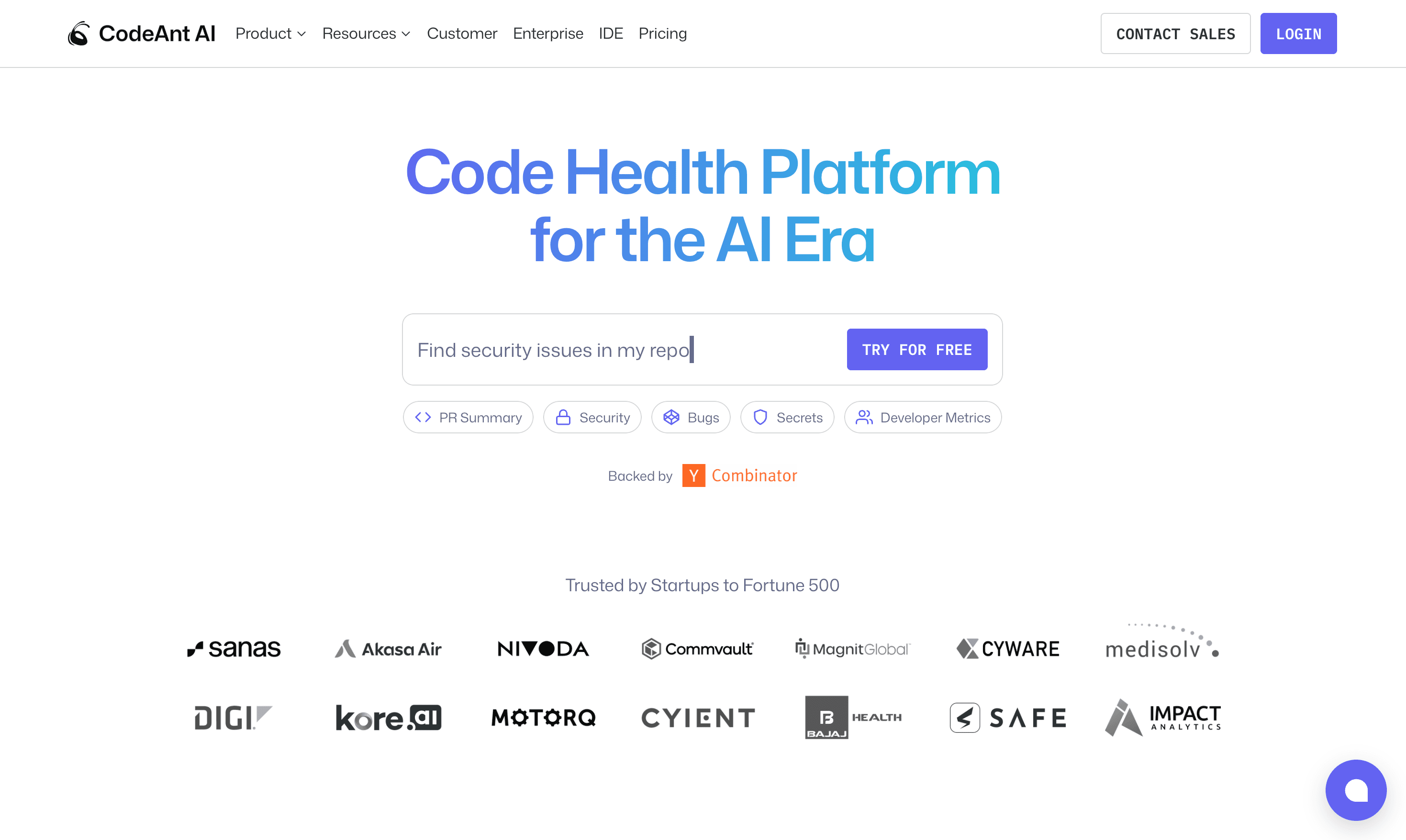
CodeAnt AI brings AI-powered, line-by-line code reviews directly into your GitHub workflow. It combines code review, security scanning, quality metrics, and developer productivity tracking in a single platform.
Key Features:
AI-driven PR reviews: Line-by-line analysis with auto-fix suggestions
Security scanning: SAST, secrets detection, dependency risk analysis
Quality metrics: Complexity, duplication, coverage tracking
DORA metrics: Deployment frequency, lead time, change failure rate
30+ language support: From JavaScript to Go to Terraform
GitHub Marketplace: One-click installation
Best For: Enterprise DevOps teams and engineering organizations with 100+ developers seeking a single platform for code health across the entire SDLC.
Pricing: 14-day free trial with 100 PR reviews, no credit card. Premium is $24/user/month with unlimited reviews, Enterprise is custom, and open source is free.
Try CodeAnt AI free for 14 days, no credit card required.
CodeRabbit
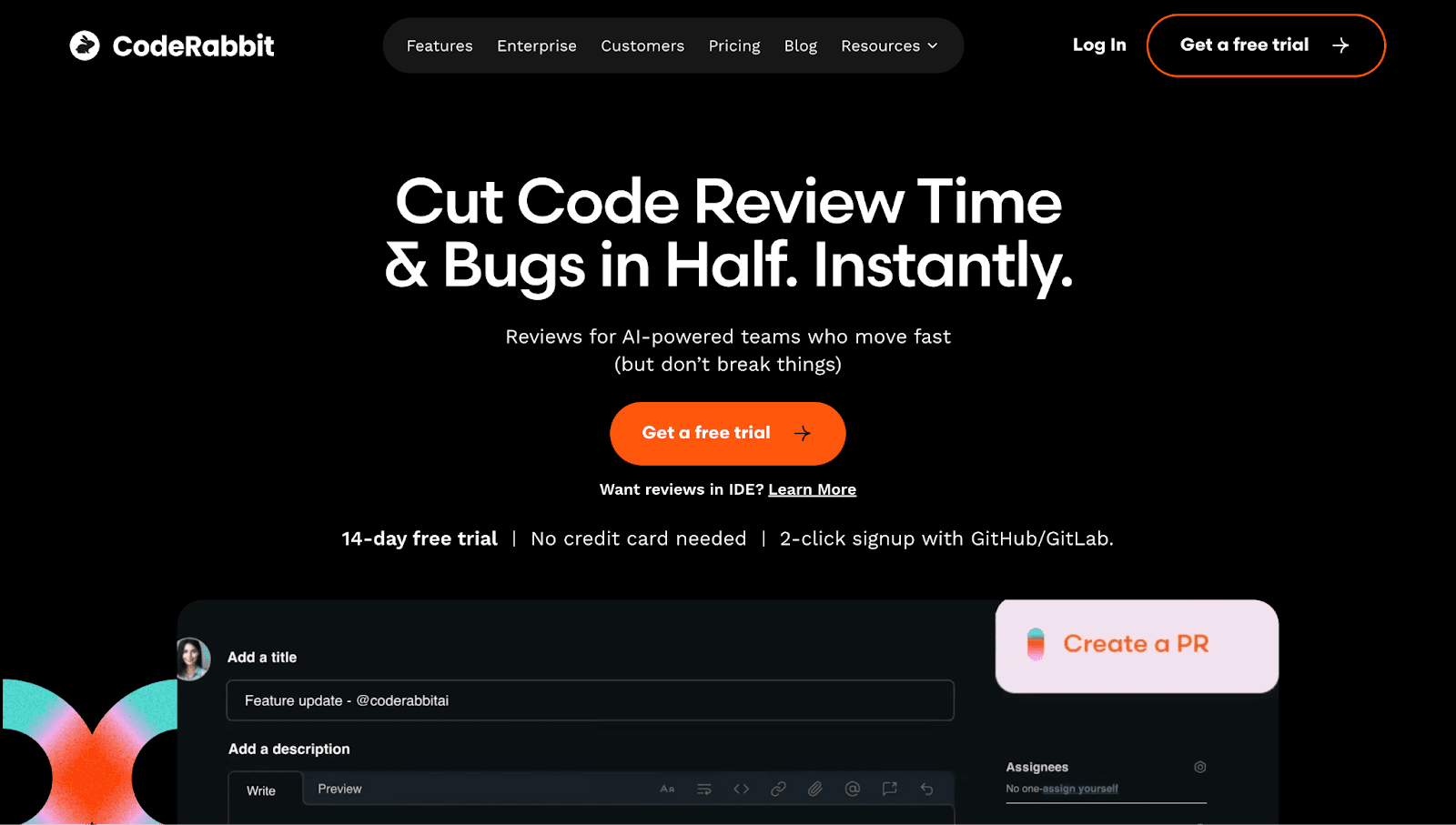
CodeRabbit provides detailed, conversational feedback on pull requests. It reads like input from a senior developer, with summaries and inline suggestions that adapt to your codebase over time.
Key Features:
AI-generated PR summaries
Inline suggestions with explanations
Chat-based interaction for follow-up questions
GitHub and GitLab integration
Best For: Teams wanting conversational AI review without a full security platform.
Limitations: Security scanning is less comprehensive than dedicated SAST tools. Better for code quality than vulnerability detection.
Pricing: Free tier with PR summaries. Pro is $24/user/month billed annually, Pro Plus $48, and open source public repos stay free.
Check out this CodeRabbit alternative.
Qodo
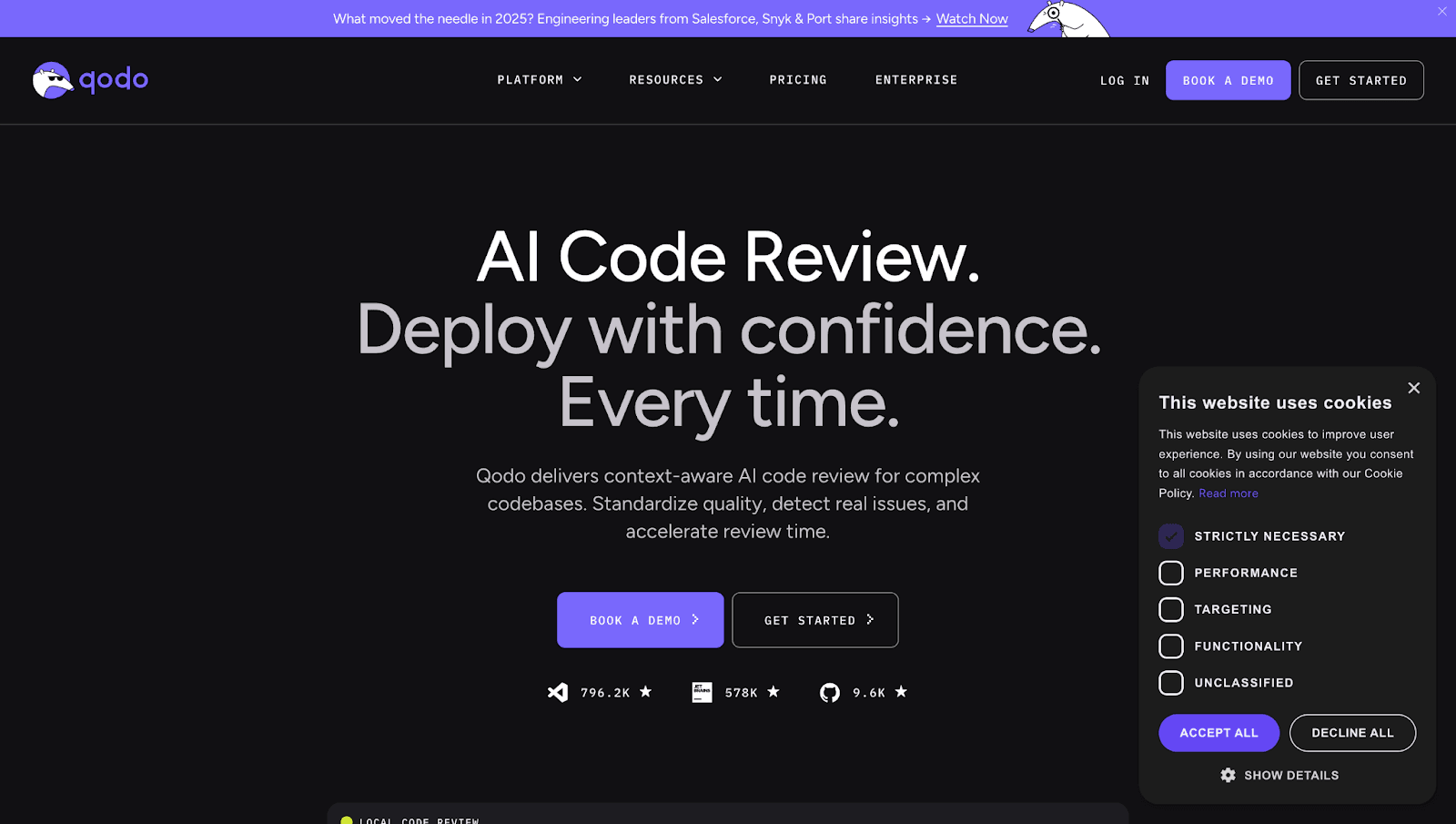
Qodo (formerly Codium) focuses on AI-powered test generation alongside code review. It analyzes your code and suggests tests you might have missed. Qodo 2.0, released February 2026, runs parallel review agents for bugs, quality, security, and coverage.
Key Features:
AI test generation for edge cases
Code review suggestions in PRs
IDE integration (VS Code, JetBrains)
PR analysis with coverage insights
Best For: Teams focused on improving test coverage alongside code review.
Limitations: More testing-focused than comprehensive code health. Security features are limited.
Pricing: No permanent free tier. 14-day trial, then Pro Team at $30/month base plus credit packs, free for qualified open source.
Check out this Qodo Alternative.
Codacy
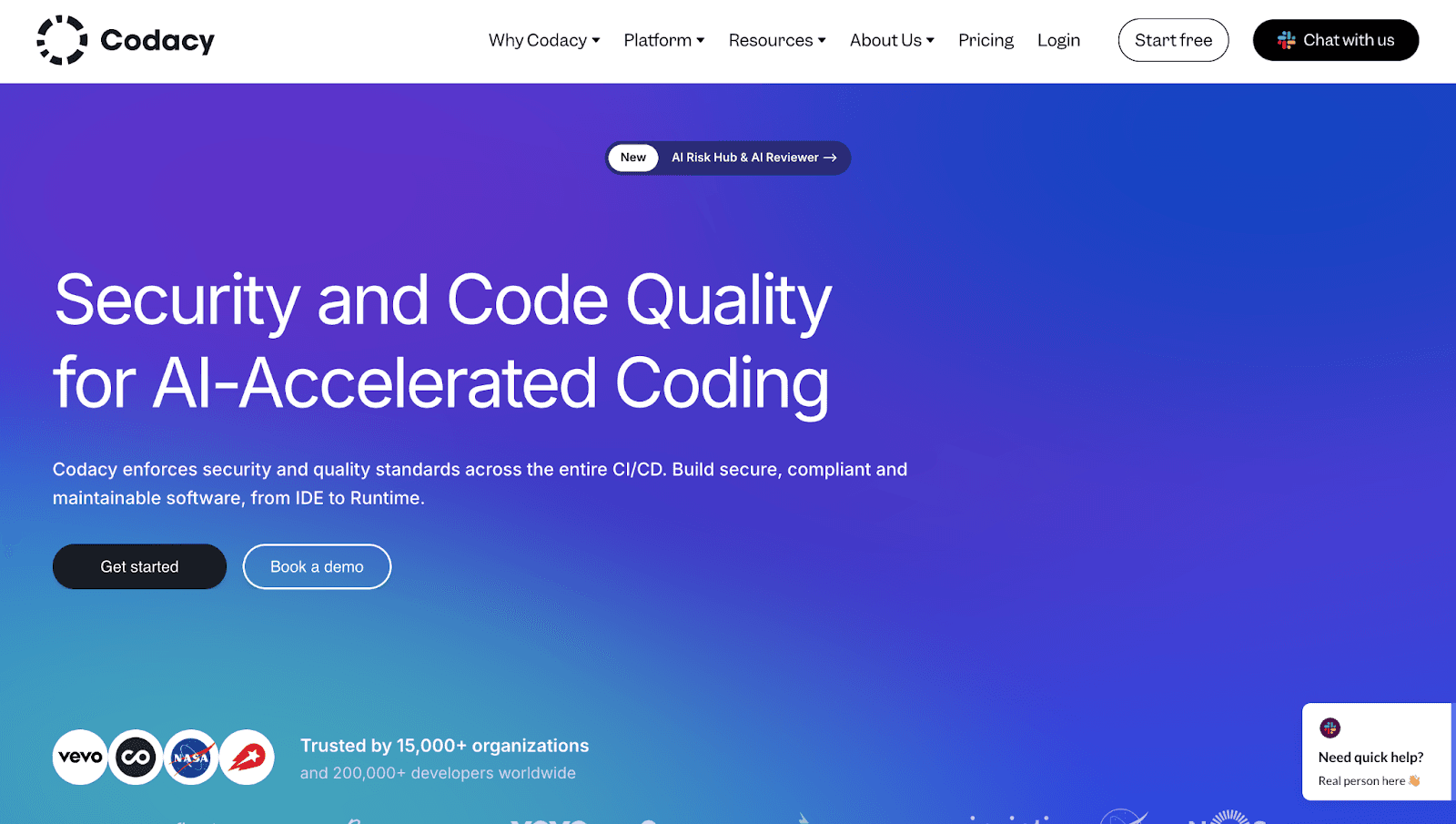
Codacy is an established automated code review platform with broad language support and extensive rule libraries. It’s been around long enough to have mature tooling and predictable behavior.
Key Features:
Automated PR comments on style and quality
Security scanning for common vulnerabilities
Coverage tracking and quality gates
49 languages supported on the Team plan
Best For: Teams wanting mature tooling with extensive, well-documented rule libraries.
Limitations: AI capabilities are less advanced than newer entrants. Can be noisy with false positives until you tune the rules.
Pricing: Free Developer IDE plan. Team is $18/user/month billed annually, $21 month to month.
Check out this Codacy Alternative
SonarQube
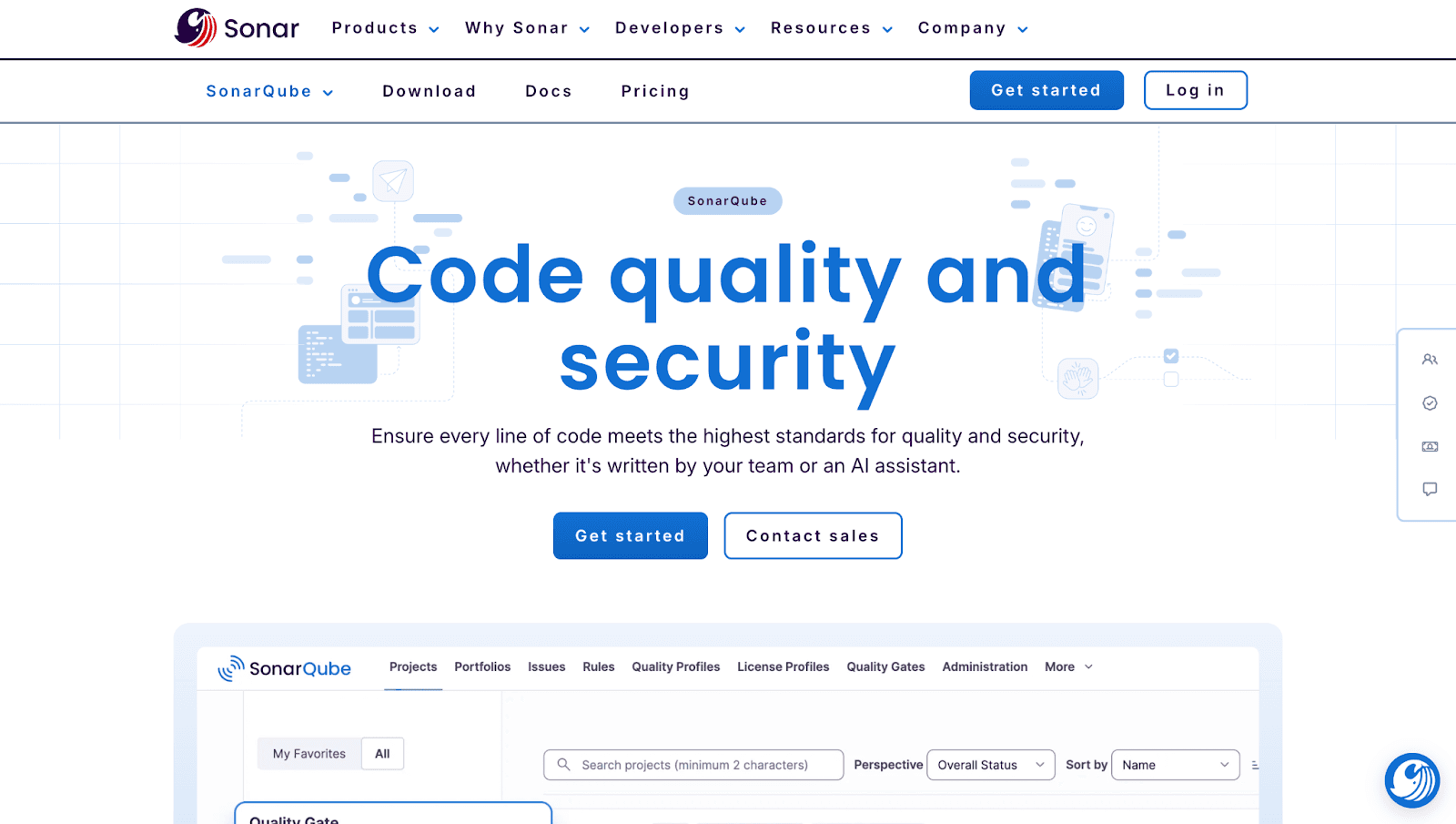
SonarQube is the industry-standard static analysis platform, trusted by enterprises for over a decade. It offers both self-hosted and cloud (SonarCloud) options.
Key Features:
Deep static analysis for bugs and vulnerabilities
Quality gates that block merges
Technical debt tracking
25+ language support
Best For: Enterprise teams requiring on-prem deployment or extensive compliance controls.
Limitations: Setup complexity is higher than cloud-native tools. Self-hosted requires maintenance. AI features are less conversational than newer tools.
Pricing: Community Build is the free self-hosted edition. SonarQube Cloud Team starts at $34/month for 100k lines of code, free under 50k private, while Server editions price per instance by lines of code.
Check out this SonarQube Alternative.
CodeScene
CodeScene takes a different approach: behavioral code analysis. It focuses on technical debt patterns, team dynamics, and code health trends rather than line-by-line suggestions.
Key Features:
Hotspot analysis for high-risk code areas
Code health trends over time
Team coordination metrics
PR risk assessment
Best For: Engineering leaders wanting visibility into codebase health and team productivity patterns.
Limitations: Less focused on line-by-line AI suggestions. More analytics than automated fixing.
Pricing: Free for open source. Standard is EUR 18/month per active author and Pro EUR 27, billed yearly.
GitHub Copilot for Pull Requests
GitHub Copilot extends into PR workflows with AI-generated descriptions and code suggestions. It’s the native option for teams already invested in the Copilot ecosystem.
Key Features:
AI-generated PR descriptions
Code suggestions in IDE
GitHub-native experience
Context-aware completions
Best For: Teams already using GitHub Copilot who want seamless PR enhancement.
Limitations: Copilot can be auto-requested through repository rulesets, but it always leaves comment-only reviews that never satisfy required approvals. It also lacks security scanning and quality gates.
Pricing: Code review is included from Copilot Pro at $10/month, with Pro+ at $39 and Max at $100. The Free plan excludes it, and orgs can cover unlicensed users with GitHub AI credits.
Check out this GitHub Copilot alternative.
DeepSource
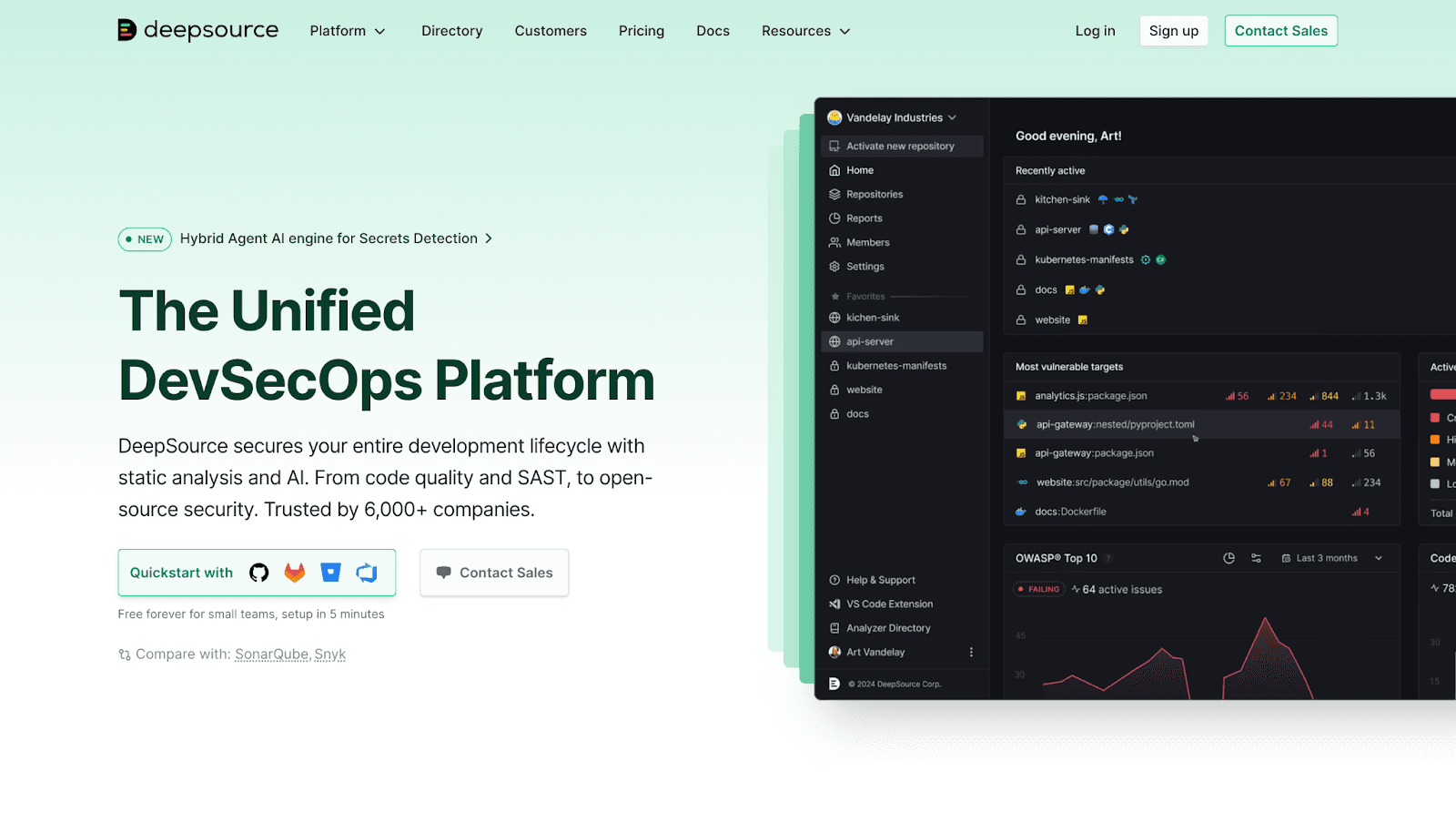
DeepSource offers fast, developer-friendly static analysis with one-click autofix capabilities. It’s lightweight and quick to configure.
Key Features
Real-time analysis on every commit
One-click autofix for common issues
Security scanning for OWASP Top 10
Code coverage tracking
Best For: Fast-moving teams wanting lightweight analysis with minimal configuration.
Limitations: Less comprehensive security than dedicated SAST tools. Enterprise features are still maturing.
Pricing: Free for public repos with 1,000 PR reviews/month. Team is $24/user/month billed yearly, and Enterprise adds self-hosted deployment with BYOK.
Check out this Deepsource Alternative.
How to Integrate AI Code Review into Jenkins Declarative Pipelines
Many DevOps teams run Jenkins alongside GitHub. Here’s how to add AI code review as a pipeline stage.
1. Configure Your Pipeline for PR Triggers
Set up webhook triggers so Jenkins runs on pull request events. Use the GitHub Pull Request Builder plugin or GitHub Branch Source plugin to detect new PRs automatically.
2. Add the AI Review Tool as a Pipeline Stage
Insert the AI review step after checkout but before tests. Most tools provide CLI commands or Docker images you can call from a sh step in your Jenkinsfile.
3. Set Quality Gates and Failure Conditions
Configure the pipeline to fail if the AI tool flags critical issues. Use exit codes or parse JSON output to determine pass/fail status.
4. Surface Results in GitHub PR Comments
Post analysis results back to the PR using GitHub’s API or the tool’s native integration. Developers see feedback without leaving GitHub.
Where AI Review Fits in GitHub Branch Protection
Wiring an AI reviewer into branch protection is where teams most often get it wrong. The reviewer works best as an advisory check, not a required status check.
Make the AI check required and every false positive blocks a merge until someone reruns the pipeline. That is a fast way to turn a helpful tool into a release bottleneck.
Keep it advisory instead and pair it with GitHub’s Require conversation resolution setting. Flagged threads still get resolved before merge, but a model hiccup never freezes a deploy.
One mechanic is easy to miss. Copilot code review always submits a comment-only review, never an approval, so it cannot satisfy required-approval rules on its own.
Repository rulesets can also auto-request a reviewer on every new pull request, which removes the manual assignment step entirely.
Choosing the Right Tool for Your DevOps Team
Different team profiles call for different tools. Here’s a quick guide.
For Enterprise Teams with 100+ Developers
Unified platforms like CodeAnt AI or SonarQube scale well and provide centralized visibility. One dashboard beats twelve.
For Security-Focused DevSecOps Teams
Prioritize tools with strong SAST capabilities. CodeAnt AI, Snyk integration, or SonarQube Enterprise offer the depth security teams look for.
For Teams Already Using GitHub Copilot
Copilot handles suggestions well but lacks security and quality gates. Pairing it with a dedicated review tool like CodeAnt AI fills the gaps without overlap.
For Budget-Conscious Startups
Start with free tiers from CodeAnt AI, DeepSource, or Codacy. You can upgrade as your team grows.
Ship Cleaner Code Faster with the Right AI Review Tool
GitHub’s native features provide a foundation, but scaling DevOps teams benefit from AI-powered analysis, security scanning, and quality gates that go beyond the basics. The right AI code review tool eliminates bottlenecks, catches issues early, and lets your developers focus on impactful work instead of repetitive checks.
Ready to unify code review, security, and quality?Book your 1:1 with our experts today.

