AI Code Review
7 Best GitHub AI Code Review Tools for High-Velocity PR Teams in 2026

Sonali Sood

Founding GTM, CodeAnt AI
Your team ships 30 PRs a day. GitHub's native review features, pull requests, branch protection, inline comments, handle the basics, but they weren't built for this pace. Senior developers become bottlenecks, security issues slip through, and reviewers burn out writing the same comments over and over.
AI code review tools change the equation. They analyze every PR the moment it opens, post suggestions, flag vulnerabilities, and summarize changes before a human ever looks. This guide covers the seven best options for GitHub teams in 2026, what to look for when evaluating them, and how to measure whether they're actually working.
Why High-Velocity Teams Outgrow GitHub's Native Code Review
GitHub's built-in review features work well for smaller teams. You get pull requests, branch protection, inline comments, and approval workflows right out of the box. But once your team starts shipping 10, 20, or 50 PRs a day, the cracks start to show.
No Intelligent Suggestions or Automated Guidance
GitHub tells you what failed, but not how to fix it. Reviewers end up writing the same comments over and over—pointing out style violations, suggesting refactors, catching null checks. An AI tool handles all of that automatically.
Manual Review Bottlenecks at Scale
As PR volume grows, your senior developers become the bottleneck. Native GitHub has no smart assignment, no workload balancing, and no way to prioritize which PRs actually need human eyes first. Everything just sits in a queue.
Large Pull Requests Overwhelm Reviewers
A 500-line PR touching 20 files? GitHub shows you the diff, but good luck figuring out what actually matters. There's no summary, no impact analysis, and no quick way to understand the intent behind the changes.
Security Blind Spots in Native Scanning
GitHub Advanced Security exists, but it requires separate licensing and setup. Many teams run without it, which means vulnerabilities, exposed secrets, and dependency risks slip through standard reviews unnoticed.
Context Loss Across Multiple PRs
Reviewers jump between PRs without understanding how changes connect to each other or to the broader codebase. There's no cross-PR intelligence and no memory of what's been reviewed before.
How AI Code Review Tools Accelerate Pull Request Throughput
AI code review tools act as a first-pass reviewer on every PR. The moment a PR opens, the tool analyzes the changes and posts comments, suggestions, and summaries directly in GitHub, before a human ever looks at it.
Here's what AI tools typically handle:
Automated PR summaries: Plain-language descriptions of what changed and why it matters
Line-by-line suggestions: Specific fixes, not just flagged problems
Security and quality scanning: Real-time detection of vulnerabilities, code smells, and standards violations
Codebase learning: Some tools adapt to your organization's patterns and coding conventions
The result? Human reviewers focus on architecture, business logic, and mentorship instead of catching typos for the hundredth time.
What to Look For in a GitHub AI Code Review Tool
Before diving into specific tools, here's a quick checklist. Not every tool excels at everything, so knowing your priorities helps narrow down the options.
GitHub Integration Depth and Workflow Fit
Look for native GitHub App or Marketplace availability. The tool comments directly on PRs, integrates with GitHub Actions, and takes less than 15 minutes to set up. If installation is complicated, that's a red flag.
AI Accuracy and Signal-to-Noise Ratio
Signal-to-noise ratio matters more than feature count. A tool that generates 50 comments per PR—most of them irrelevant—creates alert fatigue. Developers start ignoring all feedback, even the useful stuff.
Built-in Security Scanning and Vulnerability Detection
The best tools combine code quality with Static Application Security Testing (SAST) in one pass. SAST analyzes source code for security vulnerabilities without running the application, so you don't need a separate security tool.
Custom Rules and Organization-Specific Standards
Generic rules only go so far. Your team has its own conventions, architectural patterns, and coding standards. Look for tools that let you configure rulesets or learn from your existing codebase.
Scalability for High PR Volume
High-velocity teams need tools that handle concurrent reviews without slowdowns. Check pricing models too—some charge per PR or per scan, which gets expensive fast.
7 Best AI Code Review Tools for GitHub Teams
Tool | AI Suggestions | Security Scanning | GitHub Marketplace | Custom Rules | Best For |
CodeAnt AI | ✓ | ✓ | ✓ | ✓ | Unified code health |
GitHub Copilot | ✓ | Limited | Native | Limited | Copilot users |
CodeRabbit | ✓ | ✓ | ✓ | ✓ | Fast setup |
Qodo | ✓ | Limited | ✓ | ✓ | Test generation |
Codacy | ✓ | ✓ | ✓ | ✓ | Enterprise compliance |
DeepSource | ✓ | ✓ | ✓ | ✓ | Auto-fix focus |
Snyk Code | Limited | ✓ | ✓ | Security-first teams |
CodeAnt AI
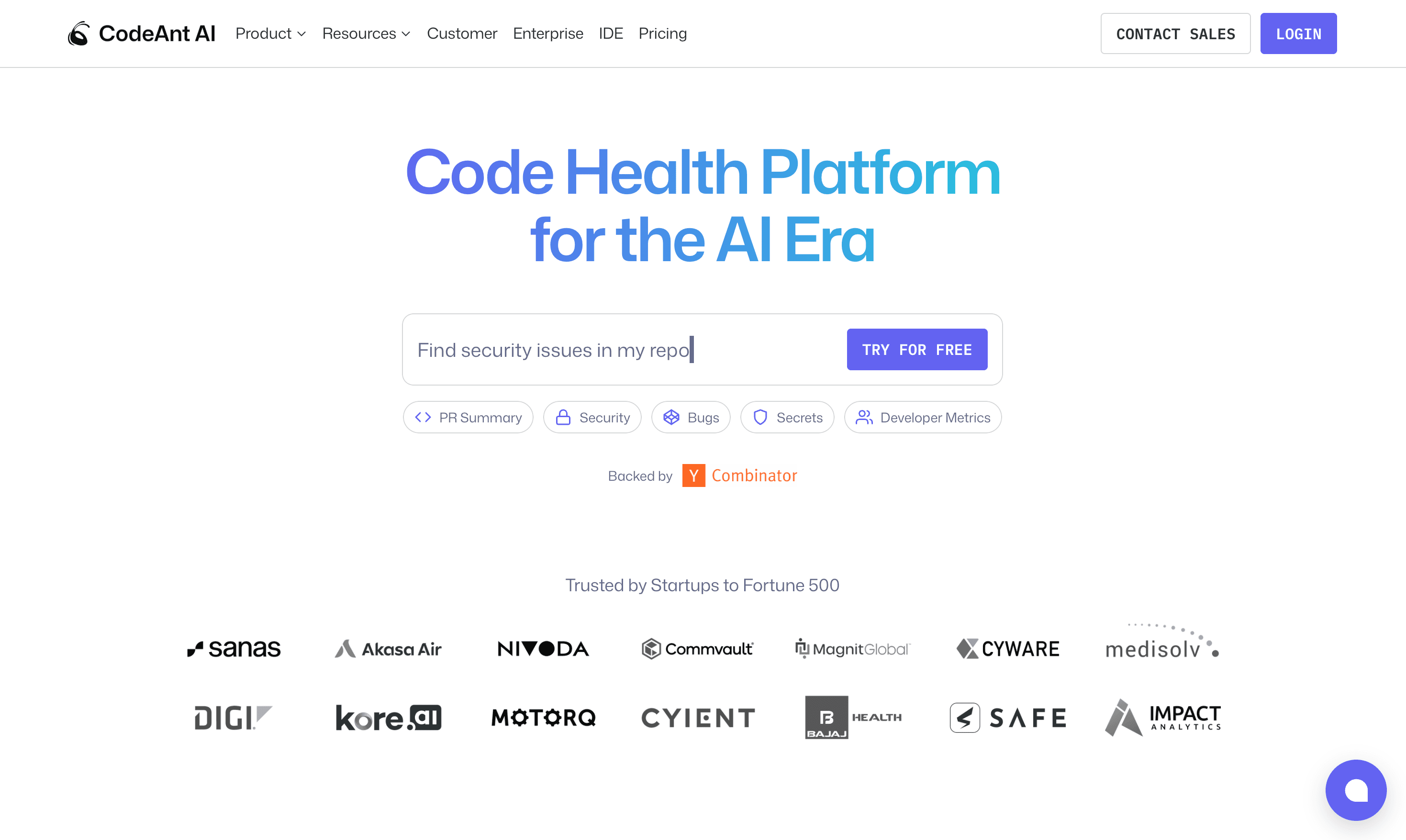
CodeAnt AI brings AI-powered code reviews, security scanning, and quality metrics into a single platform. It's context-aware, meaning it understands your codebase, team standards, and architectural decisions rather than just scanning code in isolation.
Features:
AI-driven line-by-line reviews with fix suggestions
Integrated SAST, secrets detection, and dependency scanning
PR summaries and change impact analysis
DORA metrics and technical debt tracking
Custom rule enforcement based on organization standards
Best For: Teams wanting a single platform for code review, security, and quality metrics without juggling multiple point solutions.
Pricing: Free tier available. Paid plans start at $10/user/month. 14-day trial, no credit card required.
Limitations: Newer entrant compared to legacy tools; some enterprise features require paid plans.
Beyond PR reviews, CodeAnt delivers a 360° view of engineering performance. Leaders can identify bottlenecks, balance workloads, and track developer-level metrics like commits, PR sizes, and review velocity.
GitHub Copilot Code Review
If your team already uses GitHub Copilot, enabling code review is straightforward. Copilot uses its LLM to suggest fixes, detect bugs, and provide feedback directly in PRs.
Features:
Native GitHub integration with no additional setup
AI-suggested fixes and performance improvements
Natural language explanations of code changes
Best For: Teams already invested in the Copilot ecosystem who want incremental review capabilities.
Pricing: Requires Copilot Pro or Enterprise subscription.
Limitations: Copilot comments don't count as required approvals in branch protection. Security scanning is limited compared to dedicated tools.
Checkout this GitHub Copilot alternative.
CodeRabbit
CodeRabbit focuses on fast, conversational PR reviews. It generates summaries, posts inline comments, and lets developers chat with the AI to clarify suggestions.
Features:
Instant PR summaries and walkthroughs
Conversational interface for follow-up questions
Security and quality scanning in one pass
Best For: Teams wanting quick setup and an interactive review experience.
Pricing: Free tier for open source. Paid plans start at $12/user/month.
Limitations: Can be noisy on large PRs. Some teams find the conversational interface distracting.
Checkout this CodeRabbit alternative.
Qodo
Formerly CodiumAI, Qodo combines code review with test generation. It analyzes your code and suggests tests alongside review comments.
Features:
AI-generated test suggestions
Code review with quality and complexity analysis
IDE and GitHub integration
Best For: Teams prioritizing test coverage alongside code quality.
Pricing: Free tier available. Pro plans start at $19/user/month.
Limitations: Security scanning is less comprehensive than dedicated security tools.
Checkout this Qodo Alternative.
Codacy
Codacy is an established player with strong compliance and governance features, particularly popular with enterprise teams that need audit trails and policy enforcement.
Features:
Automated PR analysis for style, complexity, and duplication
Security scanning and compliance reporting
Custom rule configuration across projects
Best For: Enterprise teams with strict compliance requirements.
Pricing: Free tier for small teams. Paid plans start at $15/user/month.
Limitations: Interface can feel dated. Initial setup requires tuning to reduce false positives.
Checkout this Codacy Alternative.
DeepSource
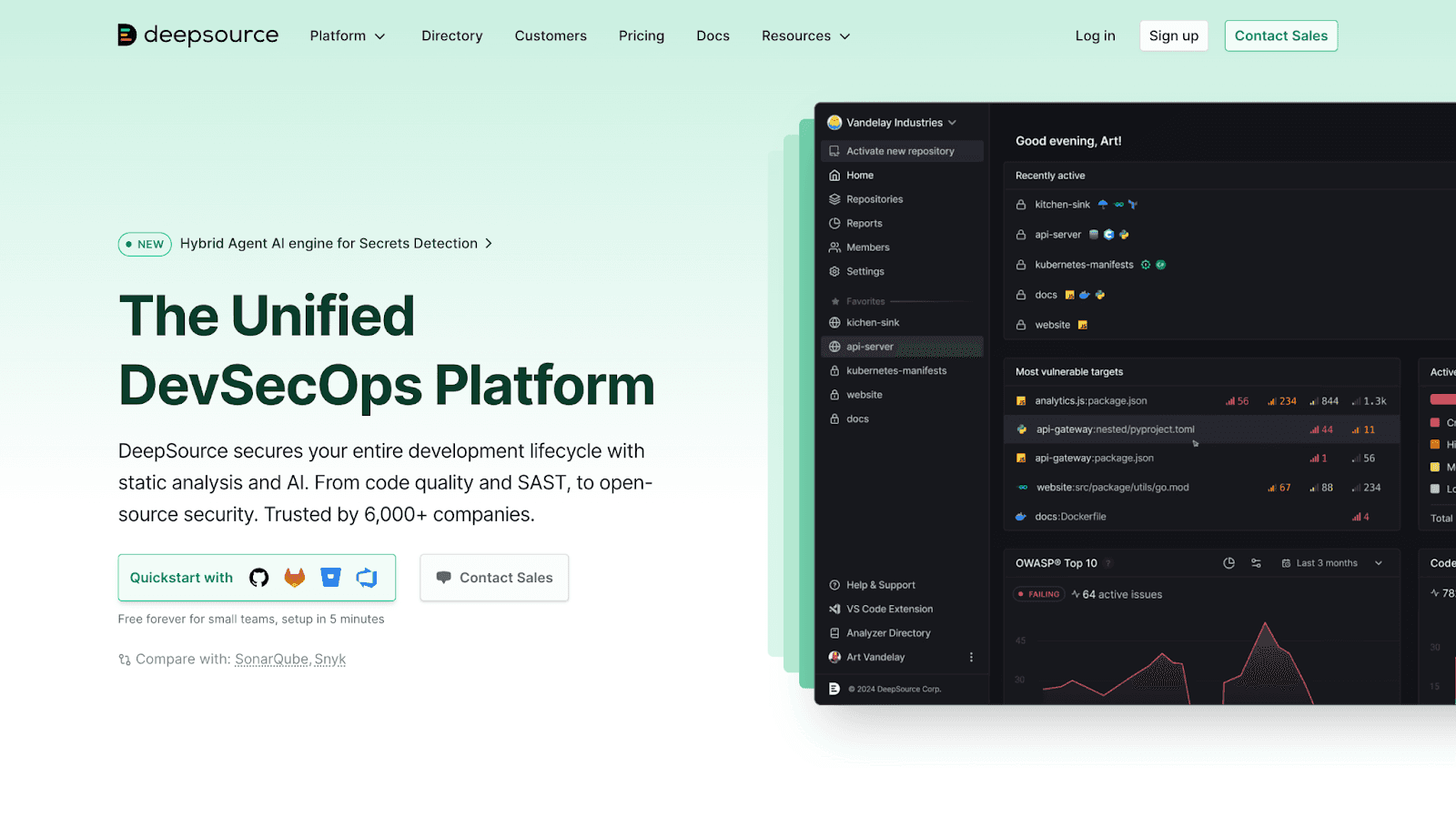
DeepSource emphasizes auto-fix capabilities. When it finds an issue, it often proposes a fix that can be applied automatically.
Features:
Auto-fix for common issues
Security and quality analysis
Support for 20+ languages
Best For: Teams wanting minimal manual intervention on routine fixes.
Pricing: Free for open source. Paid plans start at $12/user/month.
Limitations: Auto-fixes work best for straightforward issues. Complex problems still require human judgment.
Checkout this Deepsource Alternative.
Snyk Code
Snyk Code takes a security-first approach, focusing less on general code quality and more on finding vulnerabilities before they reach production.
Features:
Real-time security scanning in PRs
Vulnerability prioritization and remediation guidance
Deep dependency analysis
Best For: Security-conscious teams where vulnerability detection is the primary concern.
Pricing: Free tier available. Team plans start at $25/user/month.
Limitations: Less helpful for general code quality, style, or maintainability issues.
Checkout these Top 13 Snyk Alternatives.
How to Measure AI Code Review ROI for Your Team
Adding a tool is one thing. Proving it works is another. Here are the metrics that matter when evaluating AI code review tools.
Time-to-Merge Reduction
Time-to-merge measures the duration from PR open to merge. AI tools typically shorten this by catching issues earlier and reducing back-and-forth review rounds. Track your baseline before adding a tool, then compare after a few sprints.
Review Cycle Time Improvements
Cycle time measures how long PRs wait for human reviewer attention. AI tools reduce this by handling initial reviews instantly, so when a human does look, the obvious issues are already addressed.
Defect Escape Rate
Defect escape rate tracks bugs that reach production despite reviews. Lower escape rates indicate more effective automated scanning. This metric takes longer to measure but reveals true review effectiveness.
Developer Satisfaction and Productivity Scores
Survey your developers on review experience. Look for reduced frustration with bottlenecks, faster feedback loops, and less time spent on repetitive review tasks.
Ship Faster with the Right AI Code Review Tool
GitHub's native features give you a foundation, but high-velocity teams benefit from more. AI code review tools handle repetitive work, catch security issues early, and free senior developers to focus on architecture and mentorship.
The right tool depends on your priorities. Security-first? Look at Snyk Code. Want unified code health? CodeAnt AI brings reviews, security, and metrics into one platform. Already using Copilot? Enable its review features and see if they cover your needs.
Let’s unify your code review, security, and quality… Book your 1:1 with our experts today.
FAQs
Can AI code review tools fully replace human code reviewers?
How long does it take to onboard a development team to an AI code review tool?
Do AI code review tools work with GitHub Enterprise Server on-premises deployments?
What pull request volume makes investing in AI code review tools worthwhile?
How do AI code review tools handle proprietary or sensitive codebases?