

Code reviews are the tax you pay for working on a team, and like taxes, they pile up fast when you're not careful. A single 1,000-line PR sitting in the queue for three days can derail an entire sprint's momentum.
The fix isn't working harder or hiring more reviewers. It's combining smaller pull requests, clear feedback habits, and smart automation so reviews happen faster without sacrificing quality. This guide covers the GitHub features, team practices, and tools that help engineering teams review code daily without creating bottlenecks.
Why GitHub Pull Request Reviews Slow Down Growing Teams
The best way for teams to perform daily code reviews in GitHub PR workflows combines small, focused pull requests with timely, constructive feedback and strategic automation. When any of those three elements breaks down, reviews pile up fast.
You've probably seen it happen. A developer opens a 1,200-line PR on Thursday afternoon, and by Monday it's still sitting there. Reviewers feel overwhelmed, the author has lost context, and everyone's already deep into the next feature. This pattern repeats across growing teams, and it's rarely about laziness or skill.
Here's what typically causes the slowdown:
Reviewer concentration: Two or three senior engineers handle most reviews while others wait
Context switching: Developers lose focus jumping between coding and reviewing throughout the day
Unclear standards: Without documented guidelines, feedback becomes inconsistent and debates drag on
Manual repetition: Humans checking formatting, linting, and basic security issues that automation handles better
GitHub's native features provide a solid foundation. However, those features hit limits once your team scales past a handful of contributors.
See our guide to AI code review tools on GitHub Marketplace.
GitHub's Native Code Review Features You Use
Before adding tools, it helps to understand what GitHub already offers and where those features stop.
Pull Request Diffs and Inline Comments
GitHub displays side-by-side or unified diffs showing exactly what changed. You can click any line and leave a comment right there, keeping feedback contextual. This works well for small PRs but becomes unwieldy when changes span dozens of files.
Review Requests and Team Assignments
When you open a PR, you can request reviews from specific people or entire teams. GitHub notifies them, and their response status appears on the PR. The CODEOWNERS file takes this further by automatically assigning reviewers based on which files changed.
Protected Branches and Required Approvals
Protected branches prevent direct pushes to critical branches like main. You can require one or more approvals before merging, ensuring at least one other person reviews every change.
Status Checks and Merge Gates
Status checks run automated tests, linting, or security scans on every PR. If a check fails, GitHub blocks the merge. These "merge gates" catch issues before human reviewers spend time on broken code.
Best Practices for Pull Request Authors
The fastest reviews start with well-prepared PRs. Authors control more of the review speed than they often realize.
Keep Pull Requests Small and Focused
Aim for 200–400 lines of code per PR. Smaller PRs get reviewed faster, receive better feedback, and merge with fewer conflicts. If a feature requires more changes, break it into stacked pull requests. Stacked PRs are sequential, dependent PRs that reviewers can examine incrementally.
Write Clear PR Titles and Descriptions
A good description explains why the change exists, not just what changed. Include context about the problem, your approach, and how to test it. PR templates help standardize this across your team.
Self-Review Before Requesting Peer Review
Review your own diff before clicking "Request review." You'll catch typos, leftover debug statements, and obvious issues. This saves your teammates time and demonstrates diligence.
Respond to Every Comment Before Merging
Close the feedback loop. Acknowledge each comment, resolve discussions, or explain your reasoning. Leaving comments unaddressed creates confusion and erodes trust in the review process.
Best Practices for GitHub Code Reviewers
Reviewers shape the team's velocity as much as authors do. A few habits make a significant difference.
Review Within 24 Hours
When reviews sit for days, authors lose context and momentum. Aim to provide initial feedback within 24 hours, even if it's just acknowledging you've seen the PR and will review it soon.
Prioritize Logic, Security, and Edge Cases
Don't spend review time on formatting or style issues that linters catch automatically. Focus on business logic correctness, security vulnerabilities, error handling, and edge cases the author might have missed.
Use a Code Review Checklist
A standard checklist keeps reviews consistent and thorough:
Does the code handle errors gracefully?
Are there security risks like exposed secrets or injection vulnerabilities?
Is the code readable and maintainable?
Are tests included for new functionality?
Give Actionable Feedback
Vague comments like "this is confusing" don't help. Instead, try "rename this variable to userCount to clarify its purpose" or "consider extracting this logic into a separate function for testability."
How to Automate GitHub Code Reviews
Automation removes repetitive work from human reviewers, letting them focus on what matters.
GitHub Actions for Linting and Formatting
Set up GitHub Actions to run linters and formatters on every PR. When style issues get caught automatically, reviewers stop debating tabs versus spaces and focus on logic instead.
Security Scanning in Pull Requests
Automated security tools scan for vulnerabilities, exposed secrets, and dependency risks before human review begins. This catches issues that even experienced reviewers might miss under time pressure.
AI-Powered Review Suggestions
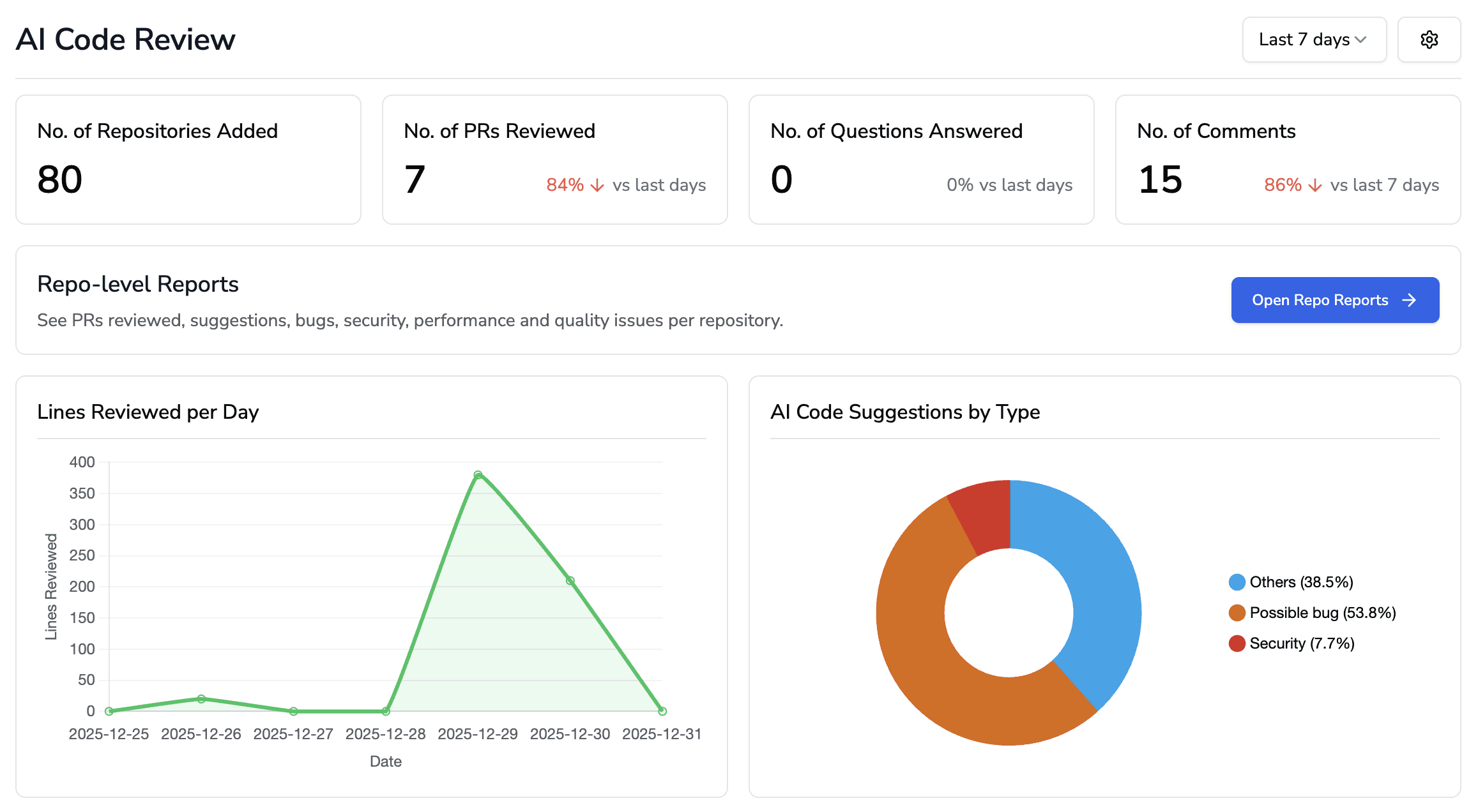
AI code review tools analyze PRs and suggest improvements automatically. They catch bugs, flag complexity, and identify patterns humans overlook. Platforms like CodeAnt AI provide line-by-line suggestions while scanning for security issues, reducing manual review effort significantly.
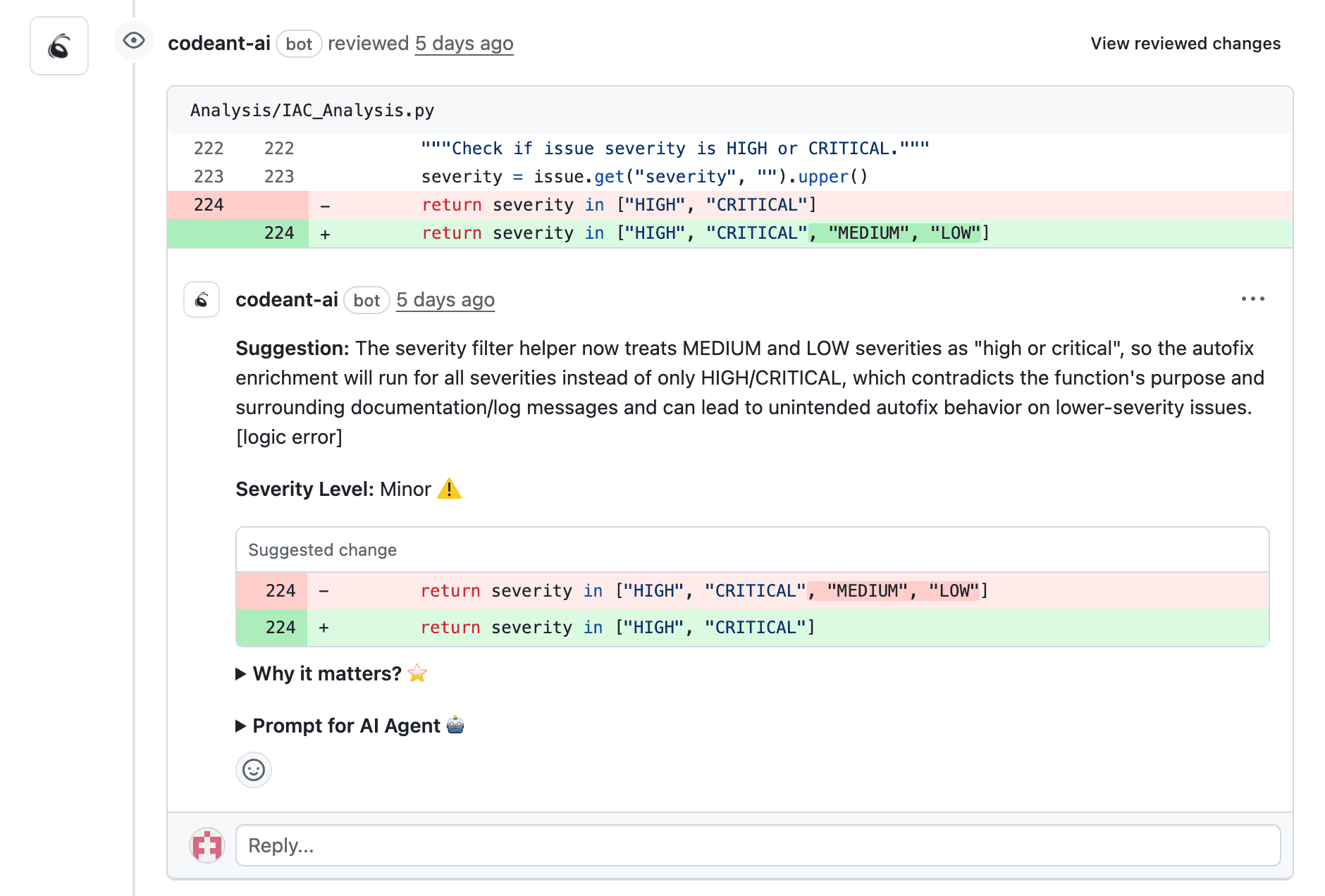
👉 Try CodeAnt AI for automated PR reviews
Best Code Review Tools That Integrate with GitHub
Several tools extend GitHub's native capabilities. Here's how the leading options compare:
Tool | Key Strength | Best For |
CodeAnt AI | AI reviews + security + quality in one platform | Teams wanting unified code health |
GitHub Advanced Security | Native GitHub integration | Teams invested in GitHub's ecosystem |
SonarQube | Deep static analysis | Enterprise quality gates |
CodeRabbit | AI-powered summaries | Fast PR context |
Codacy | Automated code quality | Multi-repo coverage |
CodeAnt AI
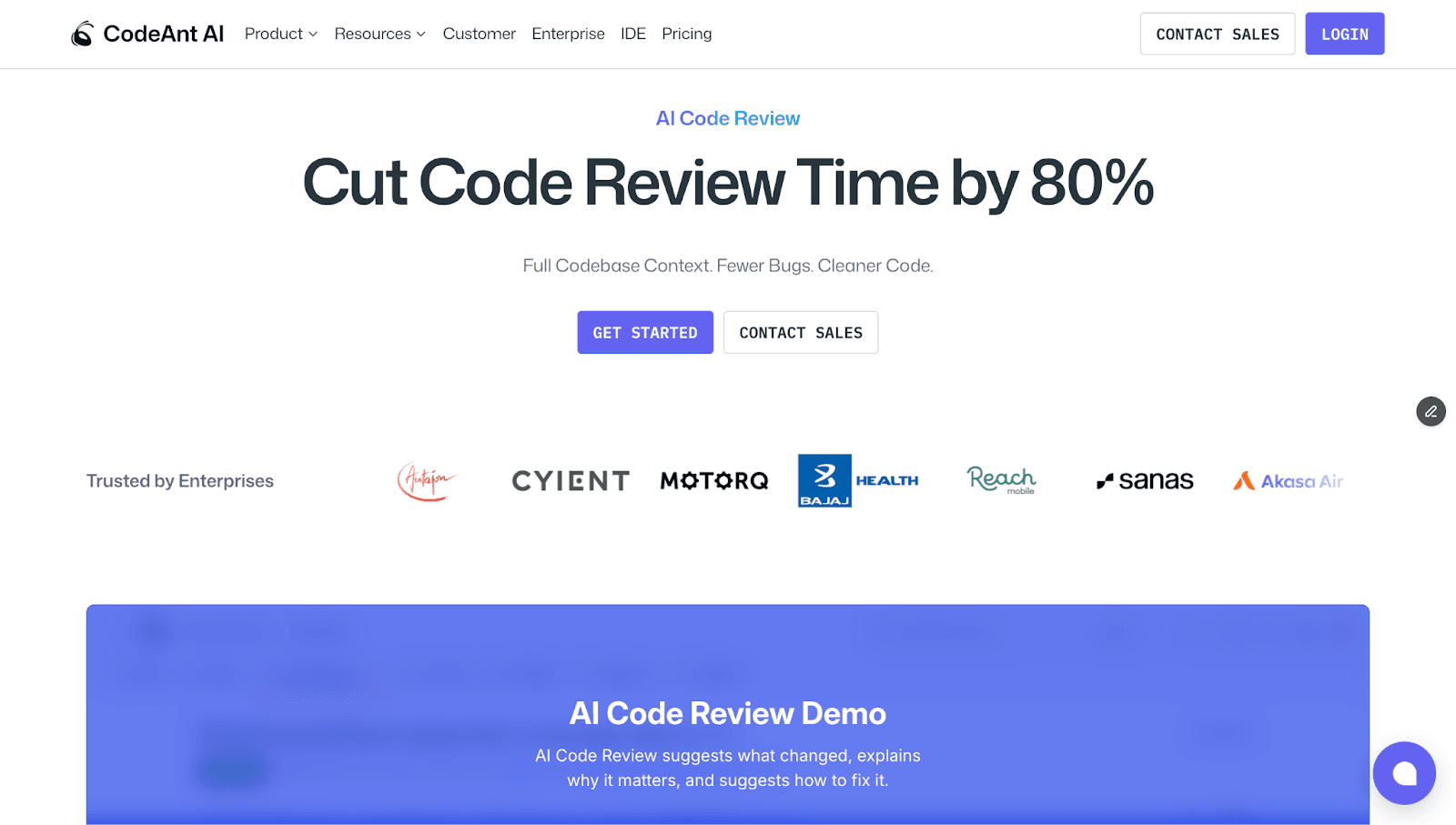
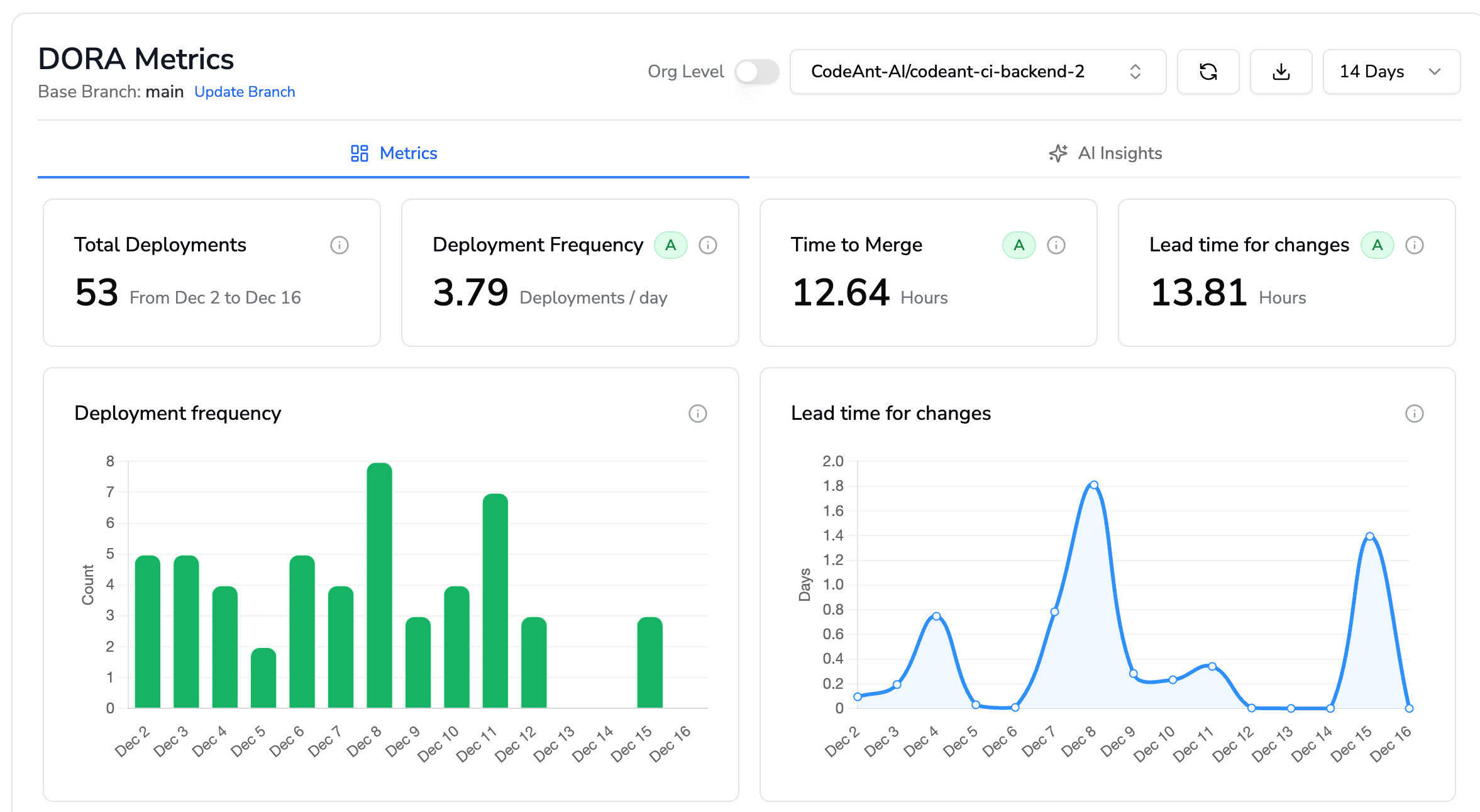
CodeAnt AI delivers AI-driven, line-by-line reviews with security scanning, quality metrics, and DORA tracking in a single platform. It supports 30+ languages and integrates directly through the GitHub Marketplace. Teams use it to catch bugs, enforce standards, and track code health without juggling multiple tools.
GitHub Advanced Security

GitHub's native security offering includes secret scanning, code scanning powered by CodeQL, and dependency review. It works seamlessly within GitHub's interface, making it ideal for teams fully committed to GitHub's ecosystem.
Checkout this GitHub Security alternative.
SonarQube
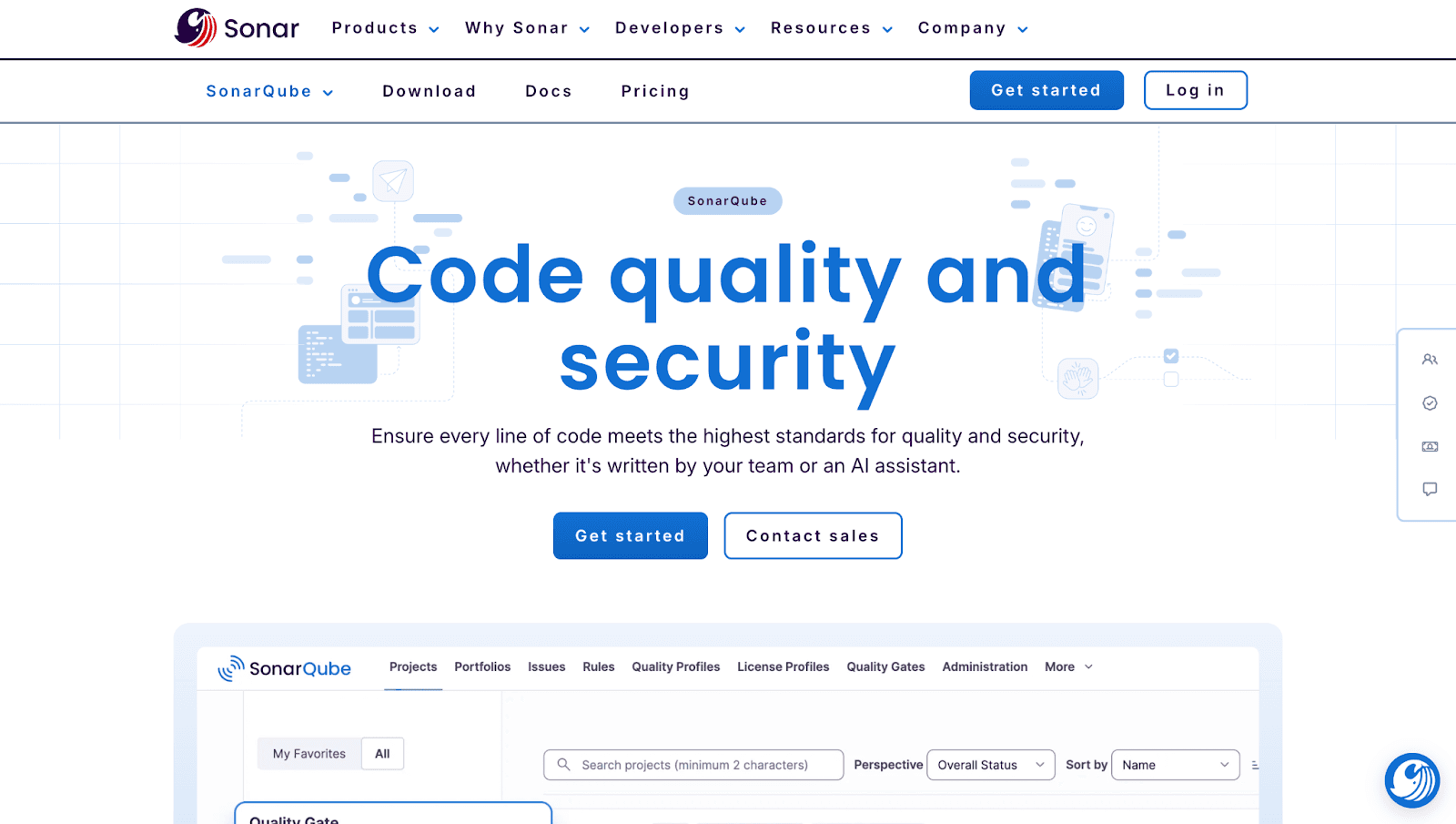
SonarQube excels at deep static analysis and customizable quality gates. It requires more setup than lighter tools but offers extensive rule customization for enterprise teams with specific compliance requirements.
Checkout this SonarQube Alternative.
CodeRabbit
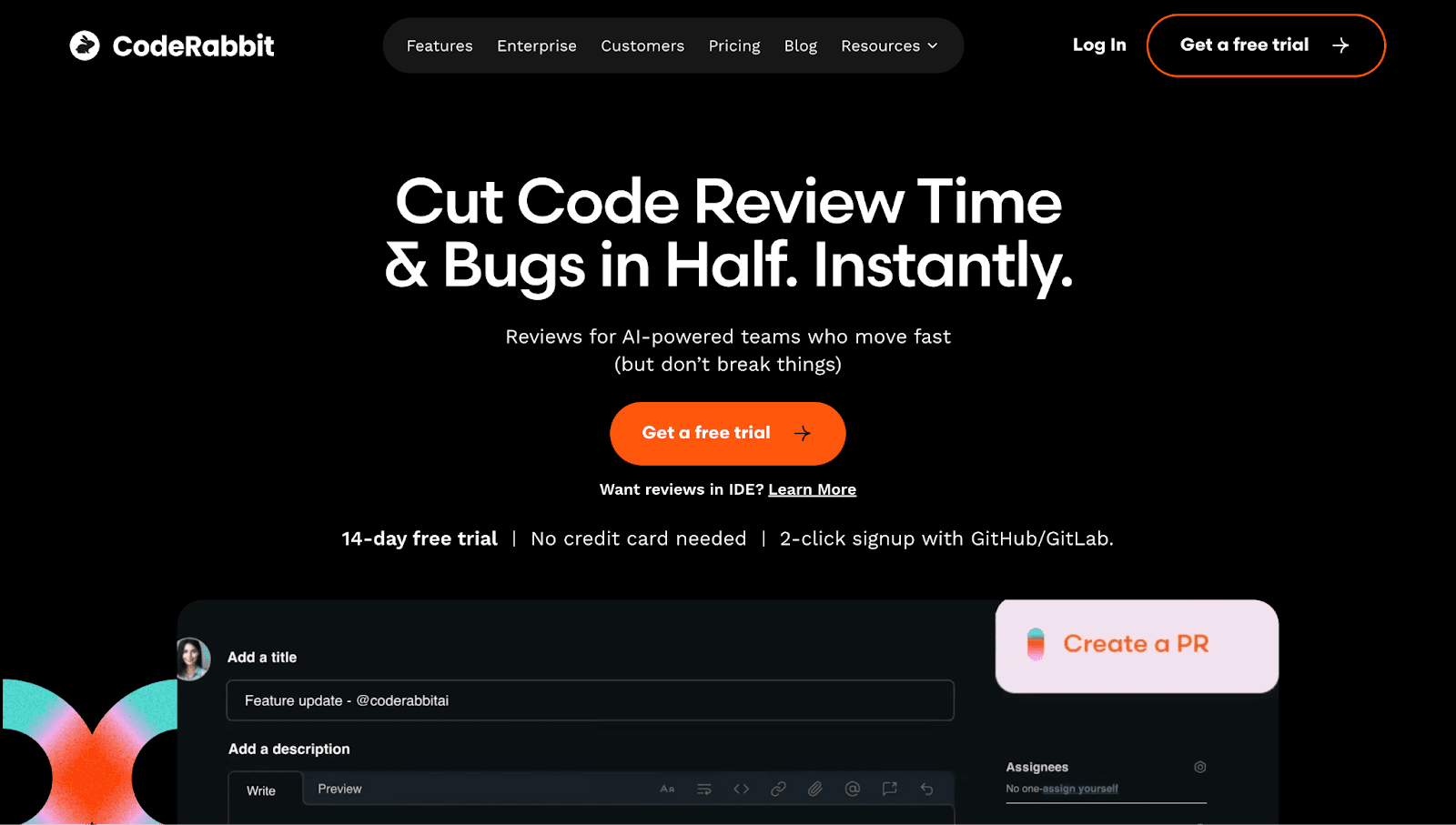
CodeRabbit generates AI-powered PR summaries and review suggestions. It helps reviewers quickly understand what changed, though it focuses more on context than comprehensive security or quality analysis.
Checkout this CodeRabbit alternative.
Codacy
Codacy automates code quality checks across multiple repositories with dashboards for tracking technical debt. It's particularly useful for teams managing many repos with varying standards.
Checkout this Codacy Alternative.
Metrics to Measure Code Review Performance
What gets measured gets improved. Tracking the right metrics reveals where your review process struggles.
Review Cycle Time
Review cycle time measures the duration from PR creation to merge. Shorter cycle times indicate healthier workflows. If this number keeps growing, you have a bottleneck somewhere.
First Response Time
First response time tracks how long until a reviewer first comments or approves. This metric directly impacts author productivity because long waits mean lost context and frustration.
Pull Request Throughput
PR throughput counts the number of PRs merged per week or sprint. This shows team capacity and helps identify when you're approaching limits.
Comment Resolution Rate
Comment resolution rate measures the percentage of review comments that get resolved. Low resolution rates suggest feedback quality issues or communication breakdowns.
Advanced Pull Request Workflows for High-Volume Teams
Teams handling dozens of daily PRs across time zones benefit from more sophisticated approaches.
Stacked Pull Requests
Stacked PRs break large changes into sequential, dependent pull requests. Reviewers examine smaller pieces incrementally, and authors can continue building while earlier PRs await review. This approach dramatically improves throughput for complex features.
Async Reviews Across Time Zones
Distributed teams structure reviews to avoid timezone blocking. Authors write detailed PR descriptions and add inline comments explaining non-obvious decisions. Reviewers leave comprehensive feedback rather than quick questions that require synchronous discussion.
CODEOWNERS for Automatic Reviewer Assignment
GitHub's CODEOWNERS file automatically assigns reviewers based on which files changed. When someone modifies the authentication module, the security team gets notified automatically. This ensures the right experts review the right code without manual coordination.
What Is Peer Review in Software Development
Peer review is the practice of developers examining each other's code before merging. It serves multiple purposes beyond catching bugs:
Knowledge sharing: Spreads codebase understanding across the team
Bug prevention: Catches issues before they reach production
Mentorship: Junior developers learn from senior feedback
The goal isn't gatekeeping. It's collaborative improvement. The best review cultures treat feedback as a dialogue, not a judgment.
How to Scale GitHub Code Reviews Without Slowing Down
Scaling reviews requires combining everything covered above: small PRs, clear standards, timely feedback, and strategic automation.
Start by documenting your team's review expectations. Define what "approved" means, how quickly reviewers respond, and which checks run automatically. Then layer in automation like linters, security scanners, and AI-powered review tools to handle repetitive work.
Track your metrics weekly. When cycle times creep up, investigate. Maybe PRs are getting too large, or maybe one reviewer is overloaded. The data tells you where to focus.
Teams that treat code review as a continuous, end-to-end concern ship faster with fewer production issues. A unified platform like CodeAnt AI helps by bringing security, quality, and review automation into a single view of code health.
Ready to accelerate your team's code reviews?Book your 1:1 with our experts today!

