AI Code Review
How to Turn Sequence Diagrams into Living Change Logs

Sonali Sood

Founding GTM, CodeAnt AI
Your sequence diagrams are lying to you. That architecture diagram from six months ago? It shows three services talking to each other, but the code now has five, and two of them weren't even planned when someone drew those boxes and arrows.
Static diagrams decay the moment you commit them. But sequence diagrams stored as code and updated through your PR workflow become something more powerful: a living change log that tracks how your system actually evolves. This guide covers how to store diagrams in version control, integrate updates into your review process, and build the habits that keep documentation accurate as your codebase grows.
Why Static Sequence Diagrams Fail Engineering Teams
Sequence diagrams visually map component interactions over time, making them ideal for documenting system evolution and onboarding new engineers. But here's the catch: most teams create diagrams during initial design, store them in wikis, and never touch them again. Within weeks, the code evolves while the diagram stays frozen.
When we say "static," we mean diagrams saved as image files, disconnected from the codebase they represent. A PNG sitting in Confluence has no relationship to your actual code. New engineers onboard using outdated diagrams and build incorrect mental models. Incident responders trace flows that no longer exist.
The friction of manual updates kills documentation. Opening a diagramming tool, redrawing boxes and arrows, exporting a PNG, uploading to a wiki, it's tedious. So engineers skip it.
Common failure scenarios:
Created during initial design: The diagram captures intent, not implementation
Stored separately from code: No connection to commits, branches, or PRs
Manual editing required: High friction discourages updates
No review process: Diagram changes bypass code review entirely
What Is a Living Change Log for Documentation
A living change log is documentation that evolves automatically alongside code changes through version control. Instead of snapshots that decay, you get artifacts tied to commits, pull requests, and code history.
Sequence diagrams become living documents when you store them as text-based source files in your repository. Every update goes through the same PR workflow as your code. Reviewers see diagram changes in the diff. Git tracks who changed what and when.
Documentation Type | Update Method | Accuracy Over Time |
Static diagrams | Manual, ad-hoc | Decays rapidly |
Living diagrams | PR workflow | Stays current |
The shift is subtle but powerful. Diagrams stop being "documentation" and start being "code that renders as visuals."
Essential UML Sequence Diagram Notation for Change Tracking
You don't need to master all of UML to use sequence diagrams effectively. A handful of concepts cover most real-world scenarios.
Actors and Lifelines
Actors represent external entities—users, other systems, or anything outside your application boundary. Lifelines are vertical lines showing an object's existence over time. In practice, lifelines typically map to services, components, or classes in your architecture.
When tracking changes, lifelines answer the question: "Which parts of the system participate in this flow?"
Messages and Interactions
Message arrows capture the "what changed" in system behavior. Three types matter most:
Synchronous messages: The sender waits for a response (solid arrow with filled head)
Asynchronous messages: The sender continues without waiting (solid arrow with open head)
Return messages: Responses from synchronous calls (dashed arrow)
When a PR modifies how services communicate, the message arrows in your diagram change. That's the living change log in action.
Activation Boxes
Activation boxes are rectangles on a lifeline showing when an object is actively processing. They visualize call depth and processing time, which is useful for spotting performance implications in a PR.
How to Store Diagrams as Code in Version Control
The "diagrams as code" approach stores diagram source files as plain text in your repository. This single change unlocks everything else.
Place diagram files near related code. Some teams use a /docs/diagrams/ directory; others keep diagrams alongside the service code they describe. Either works—consistency matters more than location.
Text-based formats enable Git diffs. When someone updates a diagram, reviewers see exactly what changed:
Key benefits:
Diffable: See exactly what changed between commits
Reviewable: Include diagram updates in PR reviews
Traceable: Link diagram changes to specific commits and issues
Searchable: Find diagrams using standard code search tools
Best Tools for Text-Based Sequence Diagrams
Several tools generate sequence diagrams from text. Your choice depends on where your code lives and how complex your diagrams get.
Tool | Syntax Style | Rendering | Best For |
Mermaid | Markdown-like | Native GitHub/GitLab | Teams using GitHub or GitLab |
PlantUML | UML-specific | Server or local | Complex UML requirements |
Structurizr | C4 model | Web-based | Architecture documentation |
D2 | Declarative | CLI or CI | Custom styling needs |
Mermaid
Mermaid renders natively in GitHub, GitLab, and Notion without plugins. The syntax reads almost like pseudocode, which lowers the barrier to adoption. Most teams can start using Mermaid within an hour.
PlantUML
PlantUML offers broader UML support and self-hosted server options. The learning curve is steeper, but you get more flexibility for complex scenarios. Many enterprises already run PlantUML servers internally.
Structurizr
Structurizr focuses on the C4 model for architecture diagrams. It uses a workspace-based approach that works well for larger documentation sets spanning multiple systems.
D2
D2 features a modern, declarative syntax with customizable theming. It's CLI-first, making it ideal for CI/CD pipelines where you want to render diagrams automatically on every build.
How to Integrate Sequence Diagram Updates into Your PR Workflow
This workflow transforms diagrams from static artifacts into living documentation. The key is treating diagram updates with the same rigor as code changes.
1. Add diagram source files to your repository
Create a consistent location for diagrams. Use naming conventions tied to features or services—checkout-flow.mmd, user-authentication.puml. Treat diagram files as first-class citizens in your codebase.
2. Update diagrams alongside code changes
Establish a team norm: any PR that changes service interactions also updates the relevant diagrams. AI-powered code review tools like CodeAnt AI can flag PRs that modify system interactions without corresponding diagram updates.
3. Include diagrams in code review
Review diagram changes with the same attention you give code. Check for accuracy, clarity, and consistency with the implementation. Does the diagram reflect what the code actually does?
4. Automate diagram rendering in CI
Configure your CI pipeline to render diagrams on each commit. Fail the build if diagram syntax is invalid. Automatically publish rendered diagrams to your documentation site.
Tip: Start with one critical flow. Pick your most complex or most frequently referenced interaction and convert it to diagrams-as-code. Expand from there.
Best Practices for Maintaining Sequence Diagrams Over Time
Sustainability matters more than perfection. A few practical habits help prevent diagram drift as your team and codebase grow.
Keep diagrams small and focused
Create one diagram per use case or interaction flow. Monolithic diagrams that capture entire systems become impossible to maintain and impossible to read. A focused diagram answers one question clearly.
Use consistent naming conventions
Standardize actor names, message labels, and file naming across the team. When UserService appears in one diagram and user-service in another, confusion follows. Consistency makes diagrams searchable and comparable.
Link diagrams to commits and PRs
Reference commit hashes or PR numbers in diagram comments. This creates bidirectional traceability. Six months from now, you can trace why a flow changed by following the link back to the original PR discussion.
Review diagrams during refactoring
Add diagram review to your refactoring checklists. Major architectural changes require diagram updates. The diagram is part of the system's definition.
Common Mistakes That Lead to Stale Sequence Diagrams
Recognizing anti-patterns helps you catch problems before documentation becomes useless.
Storing diagrams as images only: Without a source file, updates require redrawing from scratch
Separating diagram ownership from code ownership: Creates accountability gaps where no one feels responsible
Skipping updates for "small" changes: Small changes accumulate into major drift
No automated validation: Broken diagram syntax goes unnoticed until someone needs the diagram
The underlying issue is usually cultural, not technical. Teams that treat diagrams as optional will always have stale diagrams.
How Living Sequence Diagrams Accelerate Onboarding
New engineers can use diagram history to understand not just current state but how the system evolved. This context dramatically reduces ramp-up time.
Understand current architecture: Read the latest diagrams in main to see how things work now
Learn decision history: Review diagram diffs to understand why changes were made
Build mental models faster: Visual documentation transfers knowledge more efficiently than code alone
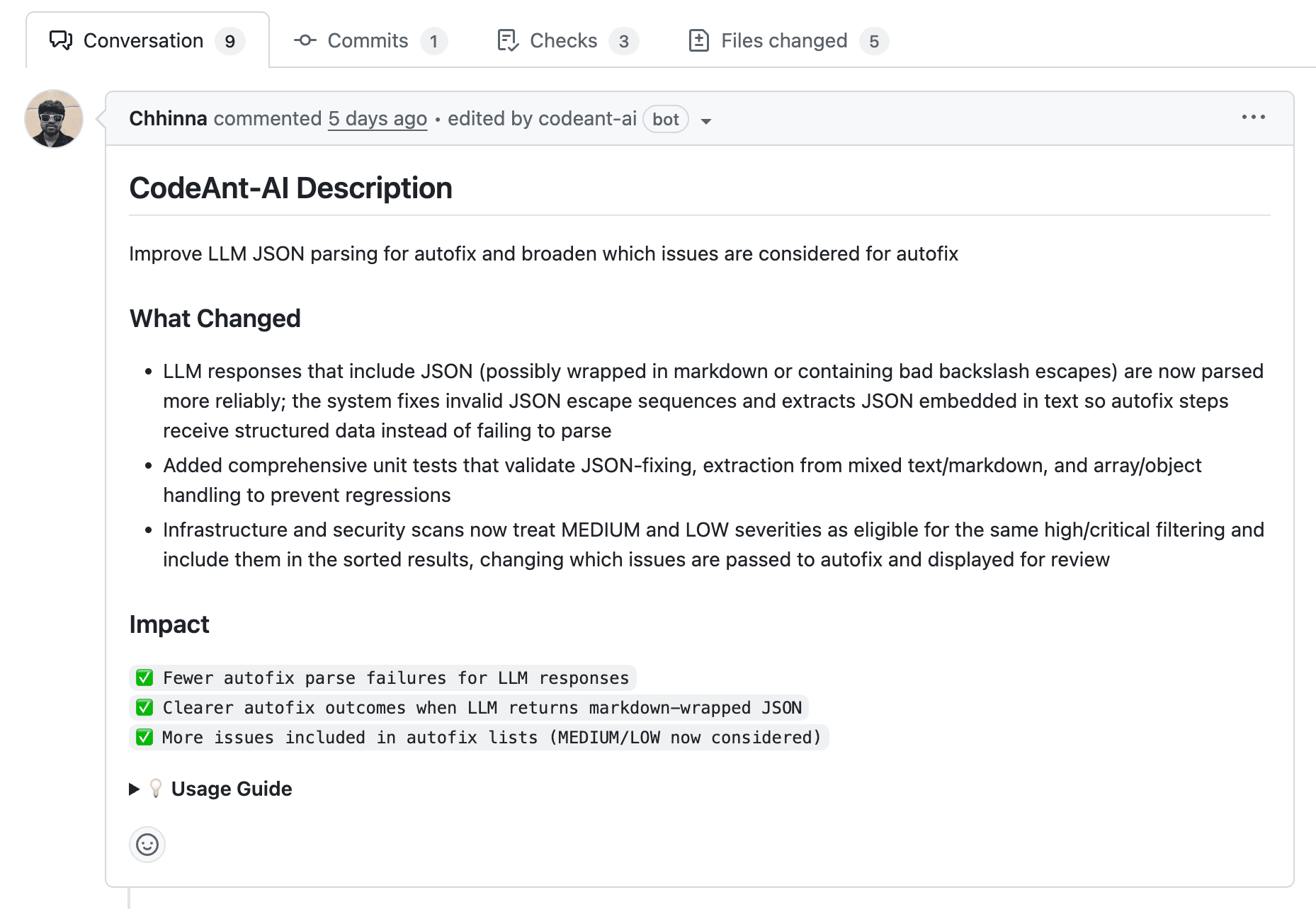
Platforms like CodeAnt AI complement living diagrams by providing PR summaries and change context. New hires can read the AI-generated summary, then reference the sequence diagram to see the interaction visually.
Building a Documentation-First Engineering Culture
Sustaining living documentation requires cultural commitment. Position this practice as an investment in team velocity, not bureaucratic overhead.
Treat diagrams as production artifacts: Hold them to the same quality bar as code
Celebrate documentation contributions: Recognize engineers who maintain documentation
Automate enforcement: Use CI checks and AI-powered review tools to catch documentation gaps
The goal isn't perfect documentation, it's documentation that stays useful. Living sequence diagrams achieve this by embedding updates into the workflow engineers already follow.
Ready to automate code review and keep your documentation current? Check out our AI code review platform here.
FAQs
Can sequence diagrams be generated automatically from code?
How often should engineering teams update sequence diagrams?
What is the difference between sequence diagrams and flowcharts for tracking system changes?
How do engineering teams handle diagram merge conflicts in Git?
Do sequence diagrams work effectively for microservices architectures?