AI Code Review
Top 6 Bitbucket Code Review Tools for CI/CD Teams

Sonali Sood

Founding GTM, CodeAnt AI
CI/CD teams on Bitbucket waste hours on manual code reviews that bottleneck pipelines and spike bug rates. These delays hit 70% of engineering teams, slowing deployments by days per sprint. This guide ranks the top 6 Bitbucket Code Review tools to automate reviews, integrate with pipelines, and slash review time by up to 80%.
Speed is the currency of modern engineering, but manual code reviews often bankrupt the budget. For CI/CD teams, the bottleneck isn’t usually writing code, it’s waiting for someone to review it. While Bitbucket offers solid native features, scaling teams eventually hit a wall where manual checks just can’t keep up with the volume of pull requests.
That’s where specialized code review tools come in. By automating the tedious parts of the review process, like syntax checking, security scanning, and style enforcement, you free up your senior engineers to focus on architecture and logic.
What Are Bitbucket Code Review Tools?
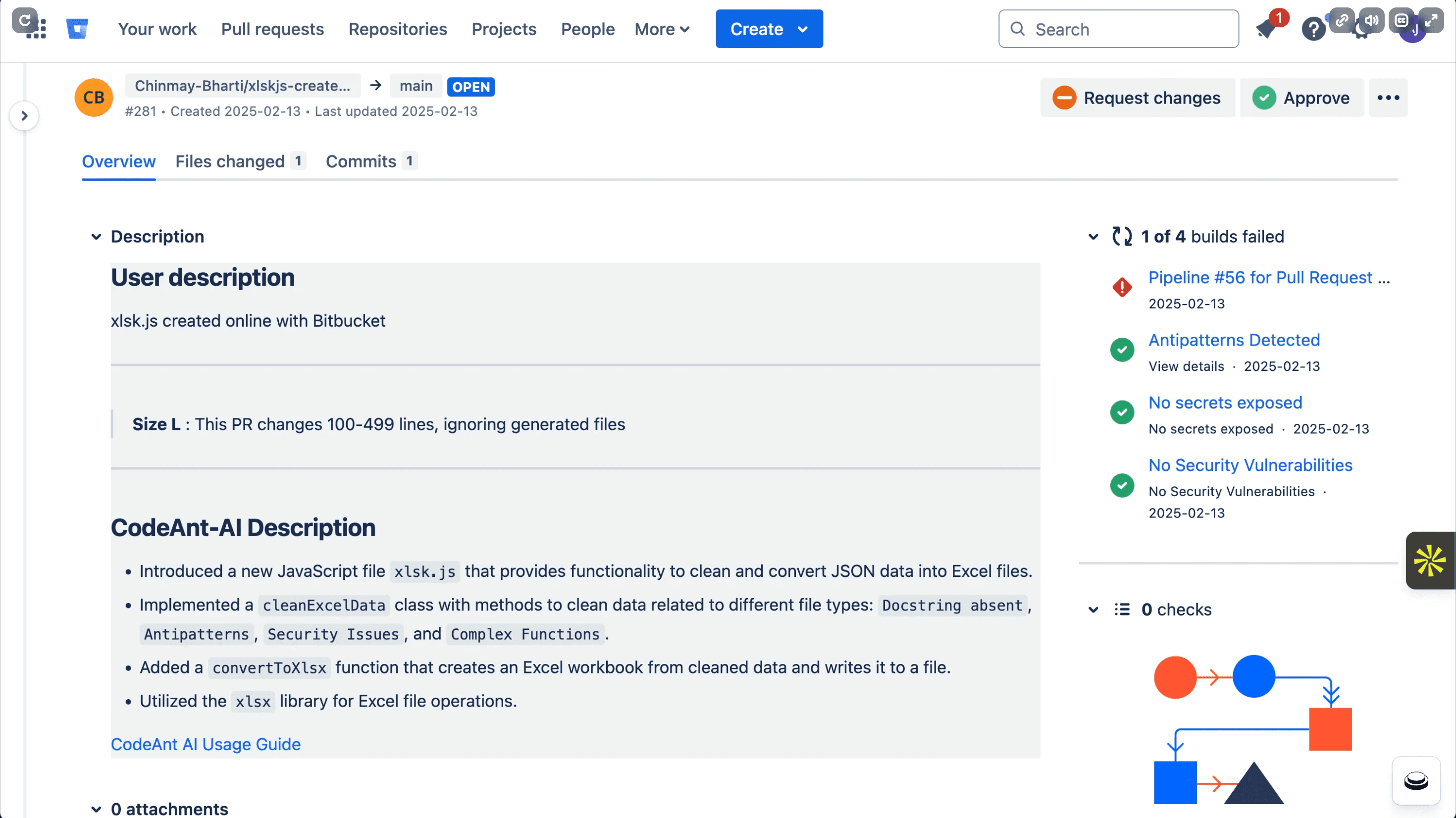
Bitbucket code review tools are software integrations that enhance the standard pull request workflow. Native Bitbucket features cover the basics: inline comments, required approvals, branch permissions, and build status displays. These work well for smaller teams, but they rely heavily on human intervention for every single check.
Third-party tools fill the gaps that native features miss. They introduce capabilities like AI-powered suggestions, automated security scanning (SAST), and deep quality analysis. Instead of a human reviewer manually looking for missing semicolons or security vulnerabilities, these tools scan the code automatically. They act as a first line of defense, ensuring that only high-quality, secure code makes it to the human review stage.
Why CI/CD Teams Need Code Review Tools
For teams practicing Continuous Integration and Continuous Deployment (CI/CD), manual code reviews are often the primary source of friction. You can automate your builds and tests, but if a Pull Request (PR) sits stagnant for days waiting for a security check, your deployment frequency drops.
Dedicated tools solve this by running analysis in parallel with your pipelines. They catch issues before they reach production.
Consistency: Tools don’t get tired or skip checks on Fridays.
Security: They detect vulnerabilities, secrets, and misconfigurations that humans easily miss.
Velocity: By automating the trivial findings, developers can merge faster.
Without these tools, “continuous” deployment becomes “occasional” deployment, held back by the speed of human review.
How Bitbucket Code Review Tools Integrate with Pipelines
Integration is key. A tool that requires a separate login or a complex manual trigger won’t get used. The best tools fit seamlessly into your existing Bitbucket Pipelines workflow, providing feedback where developers already work.
There are three main ways these tools hook into your system:
Native Bitbucket Marketplace apps like CodeAnt AI or DeepSource that appear directly in the pull request interface.
Pipeline steps in
bitbucket-pipelines.ymlconfiguration files that run analysis as distinct CI/CD stages.Webhook-based integrations that post results back to PRs after external processing.
This integration ensures that quality gates are enforced automatically, if the tool finds a critical bug, it can block the merge without anyone lifting a finger.
1. CodeAnt AI
CodeAnt AI is a defensive and offensive security platform with unified code health analysis, designed to eliminate tool sprawl for enterprise teams. Instead of piecing together separate tools for security, quality, and review, CodeAnt AI brings everything into one dashboard. It is particularly effective for organizations with 100+ developers who need to standardize code quality across many repositories.
It integrates as a native app, scanning both new PRs and existing codebases. The platform provides a 360° view of engineering health, combining AI reviews with deep analytics.
Key Features
Line-by-line AI reviews: Context-aware feedback on every PR.
One-click auto-fixes: Instantly resolve common issues and style violations.
Comprehensive scanning: Includes SAST, secrets detection, and dependency vulnerability checks.
DORA metrics: Tracks engineering velocity and deployment frequency.
Language support: Covers 30+ languages, making it versatile for full-stack teams.
Limitations
While powerful, CodeAnt AI is built for scale. Smaller teams or individual freelancers might find the breadth of features like deep DORA metrics and organizational standardization, more than they currently require for basic projects.
Pricing and Best For
Best For: Enterprise teams (100+ developers) seeking a single, unified platform for code review, security, and quality.
Pricing: Offers a per-user pricing model. There is a 14-day free trial available (no credit card required) to test the platform’s capabilities on your own repositories.
2. Snyk
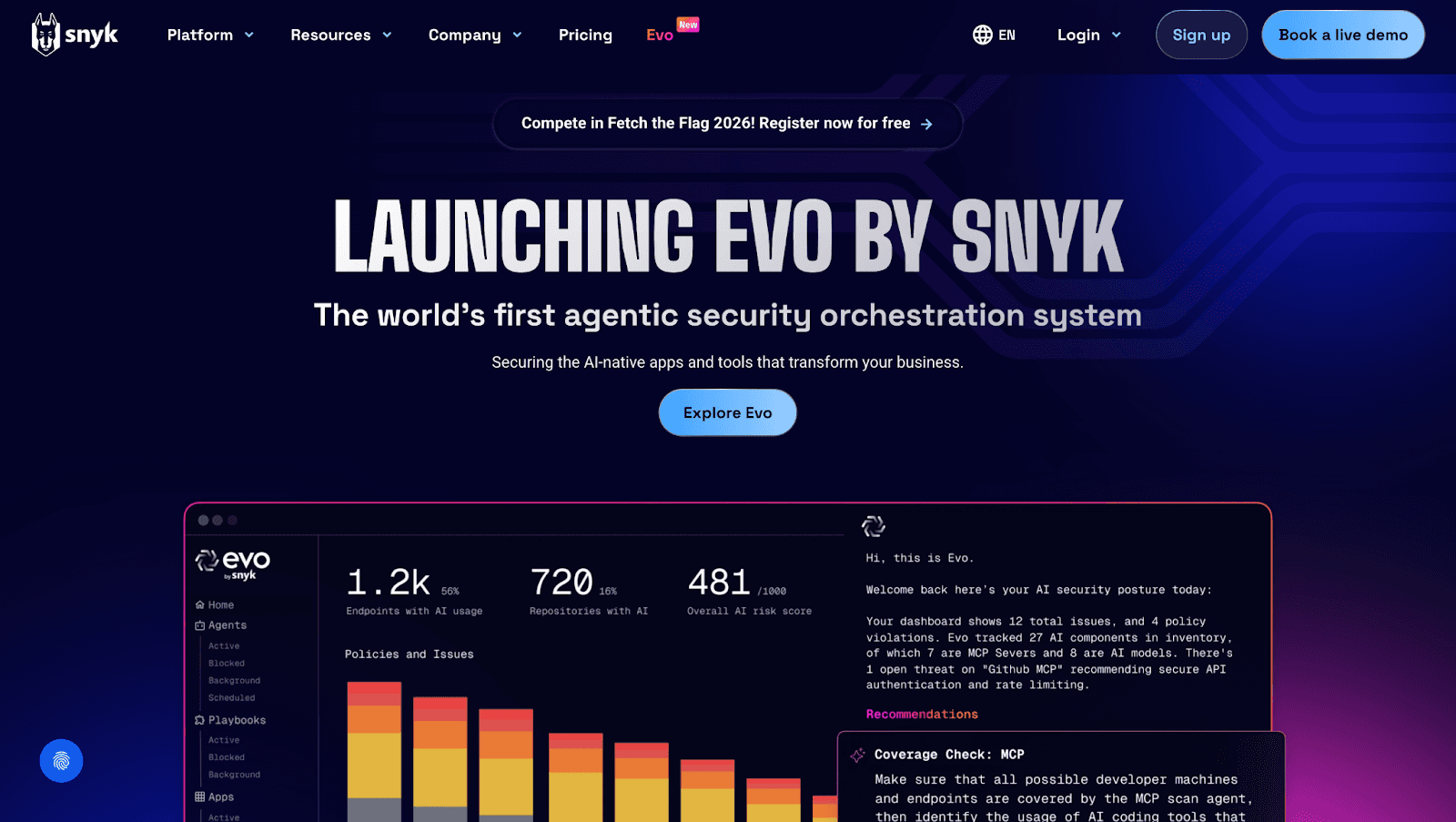
Snyk has built a strong reputation as a security-first platform. It focuses heavily on securing the software supply chain, making it a go-to choice for teams worried about open-source vulnerabilities. Snyk integrates directly into Bitbucket Pipelines to scan dependencies and container images.
It excels at “shifting left,” allowing developers to see security flaws while they are still writing code. If your primary concern is preventing a data breach caused by a risky library, Snyk is a strong contender.
Key Features
Dependency scanning: Identifies vulnerable packages in your project’s dependency tree.
Container security: Scans Docker images for known CVEs (Common Vulnerabilities and Exposures).
Snyk Code: Analyzes first-party code for security issues.
IDE plugins: Provides real-time security feedback during development.
Limitations
Snyk is a specialist, not a generalist.
Security-only focus: It does not provide AI-powered general code reviews or style suggestions.
Limited quality metrics: You won’t find tracking for code complexity, duplication, or maintainability here.
Fragmented products: Snyk Code and Snyk Open Source are often treated as distinct offerings.
Pricing and Best For
Best For: Teams that prioritize security compliance and open-source dependency management above general code quality or style enforcement.
Pricing: They offer a free tier for individuals and small teams, with paid plans available for larger teams and enterprises requiring advanced governance.
Checkout this Synk alternative.
3. SonarQube
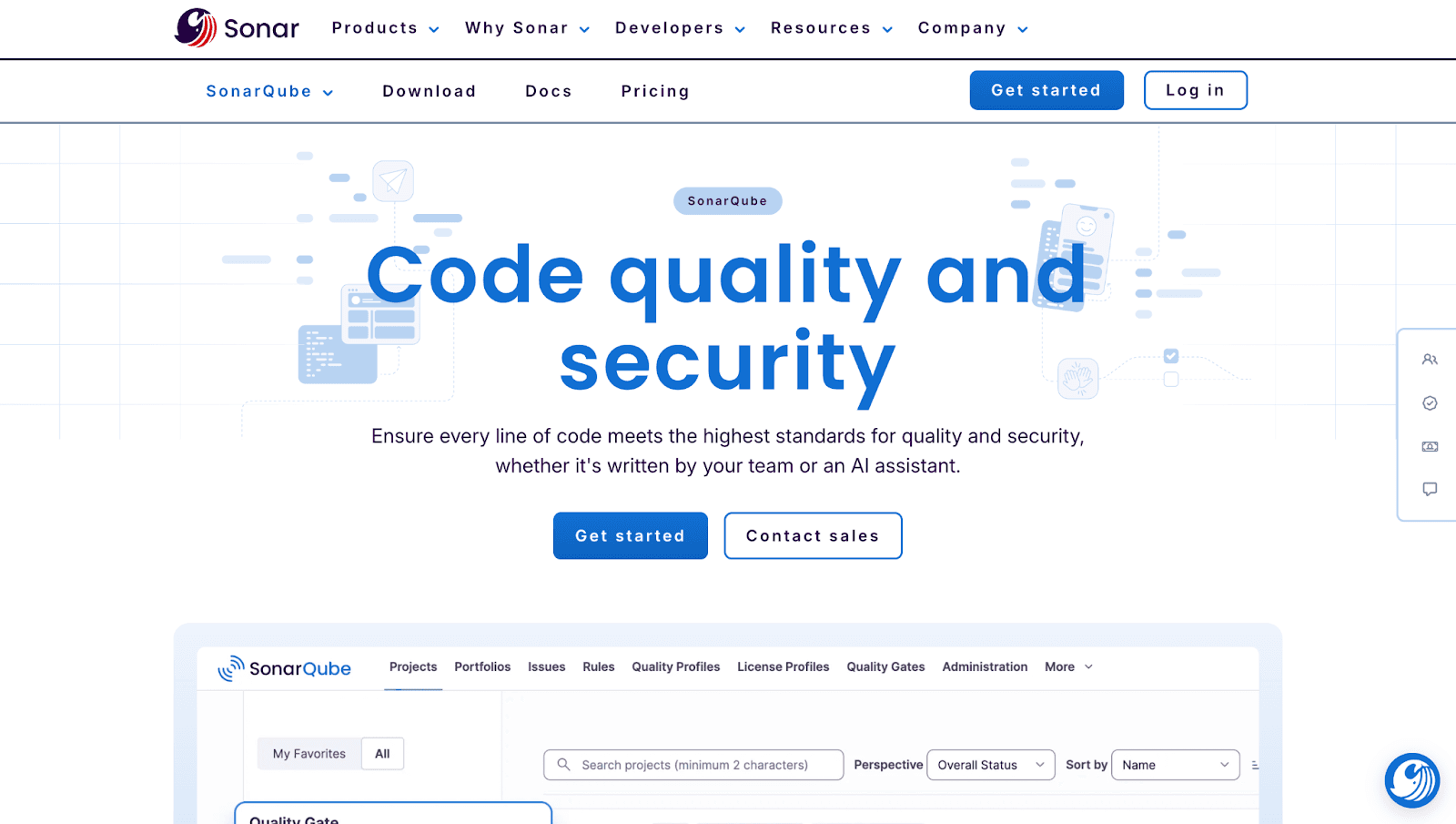
SonarQube is the established giant in static analysis. It is widely used by enterprises that need to enforce strict quality gates across legacy and modern codebases. It connects to Bitbucket Pipelines to run analysis every time code is committed.
The tool is famous for its “Clean Code” philosophy. It detects bugs, code smells, and security vulnerabilities using a massive library of static rules. If you need to ensure no code merges unless it meets a specific coverage threshold, SonarQube is the standard solution.
Key Features
Static analysis: Detects bugs, code smells, and vulnerabilities based on predefined rules.
Quality gates: Automatically blocks merges when code fails to meet defined thresholds (e.g., test coverage below 80%).
Self-hosted option: Offers full control over data with on-premise deployment capabilities.
Broad coverage: Supports a vast array of programming languages.
Limitations
No AI suggestions: The analysis is rule-based, lacking the intelligent, context-aware recommendations of newer AI tools.
Complex setup: Self-hosting requires dedicated infrastructure and ongoing maintenance.
Slower feedback: Analysis typically runs post-commit in the pipeline rather than inline during the review process.
Pricing and Best For
Best For: Organizations that need self-hosted deployment and strict enforcement of static quality gates.
Pricing: The Community Edition is free and open source. Developer, Enterprise, and Data Center editions require paid licenses.
Checkout this SonarQube Alternative.
4. Crucible
Crucible is Atlassian’s legacy code review tool, designed specifically for tight integration with Bitbucket Data Center. Unlike the other tools on this list, it focuses on facilitating manual peer reviews rather than automated analysis.
It allows teams to review code, discuss changes, and track defects across SVN, Git, and Perforce repositories. For teams deeply embedded in the on-premise Atlassian ecosystem, it provides a structured way to manage the human side of code review.
Key Features
Pre-commit reviews: Allows developers to review code before it even enters the repository.
Threaded discussions: Organizes feedback and comments by topic for clearer communication.
Jira integration: Links reviews directly to Jira issues to track progress and context.
Iterative tracking: clear visibility into revisions and responses across multiple review cycles.
Limitations
Legacy product: Atlassian has largely shifted focus away from Crucible, meaning fewer updates.
No automated analysis: It is purely a manual review tool; there is no static analysis, security scanning, or AI assistance.
No cloud version: It is available only for Data Center deployments, making it inaccessible for cloud-native teams.
Pricing and Best For
Best For: Teams using Bitbucket Data Center who need a formal, audit-friendly process for manual peer reviews.
Pricing: Sold as a perpetual license bundled within the Atlassian Data Center ecosystem.
5. CodeScene
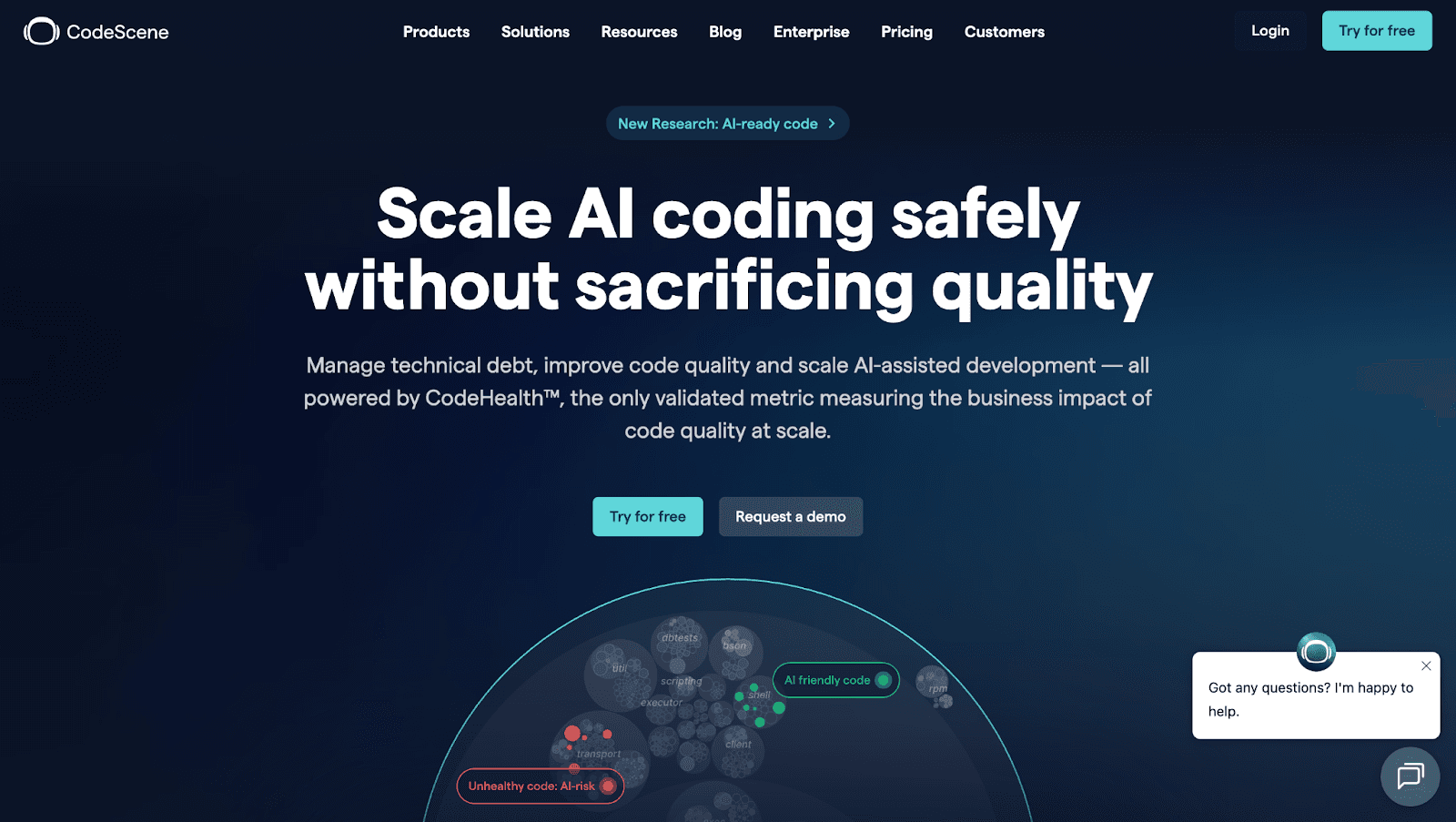
CodeScene takes a different approach by focusing on behavioral code analysis. Instead of just looking at the code itself, it looks at how the code is being changed. It analyzes version control history to identify “hotspots,” areas of the code that are complex and frequently modified.
This behavioral lens helps teams prioritize technical debt. If a messy file is never touched, it’s not a problem. If a messy file is touched daily, CodeScene flags it as a risk.
Key Features
Hotspot detection: Identifies frequently changed, complex code areas that pose a risk.
Team coordination metrics: Analyzes knowledge distribution and collaboration patterns to find bottlenecks.
Technical debt prioritization: Ranks refactoring opportunities based on actual business impact.
Code health trends: Visualizes how code quality is improving or degrading over time.
Limitations
Learning curve: The concepts of behavioral analysis and “social code analysis” require team onboarding to understand fully.
Less real-time feedback: It focuses more on long-term trends and architectural insights than instant PR fixes.
Limited security: It is not a dedicated SAST tool and shouldn’t be your only line of defense.
Pricing and Best For
Best For: Engineering managers and architects who need to visualize technical debt and understand team dynamics.
Pricing: Offers both Cloud and On-prem options with a usage-based pricing model.
6. DeepSource
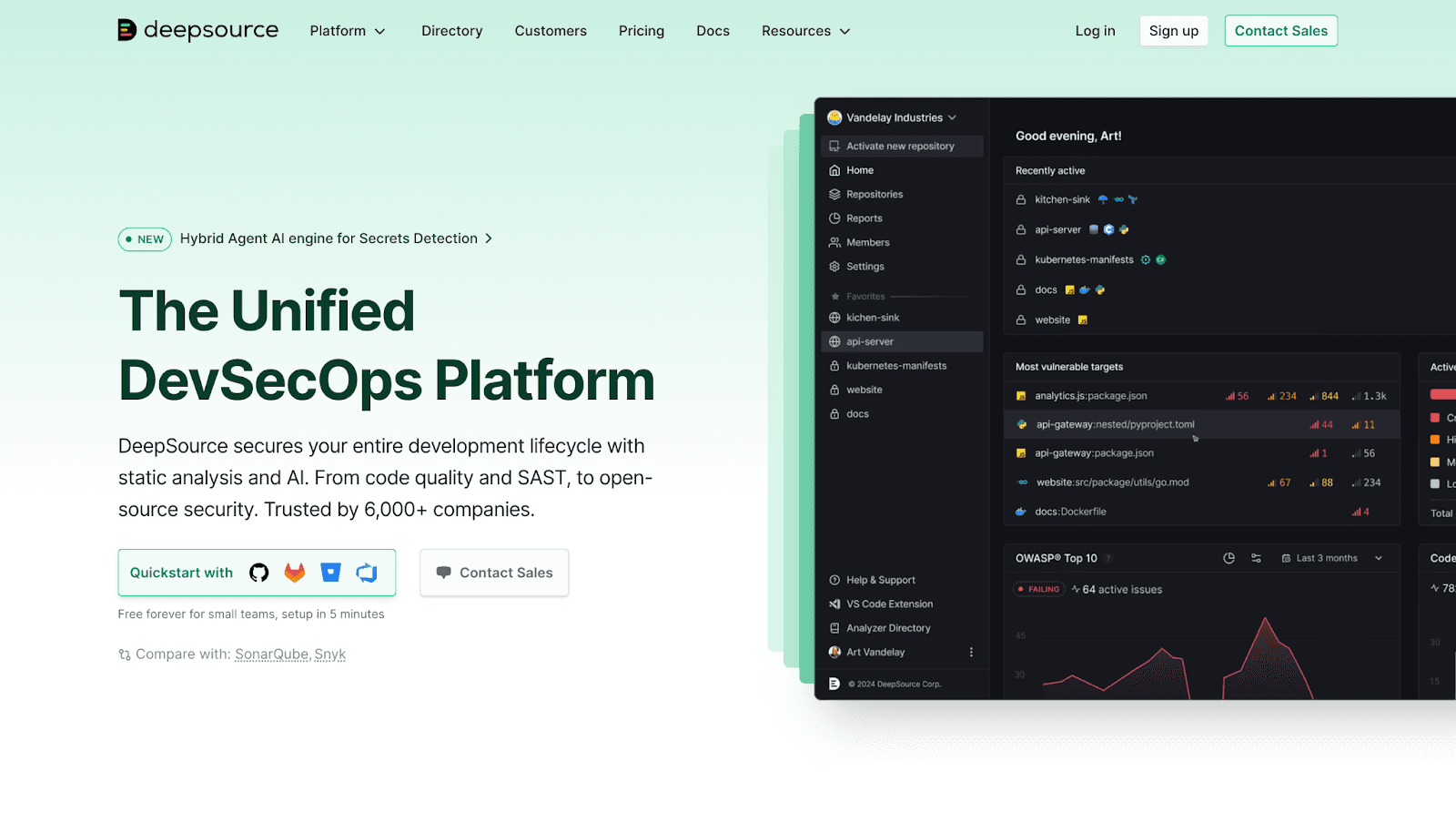
DeepSource is designed for speed and automation. It focuses on catching bugs and anti-patterns quickly, with a heavy emphasis on “auto-fixing” the issues it finds. It integrates as a native app to provide fast feedback directly in the PR.
The tool aims to be lightweight and low-noise. By filtering out false positives and focusing on actionable issues, it helps developers clean up their code without feeling overwhelmed by alerts.
Key Features
Auto-fix suggestions: Generates one-click fixes for many detected issues.
Fast PR checks: Lightweight analysis runs quickly within pipelines to avoid slowing down deployment.
Security analysis: Identifies common vulnerabilities and secrets.
IDE integration: Provides real-time feedback to developers as they write code.
Limitations
Narrower security coverage: While it does security checks, it is less comprehensive than dedicated SAST platforms like Snyk.
Limited enterprise features: Offers fewer governance, compliance, and reporting controls compared to larger platforms.
Basic metrics: The dashboard offers less depth in productivity and DORA tracking.
Pricing and Best For
Best For: Startups and mid-sized teams that want fast, actionable automated reviews without complex configuration.
Pricing: Free for open-source projects. Paid plans are available for private repositories and commercial teams.
Checkout this Deepsource Alternative.
Best Practices for Code Review in Bitbucket CI/CD
Start with Automated Checks Early
Don’t wait for the pull request to run your scans. The most efficient teams “shift left” by running checks locally or immediately upon commit. Configure your bitbucket-pipelines.yml to trigger fast analysis (like linting and basic security checks) on every push. This ensures that by the time a human reviewer opens the PR, the low-level issues have already been resolved.
Enforce Custom Policies and Quality Gates
Every organization has unique standards. A generic “clean code” rule isn’t enough. You should configure Quality Gates that block merges if specific criteria aren’t met, such as introducing new critical vulnerabilities or dropping code coverage below 80%. This removes the emotional burden from reviewers; it’s not the reviewer being “mean,” it’s the pipeline enforcing the agreed-upon standard.
Balance AI Automation with Human Oversight
AI tools like CodeAnt AI are powerful, but they are assistants, not replacements. Use automation to handle the tedious work, syntax, style, and known vulnerabilities. This frees up your human reviewers to focus on logic, architecture, and business requirements. The goal is to use AI to augment human intelligence, ensuring high velocity without sacrificing the nuances of system design.
Common Mistakes to Avoid with Bitbucket Code Review Tools
1. One major pitfall is alert fatigue
If you turn on every single rule in a static analysis tool, developers will be bombarded with thousands of minor warnings. They will eventually ignore the tool entirely. Start with a focused set of high-priority rules and gradually expand.
2. Another mistake is allowing tool sprawl
Using one tool for security, another for style, and a third for metrics creates context switching that kills productivity. Developers hate logging into three different dashboards. Whenever possible, consolidate these functions into a unified platform that integrates directly into the Bitbucket workflow.
Choosing the Right Tool for Your Team
Selecting the right tool depends on your specific bottlenecks.
Security & Compliance: If you are in a regulated industry, prioritize tools with deep SAST and dependency scanning capabilities.
AI & Velocity: If your goal is to reduce manual review time, look for AI-driven platforms that offer auto-fixes and intelligent suggestions.
Integration Depth: Ensure the tool supports your workflow. Native apps often provide a smoother experience than webhook-only integrations.
Scalability: For large teams (100+ devs), ensure the tool offers enterprise features like SSO, audit logs, and unified dashboards to manage code health at scale.
Conclusion
Native Bitbucket features provide a solid foundation, but they aren’t enough for high-performing CI/CD teams. The right code review tool acts as a force multiplier, automating security, enforcing quality, and speeding up approvals.
Whether you need the behavioral insights, the security depth, or the unified AI-powered platform, the goal remains the same: stop wasting time on manual checks and start shipping reliable code faster. Let us help you streamline your workflow with CodeAnt AI.Try CodeAnt AI today to see how it works with your Bitbucket pipeline.
FAQs
How do I set up CodeAnt AI in Bitbucket Pipelines?
What are the main differences between Snyk and SonarQube for Bitbucket?
Can I use multiple Bitbucket code review tools together?
How much time do code review tools save in CI/CD pipelines?
Are there free Bitbucket code review tools for small teams?