

GitHub Copilot has 4.7 million paid subscribers and 72 million VS Code installs. It is the default choice for a reason. But the Stack Overflow 2025 Developer Survey found that 66% of developers struggle with AI solutions that are “almost right, but not quite,” and 46% say they don’t trust AI output accuracy, up from 31% the year before.
That gap is why developers are searching for alternatives. Some want better multi-file context. Some need stronger privacy controls. Some hit the usage quota on the free tier. Some are building in JetBrains and want tools that actually work there. And some have watched Copilot quietly inject promotional tips into 1.5 million pull requests and decided to try something else.
This guide covers the 17 best GitHub Copilot alternatives that work with VS Code in 2026, updated for current pricing, tool acquisitions, and what the developer community is actually using right now. Two tools from previous versions of this list (IntelliCode and Supermaven) have been sunset or deprecated and are noted accordingly.
What is GitHub Copilot in 2026?
GitHub Copilot is an AI coding assistant from GitHub and OpenAI that provides inline code suggestions, multi-file editing, and an autonomous Coding Agent inside VS Code and other IDEs. In 2026 it has five pricing tiers: Free (2,000 completions/month), Pro ($10/month), Pro+ ($39/month), Business ($19/user/month), and Enterprise ($39/user/month). It now supports multiple models including GPT-5.4, Claude Opus 4.6, and Gemini.
The Coding Agent feature, now generally available, lets you assign a GitHub issue directly to Copilot. It autonomously writes code, runs tests, and opens a draft PR for human review. Agent Mode is available in VS Code and JetBrains. The VS Code extension has approximately 72 million installs.
Why Developers are Looking for Alternatives in 2026?
Before jumping to the list, it helps to understand what is driving developers to search. The pain points are consistent across Reddit, Stack Overflow, and HackerNews threads:
Code quality has declined. A Ryz Labs analysis found Copilot suggestions were accurate only 50% of the time in projects exceeding 10,000 lines. The GitHub Community discussion “Is Copilot slowly getting worse?” has hundreds of upvotes with cancellations cited as a common outcome.
Context window limitations. Copilot struggles with large codebases. 65% of developers say AI assistants miss relevant context during refactoring (Qodo 2025 report). Cursor and Claude Code handle this significantly better.
Privacy and data concerns. 81% of developers have concerns about AI agents and data security. Some companies block cloud-based AI tools entirely. Teams in healthcare, government, and finance often need on-premise or air-gapped options Copilot cannot provide.
Cost at scale. $19/user/month for Business tier adds up quickly for large engineering orgs, especially when usage is uneven across the team.
IDE lock-in. Copilot works best in GitHub-native workflows. Teams in JetBrains, Neovim, or VS Code with complex custom setups often find alternatives that fit the workflow better.
How We Evaluated These Alternatives?
Each tool in this list was assessed on six criteria: code suggestion quality and first-pass accuracy on multi-file tasks, privacy model and data handling policies, pricing and free tier value, VS Code integration quality, context window and codebase understanding, and 2026 status (active development, acquisitions, and any product changes).
Regardless of which coding assistant you use, knowing how to review AI-generated code is essential before merging generated changes.
Comparison of Best GitHub Copilot Alternatives in 2026
Tool | Best Use Case | Benefit | Integrations | Pricing |
|---|---|---|---|---|
Cursor | Developers who want an AI-first VS Code-like editor with deep codebase context | Native AI editing with project-wide understanding | Imports VS Code settings & extensions, GitHub, GitLab | Free limited; Pro $20/month; Teams $40/user/month; Ultra $200/month |
Amazon CodeWhisperer (Amazon Q Developer) | AWS-heavy teams needing context-aware suggestions and built-in security scanning | Deep AWS integration and license attribution for compliance | AWS Toolkit for VS Code, JetBrains IDEs, CLI | Free (50 chat interactions); Pro $19/month |
Codeium (Windsurf) | Devs wanting unlimited free completions and strong multi-language support | Unlimited completions and accurate multi-line predictions | VS Code, JetBrains IDEs, Neovim | Free (unlimited); Pro $15/month; Teams $30/month; Enterprise $60/month |
Replit Ghostwriter | Rapid web prototyping and education inside a browser IDE | Turns ideas or screenshots into deployable apps fast | Replit cloud IDE only | Free Starter; Replit Core $20/month; Teams $35/user/month |
CodiumAI (Qodo) | Quality-first test generation and AI code review | Generates meaningful tests and reduces bugs proactively | VS Code, GitHub, GitLab | Free (250 credits); Teams $30/user/month; Enterprise $45/user/month |
GPT Pilot (Pythagora) | Full-feature development with multi-agent architecture | Writes and debugs entire features iteratively | VS Code extension | Free limited; Pro $49/month; Premium $89/month; Enterprise custom |
Tabnine | Privacy-focused teams needing AI completions with self-hosting | Keeps code private with zero data retention and custom models | VS Code, JetBrains IDEs, IntelliJ, WebStorm, PyCharm | Free tier (50 completions/day); Dev $9/month; Enterprise $39/month |
Phind | Devs needing hybrid AI + search for debugging or answers | Combines AI + live search for up-to-date technical answers | VS Code extension | Pro $20/month; Business $40/user/month |
Zed.dev AI | Developers prioritizing raw editor speed and privacy | Blazing fast AI editor built in Rust with private conversations | Standalone editor (Rust), supports custom API keys | Free (50 prompts/month); Pro $20/month; Enterprise custom |
Magic AI (Kilo Code) | Open-source AI agent workflows inside VS Code | Agentic modes with automatic failure recovery | VS Code extension | Free open-source (pay for LLM tokens directly) |
Codiga | Teams needing real-time static code analysis in VS Code | Immediate feedback with one-click fixes and custom rules | VS Code, JetBrains, CI/CD | Free; Teams $12-14/month |
Blackbox AI | Devs wanting ultra-fast autocomplete with rich AI features | 200ms autocomplete with chat and README generation | VS Code, JetBrains IDEs, GitHub integration | Free unlimited; Pro $7.99/month; Business $29.99/month; Ultimate $99.99/month |
DeepCode (Snyk Code) | Secure coding with real-time AI vulnerability scanning | AI autofixes for vulnerabilities during development | VS Code, GitHub, GitLab | Free; Team $25/month; Enterprise custom |
Sourcery | Python/JS/TS devs wanting continuous code quality feedback | Real-time refactoring and PR reviews with quality scores | VS Code, GitHub, GitLab | Free for public repos; Pro $12/month; Team $24/month |
OpenAI Codex Playground | Experimenting with OpenAI’s base Codex models for coding tasks | Agentic capabilities for planning and implementing code | VS Code extensions (third-party), OpenAI API | Usage-based: GPT-4.1 ($2-8 per million tokens) |
AskCodi | Context-aware AI assistant across IDEs | Multi-model support with privacy-focused design | VS Code, JetBrains, Web app | Premium $149.99/year (500 credits); Ultimate $349.99/year (1500 credits) |
Sourcegraph Cody | Large multi-file projects needing deep context | Deep codebase understanding with agentic chat | VS Code, Sourcegraph | Enterprise Starter $19/user/month; Enterprise Search $49/user/month |
Let’s start with CodeAnt.ai
CodeAnt.ai is a defensive and offensive security platform and an apt GitHub copilot alternative that combines real-time code review, quality analysis, and security scanning in a single tool. It’s designed for fast-moving engineering teams, helping developers catch bugs, enforce coding standards, and maintain secure, high-quality code without slowing down delivery.
Key Features:
Quick Issue Detection: Continuously scans new and existing code across all repositories, branches, and commits, catching bugs, security vulnerabilities, and compliance issues.
Context-Aware AI Reviews: Understands coding patterns, team standards, and architectural decisions to provide actionable suggestions in pull requests, reducing manual review effort by up to 80%.
Actionable Summaries: After analyzing your pull requests, it provides crisp summaries and highlights what needs fixing. This saves you hours in manual reviews and helps keep the whole team on the same page.
360° Engineering Insights: Delivers developer-level metrics, DORA metrics, test coverage, and AI-powered contribution summaries to help leaders identify bottlenecks, balance workloads, and scale teams effectively.
Seamless Integrations: Works with GitHub, GitLab, Bitbucket, Azure DevOps, VS Code, JetBrains, and integrates with CI/CD pipelines to fit naturally into existing workflows.
Security & Compliance Focused: Performs static analysis and security scanning to ensure code follows industry standards (NIST, ISO 27001, SOC2, CIS Benchmarks).
Check out this interesting read: “Why LLM-Based Code Review Beats RAG for System Level Context.”
Best For
Enterprise development teams, and startups of all sizes, that need a single platform for code quality, security, and actionable PR insights.
Check out the best code review tools for security and dependencies.
Pricing
14 Day Free trial and then $10/user/month
Why This Matters if You’re Using AI Code Tools
Your AI code assistant will write code, lots of it. But it won’t warn you if it’s insecure.
CodeAnt AI catches issues even in AI-generated code, helping your team maintain a high standard while moving fast. It cuts down manual review bottlenecks, reduces your attack surface, and protects your customers without slowing your engineering velocity.
In short, let’s say, GitHub Copilot is just an AI coding assistant. Whereas, CodeAnt AI is a defensive and offensive security platform with AI reviews, security, quality, and productivity.
In a world where your team is shipping faster with AI, shipping safe code is no longer optional, it’s your edge.
An interesting read:
9 Best GitHub AI Code Review Tools
Top 7 AI Code Review Tools for Security and Dependency Checks
Let’s dive in to some other good GitHub Copilot alternatives.
1. Tabnine
Privacy-first AI coding assistant with over 9 million VS Code installs that puts data protection above everything else. Unlike most competitors, Tabnine never stores or trains on your code, offering self-hosting options for enterprises.
Beyond basic autocomplete, it provides AI chat, specialized agents for testing and documentation, and can even create custom models trained exclusively on your company’s private codebase.
Pros:
Your code stays private - self-hosting options and zero data retention guarantee
Custom AI models trained on your company’s codebase for personalized suggestions
Beyond Autocomplete - includes AI chat, test generation, and legacy code explanation
Works with 20+ languages and integrates seamlessly with major IDEs
Cons:
Can be resource-heavy, sometimes using 40GB+ memory on large multi-language projects
Best features require paid plans - free tier only gives 50 daily completions
Pricing:
Free Plan, Enterprise ($39/month), Dev Plan available ($9/month).
Tip to use:
If you’re handling sensitive code, use the self-hosted option and train custom models on your private repos for the most relevant suggestions without privacy risks.
2. Codeium (now Windsurf)

The “modern coding superpower” that shook up the market with unlimited free AI completions. Recently rebranded as Windsurf, this tool supports 70+ programming languages and has gained 2.8 million VS Code installs by offering what competitors charge for. It’s known for frighteningly accurate multi-line predictions and has ranked as the 4th most admired AI tool in Stack Overflow surveys, even beating Google Gemini and Meta AI.
Pros:
Completely free autocomplete code completions forever - no daily limits or credit systems
Exceptional autocomplete accuracy that often predicts complex algorithms with surprising precision
Massive language support covering 70+ programming languages and frameworks
Integrated chat interface for code generation, explanation, and refactoring without leaving VS Code
Cons:
Occasional “hallucinations” where generated code can be unusable or overly complex
Chat interface sometimes has “amnesia” issues, forgetting context between sessions
Pricing:
Free (unlimited completions), Pro ($15/month), Teams ($30/month), Enterprise ($60/month)
Tip to use:
Leverage the unlimited free completions for rapid boilerplate generation and save the paid chat features for complex problem-solving to maximize value.
3. Amazon CodeWhisperer (now Amazon Q Developer)

Amazon’s AI coding assistant that’s integrated into the broader Amazon Q Developer platform, designed for enterprise tasks beyond just coding.
Built on billions of lines of Amazon’s internal code and open-source training data, it offers deep AWS ecosystem integration with real-time code suggestions and robust security scanning. The tool emphasizes responsible AI usage with features like license attribution for open-source code and “shift-left” security capabilities for early vulnerability detection.
Pros:
Deep AWS integration with context-aware suggestions for services like Lambda, S3, and CloudFormation
Built-in security scanning for Python, Java, and JavaScript with 80% accurate vulnerability detection
Open-source reference tracking that identifies similar code and provides license attribution for compliance
Free tier available with no AWS account required, including basic CLI completions
Cons:
AI capabilities perceived as less sophisticated compared to newer frontier models like GPT-4
Security scanning limited to only three programming languages currently
Pricing:
Free (50 chat interactions), Pro ($19/month with higher limits as mentioned at Spotsaas). As you know Amazon-related services have complex pricing; check the website for proper understanding.
Tip to use:
Perfect for AWS-heavy development - leverage the integrated security scanning and ecosystem-specific code suggestions to build secure, compliant cloud applications.
4. Cursor

AI-first code editor built directly on the VS Code codebase, offering seamless migration of your existing settings, extensions, and keybindings. Known for “magic” tab completion and deep codebase understanding, Cursor can predict your next edit and comprehend entire projects for intelligent multi-file changes.
It’s positioned as a comprehensive AI pair programmer that can generate complete functions and document them from context.
Pros:
Native AI integration provides a more seamless experience than basic extensions
Exceptional multi-line code completion with accurate developer intent prediction
Comprehensive codebase understanding for intelligent project-wide edits and Q&A
One-click VS Code migration maintains familiar environment while adding powerful AI features
Cons:
May lag behind official VS Code updates, causing compatibility issues with newer extensions
Resource-intensive, especially when processing large codebases, occasionally causing performance lag
Pricing:
Free (limited), Pro ($20/month), Ultra ($200/month), Teams ($40/user/month), Enterprise (custom)
Tip to use:
Use the one-click VS Code settings import, then leverage Agent Mode for complex multi-file editing tasks that benefit from deep codebase context.
5. Replit Ghostwriter
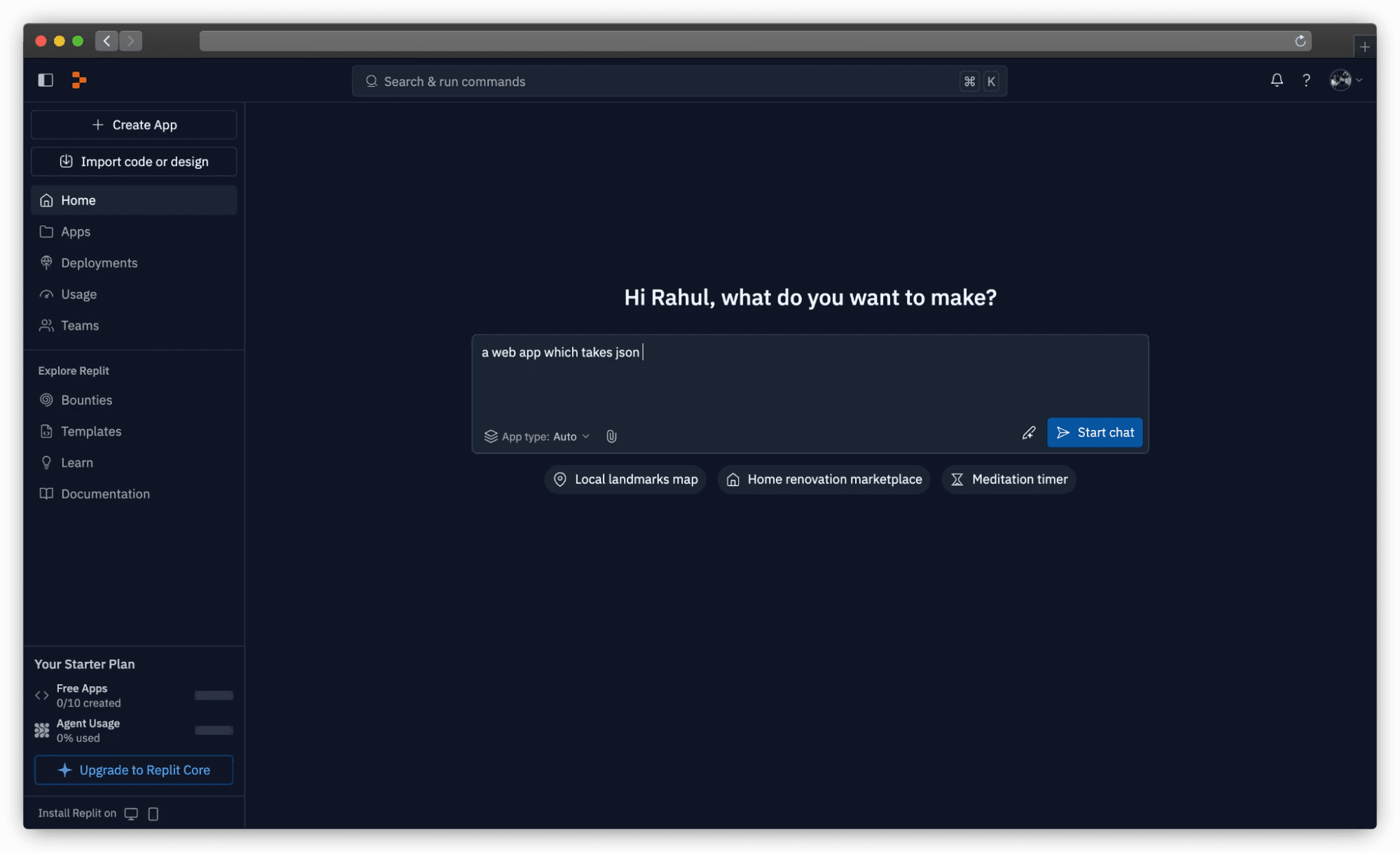
AI-powered coding assistant deeply embedded within Replit’s browser-based IDE, designed to accelerate the journey from idea to working prototype.
Unique for its cloud-native approach, Ghostwriter can generate fully functional applications from high-level inputs or even screenshots, with proactive debugging that identifies and suggests fixes for bugs in real-time. It’s particularly valuable for educational purposes and rapid web-based prototyping.
Pros:
Complete cloud IDE eliminates local setup complexity, accessible from any browser
Rapid prototyping capabilities can transform ideas or screenshots into deployable applications
Excellent learning tool for beginners with insights into coding patterns and best practices
Built-in collaboration features enable real-time teamwork on projects
Cons:
Limited direct VS Code integration - core AI features are confined to Replit platform
Credit consumption for debugging AI-generated bugs can lead to expensive “constant fights” with the AI
Pricing:
Free Starter (limited AI, 3 public projects), Replit Core ($20/month), Teams ($35/user/month), Enterprise (custom)
Tip to use:
Ideal for educational projects and rapid web prototyping, but monitor credit usage carefully when debugging to avoid unexpected costs.
6. OpenAI Codex Playground (via VS Code extension)
Direct access to OpenAI’s foundational Codex models through VS Code extensions, offering the core technology that powers many AI coding tools. Codex is optimized specifically for software engineering tasks using reinforcement learning on real-world coding challenges. It aims to function as a “programmer co-worker” that can autonomously plan and execute complex development tasks with minimal human input.
Pros:
Powered by state-of-the-art OpenAI models specifically optimized for software engineering
Agentic capabilities designed to function as autonomous programmer co-worker
Effective for targeted task automation like fixing typos and generating utility functions
Potential for high-level workflow integration handling planning, implementation, and testing
Cons:
User experience immaturity with unpredictable wait times and GitHub connection issues
Limited internet access restricts autonomous research capabilities, requiring manual environment setup
Pricing:
Usage-based through OpenAI API - GPT-4.1 ($2-8 per million tokens), GPT-4.1 mini ($0.40-1.60 per million tokens)
Tip to use:
Best for experimental use and specific development tasks, but monitor token usage closely and be prepared for manual environment setup complexities.
7. Phind
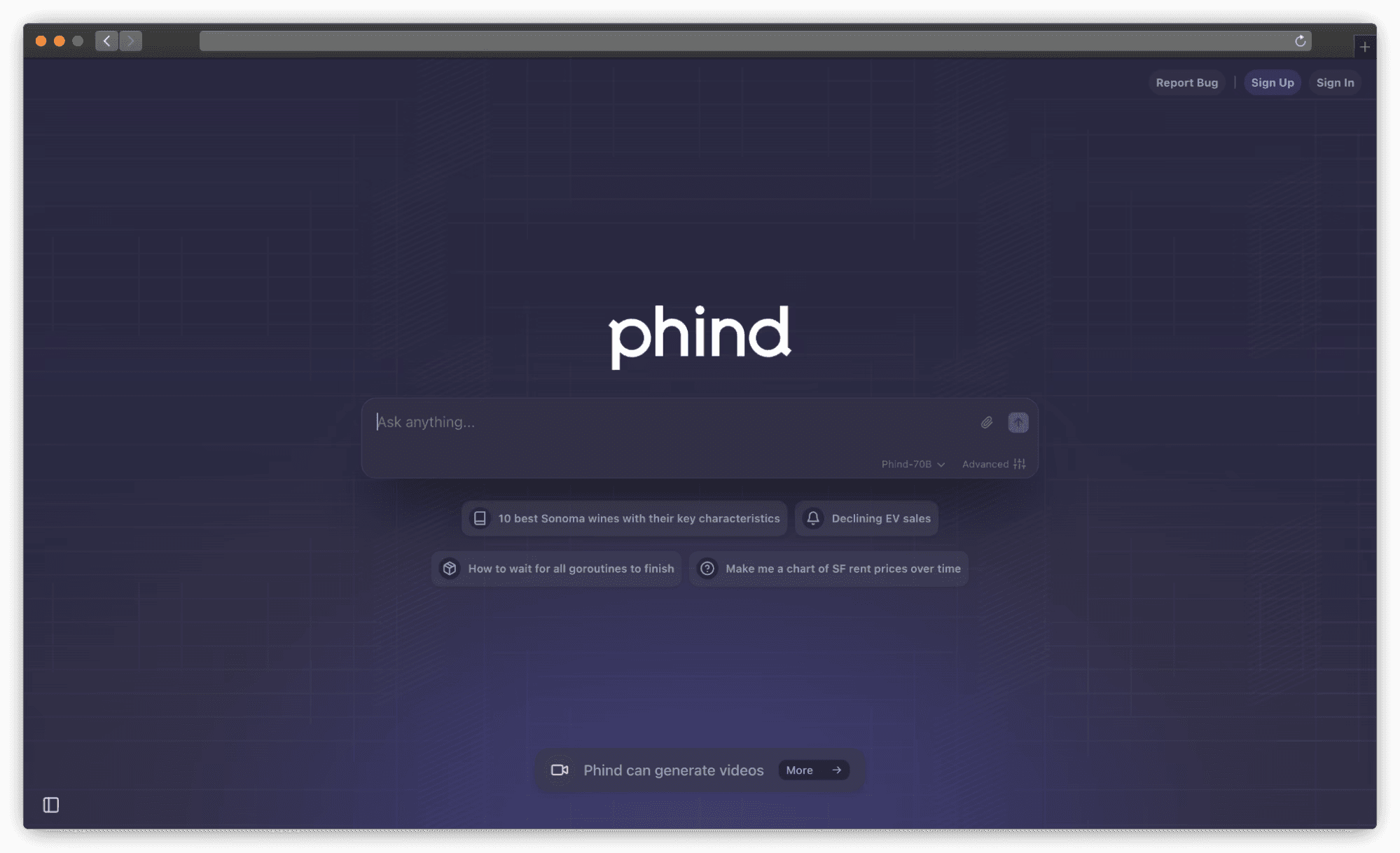
AI-powered search engine and coding assistant that combines traditional web search with generative AI to deliver rich, visual answers to technical questions.
Functions as a “pair programming agent” that intelligently browses the web, asks clarifying questions, and performs recursive problem-solving. The VS Code extension integrates with your codebase to automatically identify relevant code sections for debugging assistance.
Pros:
Hybrid search and AI approach provides up-to-date information with comprehensive technical solutions
VS Code extension automatically identifies relevant code sections for efficient debugging assistance
Agentic problem-solving with dynamic tool selection and multi-step reasoning capabilities
Free tier provides access to GPT-4 powered model for evaluation before subscription
Cons:
Significant privacy concerns - default behavior potentially publishes user queries and code publicly
AI frequently asks too many or irrelevant clarifying questions, disrupting development workflow
Pricing:
Pro ($20/month) and Business Plan ($40/month/user)
Tip to use:
Essential to subscribe to paid plan with data opt-out enabled when working with proprietary code, and provide explicit prompts to minimize unnecessary questioning.
8. Zed.dev AI
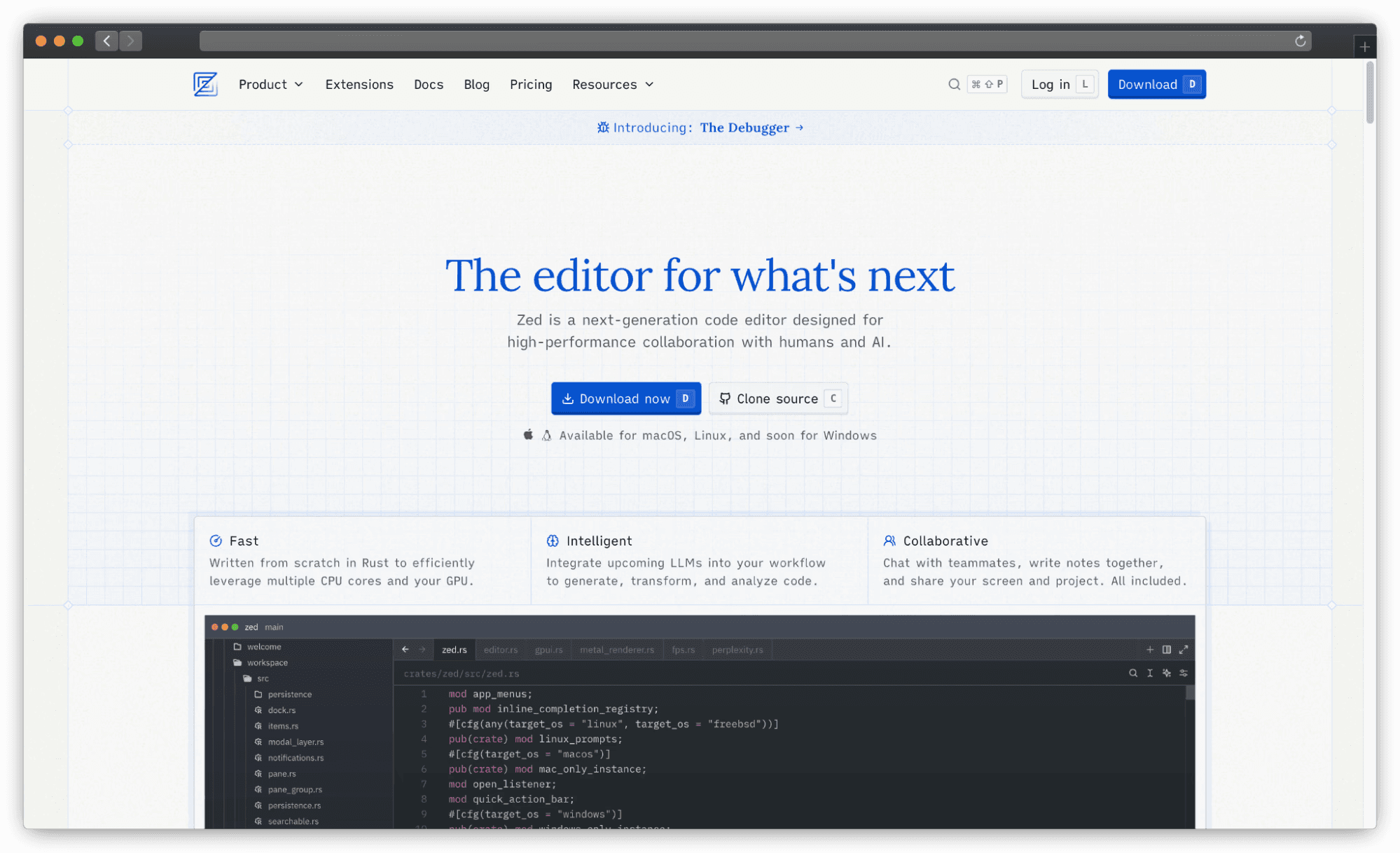
High-performance code editor built from scratch in Rust, designed to be the “world’s fastest AI code editor” with native AI integration and real-time collaboration.
Features innovative “agentic editing” capabilities and uses a transparent, open-source approach including proprietary open-source LLM called Zeta. Emphasizes exceptional performance with minimal typing latency while providing deep AI integration through its Agent Panel.
Pros:
Exceptional performance with blazing-fast speed and minimal typing latency, often outperforming VS Code
Native AI integration through Agent Panel enables deep collaboration between human and AI developers
Open-source and transparent with support for custom models and user-controlled data for training
Privacy-centric design with conversations private by default and no data collection for training
Cons:
Standalone editor requiring adoption of new IDE, losing VS Code’s extensive extension ecosystem
Still considered work-in-progress with less mature features like Git integration and language support
Pricing:
Personal (Free, 50 prompts monthly), Pro ($20/month, 500 prompts), Enterprise (custom pricing)
Tip to use:
Ideal for developers prioritizing raw editor speed and privacy-focused AI experience, especially when using your own API keys for cost and data control.
9. Magic AI (Kilo Code)
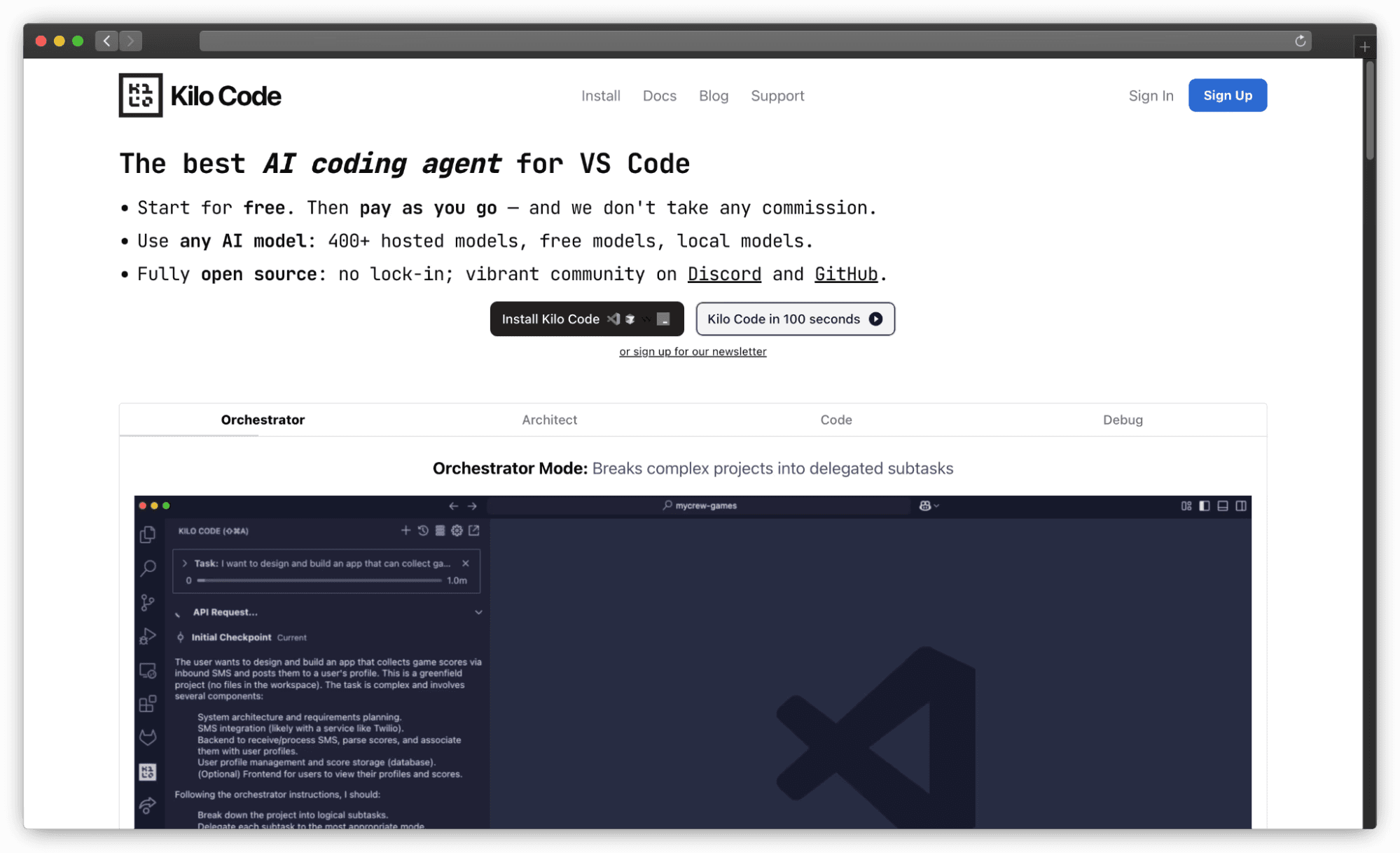
Open-source AI agent extension for VS Code offering multiple operational modes including Orchestrator, Architect, Code, and Debug. Features experimental autocomplete, AI-generated commit messages, and custom workflows with emphasis on automatic failure recovery and hallucination-free code through integration with documentation tools.
Pros:
Completely open-source with transparent pay-what-you-use pricing model for LLM tokens
Advanced agentic workflows with Orchestrator Mode for breaking complex projects into subtasks
Automatic failure recovery designed to detect and fix errors without manual intervention
Hallucination-free code approach using documentation lookup tools for more reliable output
Cons:
Operational instability when getting stuck in loops or confusing working directories
Limited autocomplete functionality when using external AI providers
Pricing:
Open source (free), pay directly for LLM tokens, $20 free credits to start, Enterprise (custom pricing)
Tip to use:
Leverage Orchestrator or Architect modes for complex multi-step development tasks, utilizing automatic failure recovery for more robust AI-driven development.
10. Codiga
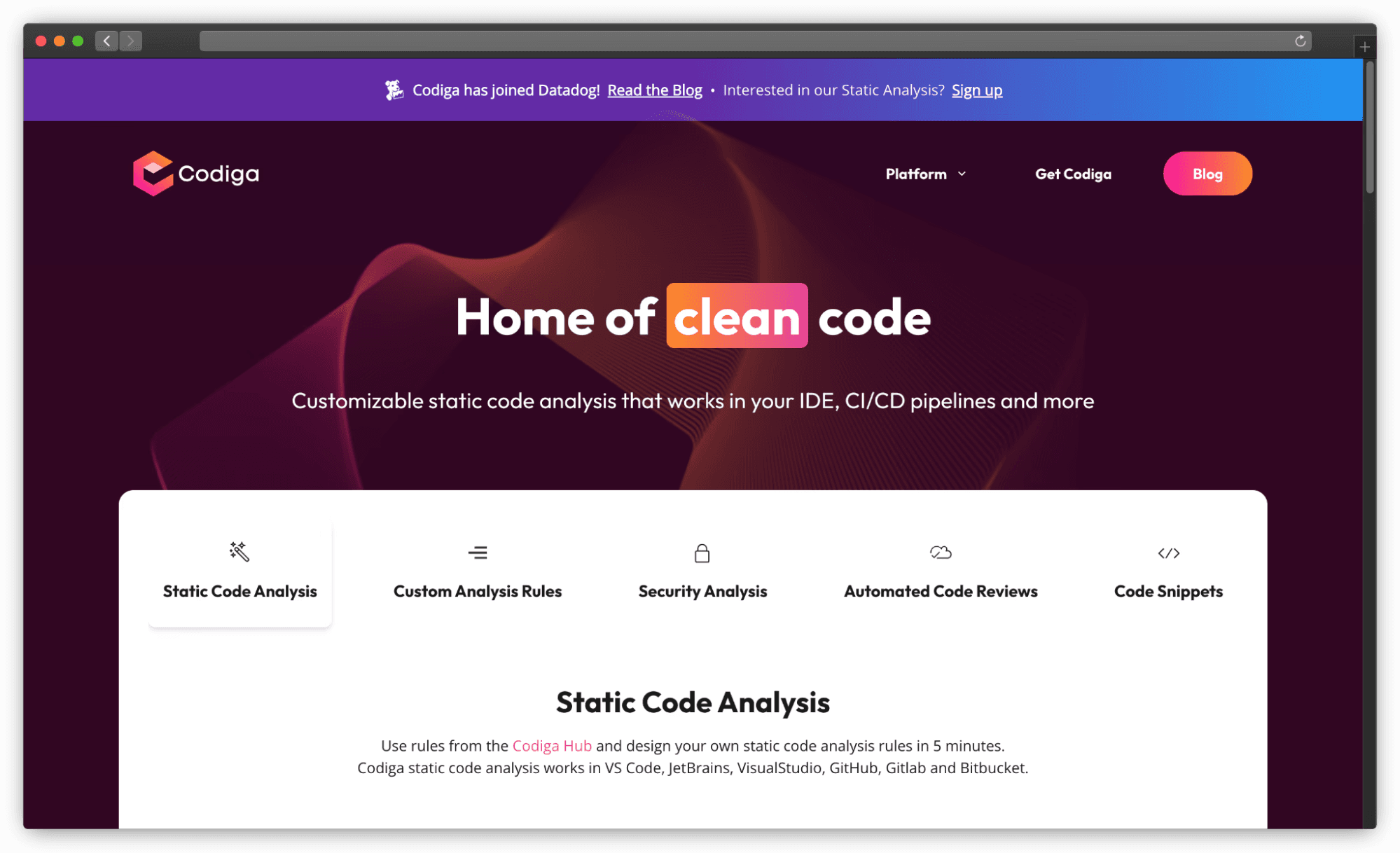
Real-time static code analysis tool integrated directly into VS Code, providing instantaneous feedback with every keystroke. Offers automated fixes for vulnerabilities and coding issues with single-click resolutions, along with customizable rule creation for team-specific coding standards. Features a Code Snippets Hub for discovering and sharing reusable code patterns across development teams.
Pros:
Real-time static analysis provides immediate feedback and automated fixes for vulnerabilities
Customizable rule sets enable teams to create and enforce specific coding standards
Cross-platform consistency ensuring uniform code quality across IDEs and CI/CD pipelines
Explicit privacy guarantee that code is never stored or used for system training
Cons:
Limited language compatibility may not support every programming language
Subscription required for advanced features, potentially creating cost barriers for smaller teams
Pricing:
Free (basic features), Teams ($12-14/month with full repository support and dedicated pipelines)
Tip to use:
Define custom code analysis rules matching your team’s standards for real-time feedback and automated fixes directly in your VS Code workflow.
11. Blackbox AI

Real-time code completion and debugging assistant claiming “World’s Fastest AI Autocomplete” at 200 milliseconds response time. Offers comprehensive AI features including code chat, generation, commenting, and unique capabilities like README generation and commit message creation. Supports integration with multiple AI providers and includes generous free tier for individual developers.
Pros:
Exceptionally fast autocomplete with 200ms response time for rapid code generation
Comprehensive AI feature suite including chat, generation, commenting, and project setup guidance
Smart context understanding of project structure with relevant setup suggestions
Generous free tier offering unlimited completions and chat usage for normal usage patterns
Cons:
Occasional AI hallucinations generating incorrect or outlandish solutions requiring manual review
Privacy concerns as cloud-only service sending code to external servers without self-hosted options
Pricing:
Free (unlimited basic usage), Pro ($7.99/month), Business ($29.99/month), and Ultimate from $99.99/month. Also has 90 day free trial.
Tip to use:
Leverage exceptionally fast autocomplete for boilerplate code and quick refactoring, but always review generated code due to hallucination potential.
12. DeepCode (Snyk Code)
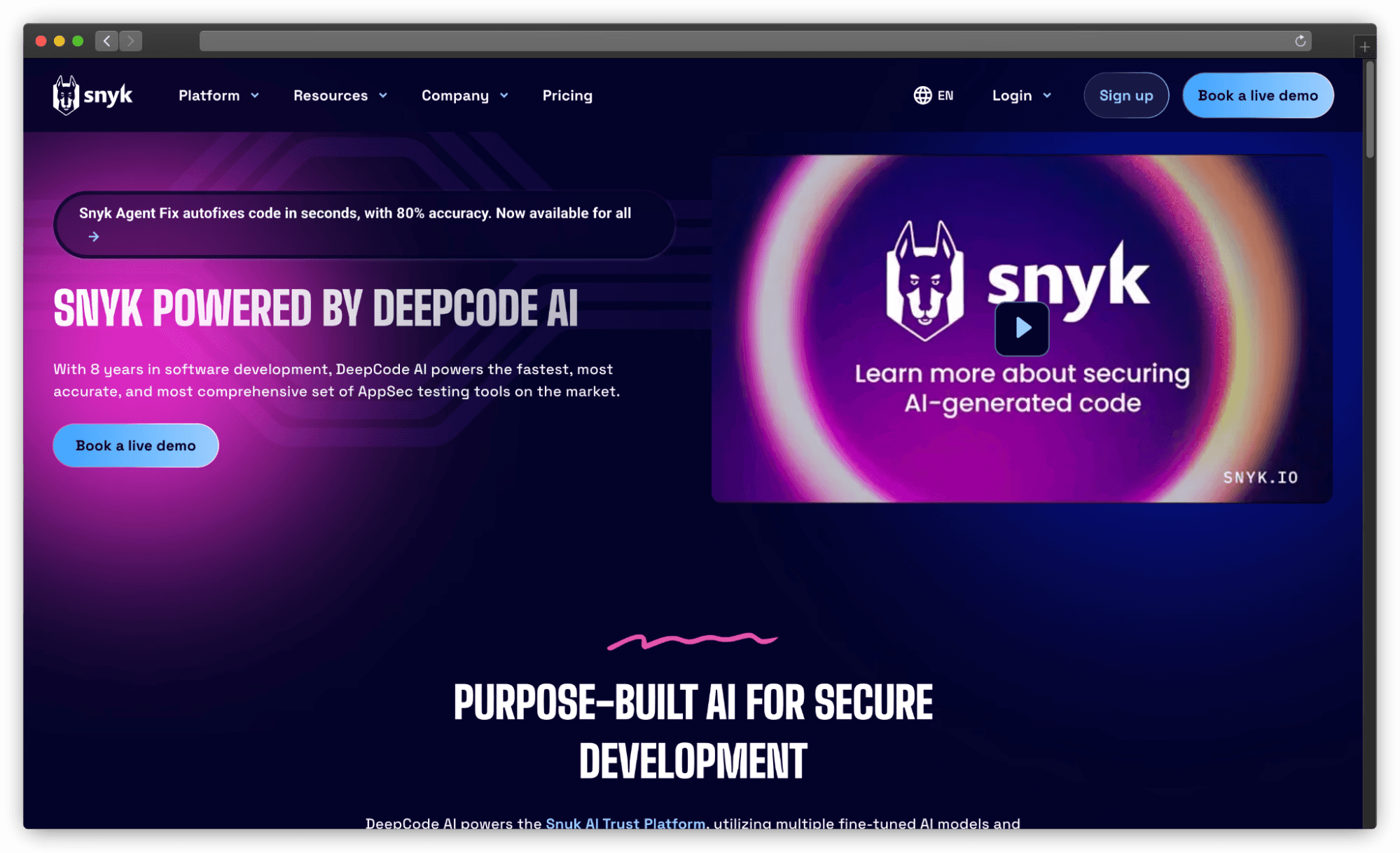
AI-powered security analysis tool integrated into Snyk Trust Platform, providing real-time code scanning and automated vulnerability remediation directly within VS Code. Specializes in identifying, automatically fixing, and prioritizing security vulnerabilities using neural networks trained on millions of lines of code. Features 80% accurate security autofixes with a hybrid AI approach combining symbolic and generative AI.
Pros:
Purpose-built AI security designed for secure development with vulnerability detection and autofix capabilities
Hybrid AI approach combining symbolic and generative AI for high accuracy and minimal hallucinations
Shift-left security integration enables early issue identification and resolution in development process
No user data used for training, with models trained exclusively on permissively licensed open-source projects
Cons:
User interface complexity when managing large volumes of vulnerabilities with filtering and sorting challenges
Limited automated fix support for inter-file changes, focusing only on single-file corrections
Pricing:
Free, Team ($25/month), Enterprise (custom pricing with automated fixes)
Tip to use:
Integrate into VS Code workflow for proactive security scanning and AI-powered autofixes to address vulnerabilities during development rather than post-deployment.
13. Sourcery
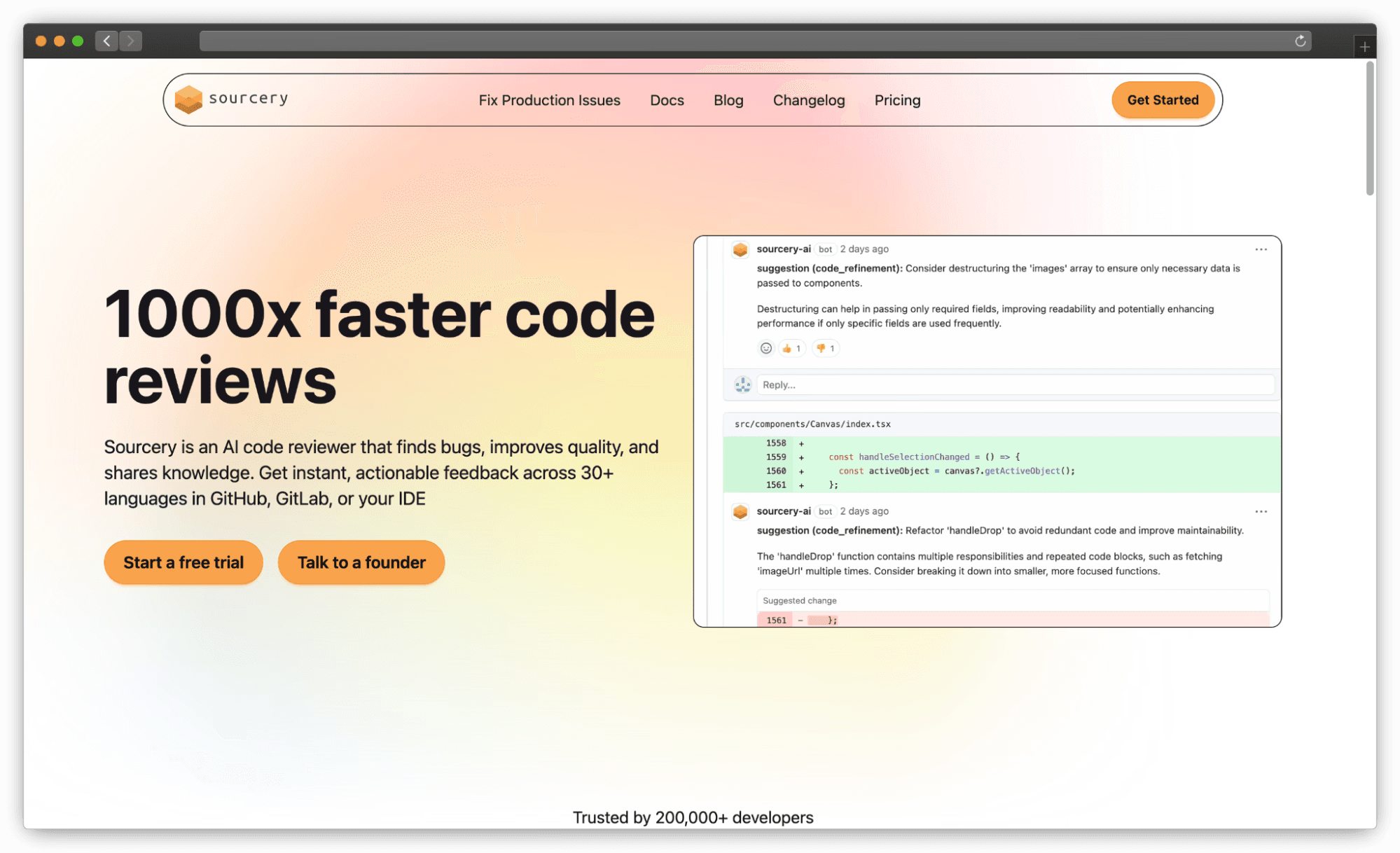
Real-time code quality enhancement tool focusing on Python, JavaScript, and TypeScript with AI assistant that provides on-demand code reviews, automated GitHub and GitLab PR reviews, and continuous quality feedback with scoring system. Can generate Mermaid diagrams, comprehensive unit tests, and detailed code explanations for optimization.
Pros:
Real-time refactoring suggestions directly in IDE for immediate code quality improvements
Comprehensive quality feedback with function scoring for sub-scores for length, complexity, and working memory
AI chat with codebase context for questions, improvements, diagrams, tests, and explanations
Free tier available for open-source projects with Pro features included
Language specificity limiting utility for developers working outside Python, JavaScript, and TypeScript environments
Cons:
Language specificity limiting utility for developers working outside Python, JavaScript, and TypeScript environments
Pricing:
Open Source (Free for public repos), Pro ($12/month annually), Team ($24/month), Enterprise (custom pricing)
Tip to use:
Consistently apply real-time refactoring suggestions and monitor quality scores within VS Code to address maintainability issues before committing changes.
14. CodiumAI (now Qodo)
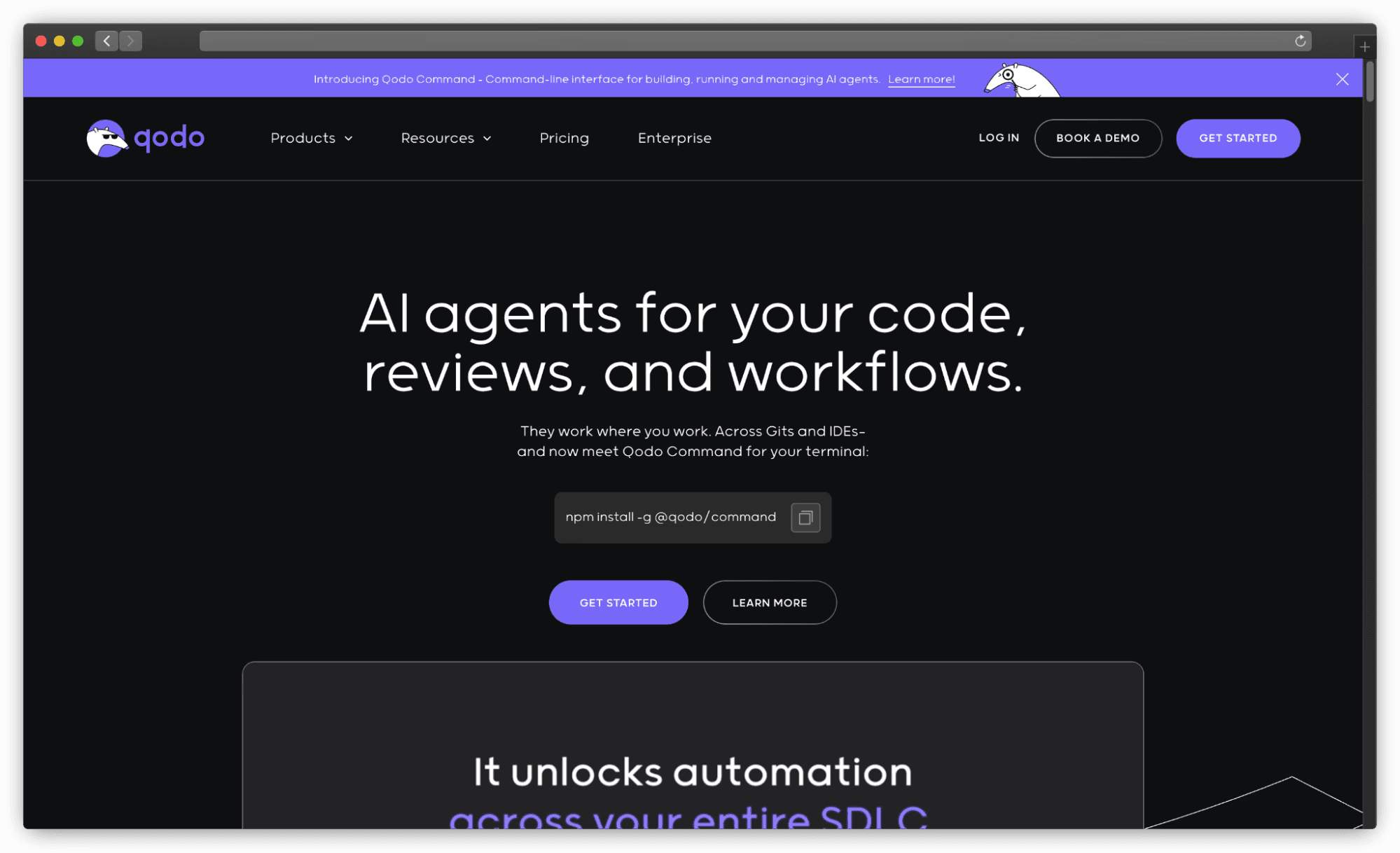
Quality-first generative AI coding platform rebranded as Qodo, supporting all programming languages with integrated AI chat, code completion, and test generation. Focuses on generating meaningful tests, improving code quality, proactively uncovering bugs, and streamlining pull request processes. Features automated code review through “Qodo Merge” for enhanced development workflows.
Pros:
Broad language support emphasizing reliable code generation with fewer bugs and comprehensive test coverage
Quality-first approach compatible with virtually all programming languages for versatile development needs
Strong privacy and security posture with SOC2 certification, SSL encryption, and no data retention policy
Extensible coding workflows with Model Context Protocol tooling for integration with external services
Cons:
Inconsistent agentic quality with reports of unusable or overly complex generated code requiring manual rework
Customer support issues including reports of ignored support requests and delayed assistance
Pricing:
Developer (Free, 250 credits monthly), Teams ($30/user/month, 2500 credits), Enterprise ($45/user/month)
Tip to use:
Prioritize test generation capabilities to quickly increase coverage and uncover bugs, particularly for newly developed functions or classes.
15. GPT Pilot (Pythagora)
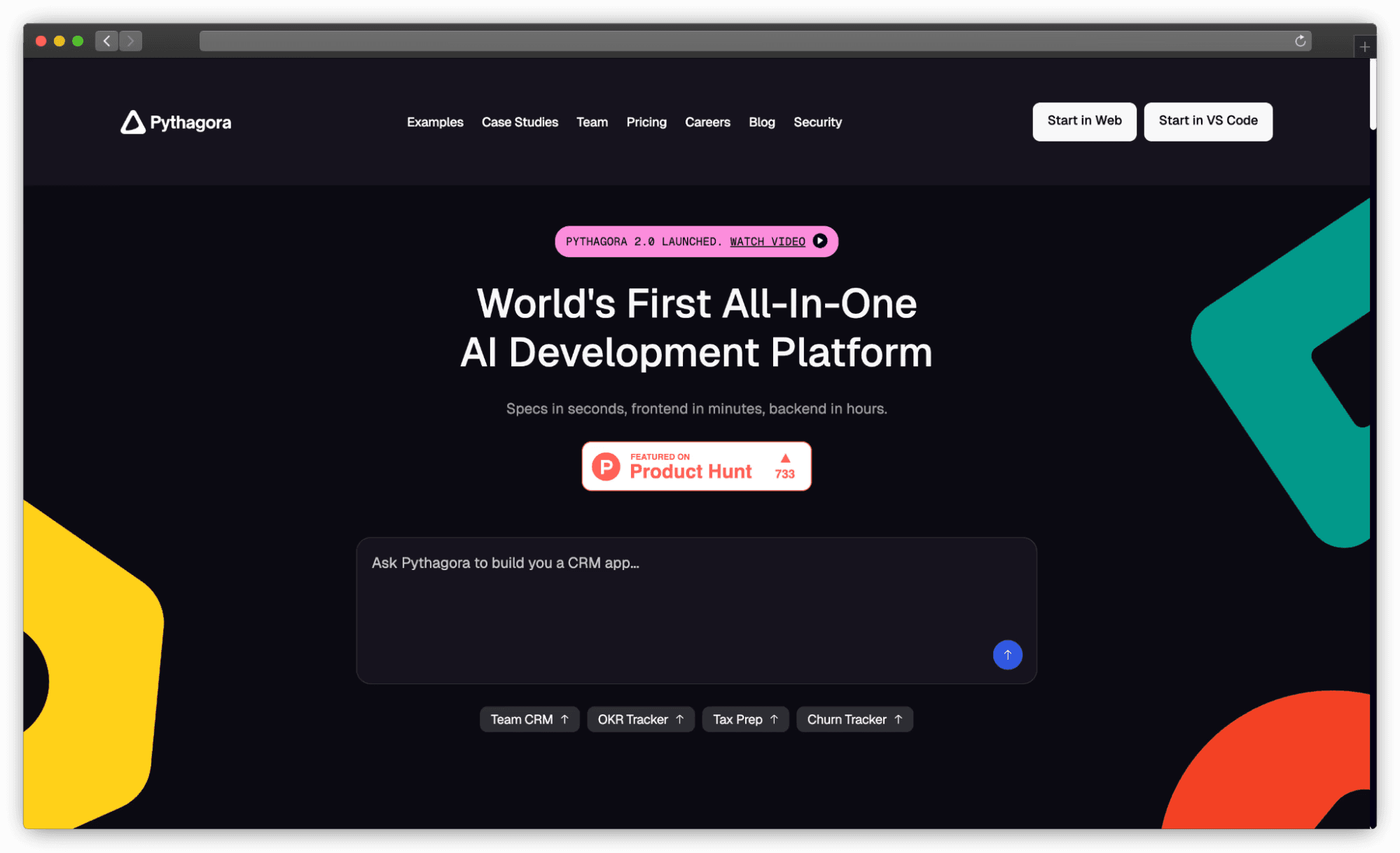
Core technology behind Pythagora VS Code extension, designed as a “real AI developer companion” capable of writing full features, debugging, and discussing issues. Focuses on building fully working, production-ready applications with human oversight, suggesting AI can handle approximately 95% of coding tasks. Employs multi-agent architecture with specialized agents for implementation, review, troubleshooting, and documentation
Pros:
Full application generation capabilities including front-end and back-end components for complete projects
Iterative development approach with step-by-step coding and real-time debugging for issues as they emerge
Multi-agent architecture with specialized agents for implementation, review, troubleshooting, and documentation
Scalability for large projects through intelligent code context filtering for relevant processing
Cons:
Early stage maturity with operational issues including rate limits, WSL compatibility problems, and project loading difficulties
Dependency on human oversight for critical 5% of work, meaning not fully autonomous development yet
Pricing:
Free Plan (limited), Pro ($49/month for individuals and small teams), Premium ($89/month), Enterprise (custom)
Tip to use:
Leverage multi-agent approach for iterative full-stack development, but be prepared for human oversight and intervention during complex challenges.
16. AskCodi

AI assistant integrated across IDEs with context-awareness and customizable shortcuts, requiring API key from AskCodi web application for full functionality. Provides chat interface, natural language code suggestions, and specialized mini-apps for specific development tasks. Features broad AI capabilities including documentation, explanation, testing, and integration with multiple LLM providers.
Pros:
Broad AI capabilities including chat, code suggestions, documentation, explanation, and test generation
Context-aware assistance understanding project structure with conversation history maintenance
Privacy-focused design ensuring generated code is not saved for user confidentiality
Multi-model support providing access to various LLMs including Gemini, Claude, and GPT-4o
Cons:
Long response times causing delays that hinder development workflow fluidity
Inconsistent code quality often requiring manual corrections and gap-filling for complex segments
Pricing:
Premium ($149.99/year, 500 AI credits monthly), Ultimate ($349.99/year, 1500 AI credits monthly)
Tip to use:
Leverage context-aware features for quick code explanations and documentation, but be prepared to iteratively refine output for accuracy and completeness.
17. Sourcegraph Cody
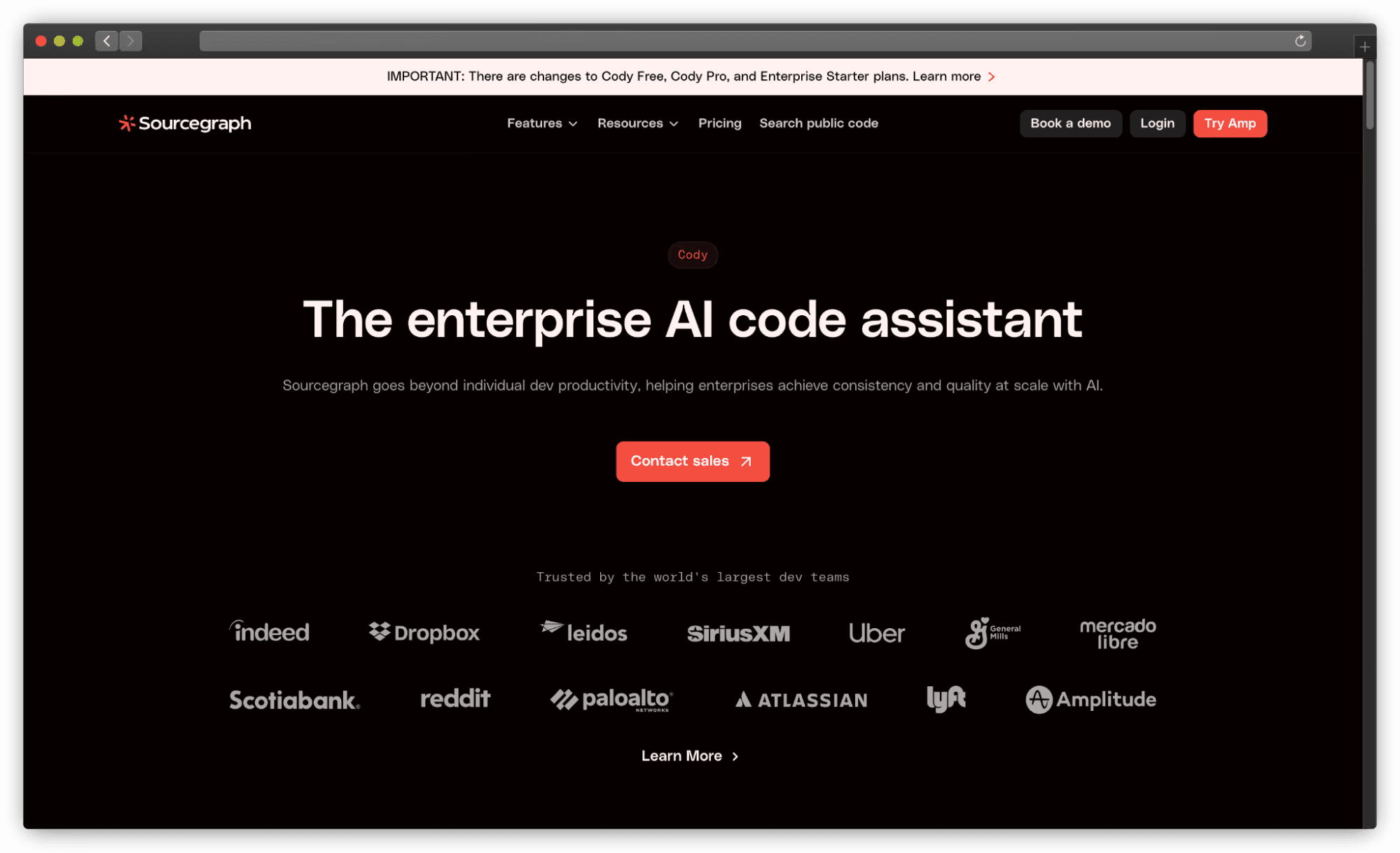
AI coding assistant with over 685,000 VS Code installs, designed to work with any programming language using broad LLM training data. Known for deep codebase context understanding across multiple files, enabling project-wide insights and intelligent assistance. Offers comprehensive AI features including agentic chat, autocomplete, inline editing, and customizable Prompt Library for tailored workflows.
Pros:
Deep codebase context understanding enabling highly relevant AI assistance for complex projects
Multi-model support allowing users to select preferred LLMs including Claude Sonnet 4 and GPT-4o
Comprehensive AI feature suite with agentic chat, autocomplete, inline editing, and custom prompts
Enterprise-ready with flexible deployment options and support for large-scale security requirements
Cons:
Performance issues including slow code generation and inconsistent suggestion quality
Integration is perceived as less seamless compared to GitHub Copilot due to underlying API limitations
Pricing:
Enterprise starter - $19/month/user, Enterprise Search - $49/month/user.
Tip to use:
Leverage deep codebase context understanding for large multi-file projects to obtain relevant AI suggestions and accelerate code reviews.
The Missing Layer: What No Copilot Alternative Actually Solves
Every tool in this list helps you write code faster. That is the right problem to solve, and all 17 tools do it meaningfully better than writing code without AI assistance.
But there is a different problem that none of them address: who reviews the code that AI writes?
AI coding tools generate code with 2.74x more vulnerabilities than human-written code (Veracode 2025). 66% of developers say AI solutions are “almost right, but not quite.” Only 3% of developers highly trust AI output. The Stack Overflow 2025 survey found 35% of developers visit Stack Overflow specifically when AI-generated code fails.
The faster your team writes code with Cursor or Copilot, the faster vulnerabilities and technical debt accumulate, unless you have a review layer that keeps pace.
CodeAnt AI sits in this gap. It is not a code generation tool and does not compete with the 17 tools above. It reviews pull requests, whether the code was written by a developer, generated by Cursor’s Composer, scaffolded by Windsurf’s Cascade, or committed by Copilot’s Coding Agent. Full codebase context, security vulnerability detection across 30+ languages, GitHub, GitLab, Azure DevOps, or Bitbucket integration.
Your AI writes the code. CodeAnt AI reviews it.
Add AI code review to your AI coding stack. CodeAnt AI reviews every pull request with full codebase context, catching security vulnerabilities, enforcing standards, and reducing manual review time for engineering teams.
How to Choose the Right Alternative for Your Workflow
The choice comes down to four questions:
What kind of work do you mostly do? If it is complex multi-file feature development and refactoring, Cursor or Claude Code. If it is faster inline autocomplete across a large codebase, Copilot or Windsurf. If it is security and vulnerability review, Snyk Code or CodeAnt AI.
What are your privacy requirements? If your code cannot leave your machine, Continue.dev with Ollama or Cline with a local model. If you need enterprise-grade on-premise deployment, Tabnine. If you need FedRAMP High, Windsurf Enterprise or Amazon Q Developer.
What IDE do you actually use? If JetBrains, GitHub Copilot is still your best plug-and-play option (or JetBrains AI Assistant natively). If VS Code exclusively, the full list is available to you. If you want terminal-first, Claude Code or Codex CLI.
What is your budget? Free options worth using seriously: Gemini Code Assist (6K req/day), Continue.dev (fully free), Cline (BYOK), GitHub Copilot Free (2K completions/month). Paid options starting at $10/month: Copilot Pro, JetBrains AI Pro. Premium: Cursor Pro ($20/month), Windsurf Pro ($20/month), Tabnine Enterprise ($39+/user/month).
Final Verdict: Best Tool for Each Use Case
Use case | Best tool | Why |
|---|---|---|
Best overall | CodeAnt AI | Highest code quality, best multi-file reasoning, 80% acceptance rate. Also, rReviews AI-generated code, full codebase context, 30+ languages. |
Best free tier | Gemini Code Assist | 6,000 req/day, no payment required |
Best for privacy / air-gapped | Tabnine | Only air-gapped deployment option, zero data retention |
Best for AWS teams | Amazon Q Developer | Native AWS integration, free tier, Java transformation agent |
Best open-source | Continue.dev | 32K GitHub stars, full BYOM, enterprise features |
Best for JetBrains | JetBrains AI + Junie | Native integration, Junie CLI for VS Code terminal |
Best for autonomous tasks | Windsurf / Claude Code | Cascade (low steering) or Claude Code (highest quality output) |
Best for security | Snyk Code | DeepCode AI, OWASP benchmark leader, real-time scanning |
Best for code quality | Cursor | Best code quality acceptance rate |
Best for test generation | Qodo | Qodo Cover achieves 92% branch coverage |
Best for rapid prototyping | Replit Agent | Full-stack app from NL description, instant deployment |
In 2026, there’s no shortage of GitHub Copilot alternatives and AI coding tools. From Codeium’s unlimited free completions to Tabnine’s privacy-first approach, Cursor’s deep codebase understanding, and specialised security-focused tools like Snyk Code, every option brings its own strengths.
Almost all of them offer free plans or trials, see which ones fit your coding style, and build a stack that accelerates your workflow without compromising privacy or security. The best AI coding assistant is simply the one that makes your day easier and your code better.
And while you’re speeding up coding with these tools, remember that faster coding means more pull requests to review. That’s where CodeAnt.ai steps in. For more, get yourself a 14-day free trial today!!

