

Pull requests pile up. Reviewers context-switch between PRs all day. By the time feedback arrives, the author has moved on to something else entirely. GitHub's native review tools handle the basics, but they weren't built for teams shipping dozens of PRs daily across multiple repositories.
AI code review tools change that equation. They analyze every PR before human eyes see it, summarizing changes, flagging security risks, and suggesting fixes inline. This guide covers the 10 best GitHub AI code review tools for 2026, what separates them, and how to pick the right one for your team.
Where GitHub's Native PR Review Falls Short
GitHub's pull request interface handles the basics well. You get diffs, inline comments, approvals, and branch protection rules. For small teams with simple codebases, that's often enough to keep things moving.
Once your team scales, though, the gaps become obvious. GitHub shows you what changed but doesn't explain why it matters. There's no AI-powered summary telling you "this PR refactors the authentication module and touches 12 files." Every review requires manual effort: assigning reviewers, reading through changes line by line, leaving comments, and following up.
No Intelligent Suggestions or Codebase Context
GitHub's diff view is exactly that—a diff. It won't tell you if a change introduces a performance regression or violates your team's architectural patterns. You're on your own to spot problems.
Manual Review Tasks That Don't Scale
When you're handling 50+ PRs a week, the manual overhead adds up fast. Assigning reviewers, context-switching between PRs, and chasing down approvals becomes a full-time job for someone on your team.
Large Pull Requests Become Unmanageable
A PR with 500 changed lines overwhelms even experienced reviewers. GitHub offers no way to prioritize high-risk changes or break down what matters most. Everything looks equally important, which means nothing stands out.
Basic Security Scanning Misses Critical Risks
GitHub Advanced Security exists, but it catches surface-level issues rather than deep vulnerabilities. Hardcoded secrets, dependency risks, and injection vulnerabilities often slip through without dedicated tooling.
No Enforcement of Organization-Specific Standards
If your team has specific coding conventions, architecture patterns, or compliance rules, GitHub won't enforce them automatically. You'll either rely on human reviewers to catch violations or add external tools to the pipeline.
How AI Code Review Tools Automate Pull Request Workflows
AI code review tools sit between your developers and the merge button. They analyze every PR before human eyes see it, handling the repetitive checks so reviewers can focus on architectural decisions.
Instant PR Summaries and Change Explanations
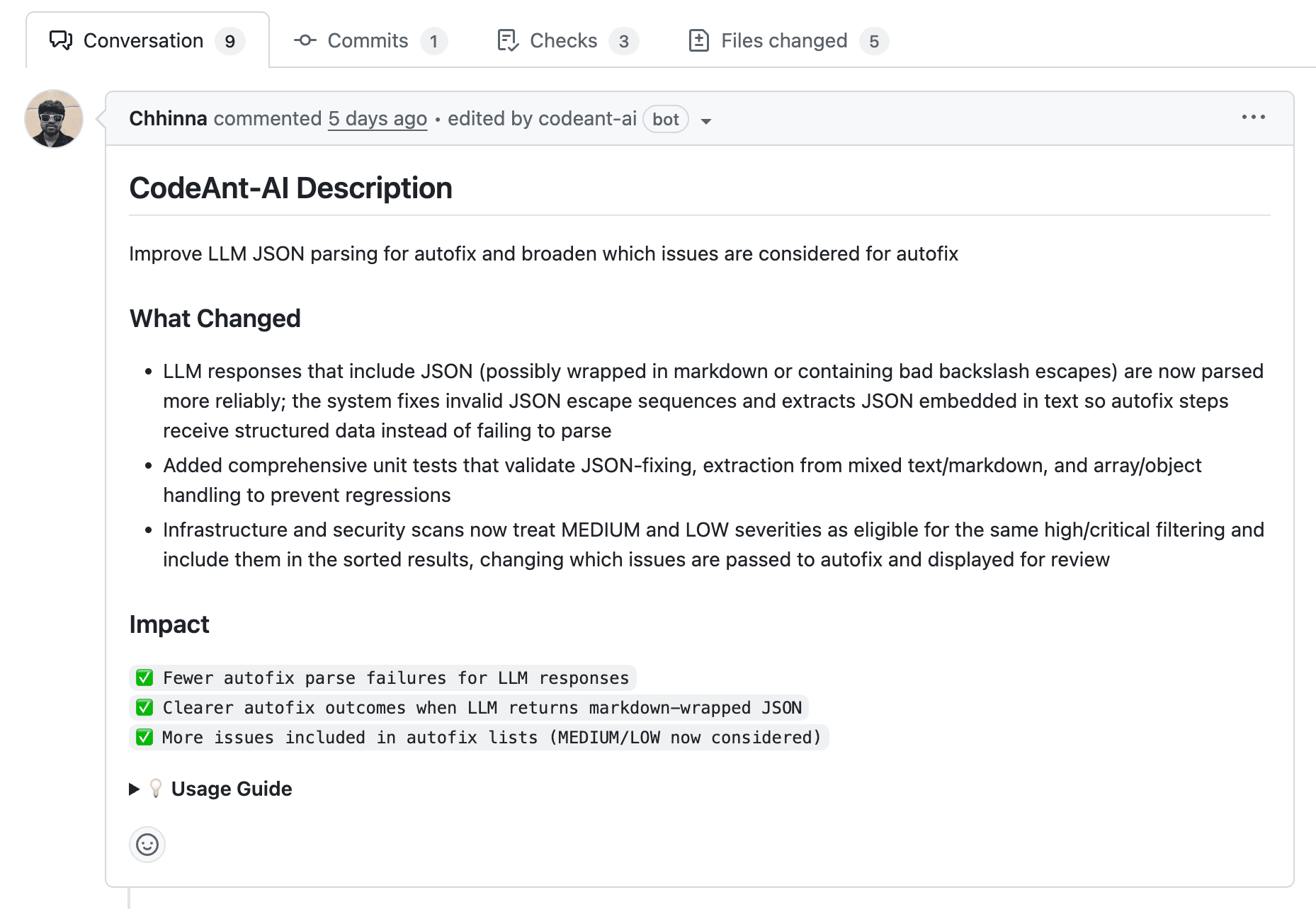
AI reads the diff and generates a human-readable summary. Instead of scanning 200 lines to understand what changed, you get a paragraph explaining the intent and impact. Reviewers understand context before reading a single line of code.
Line-by-Line Code Suggestions with Auto-Fix
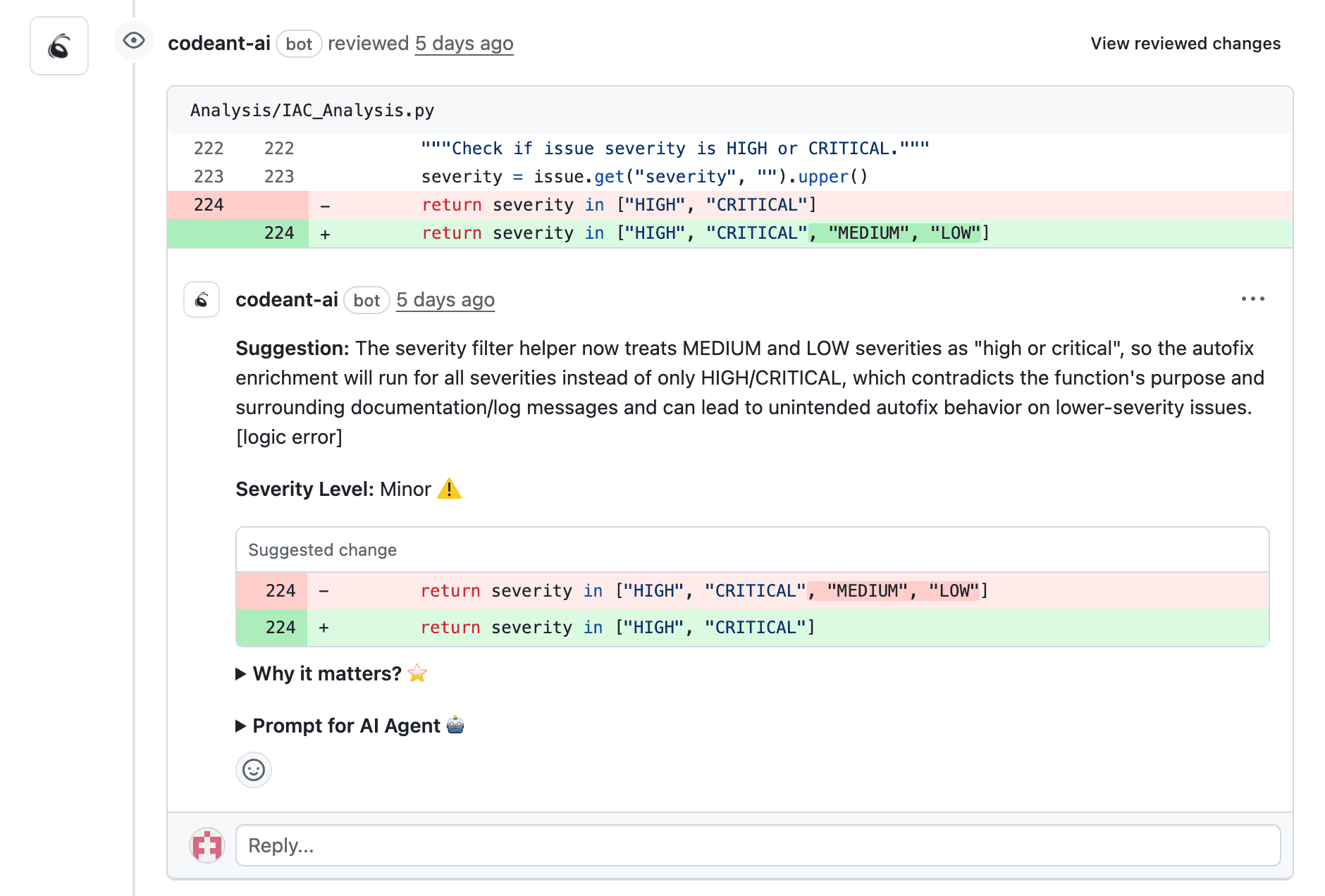
AI comments directly on problematic lines with recommended fixes. Some tools apply fixes automatically with one click. This is different from linting—AI understands context and can suggest refactors, not just flag syntax errors.
Automated Security and Vulnerability Detection
Tools scan for hardcoded secrets, dependency vulnerabilities, and injection risks on every commit. Static Application Security Testing (SAST) analyzes source code without executing it, catching issues before they reach production.
Quality Gate Enforcement Before Merge
Quality gates block PRs from merging until they pass predefined checks. You can set thresholds for test coverage, complexity scores, or security findings. If a PR doesn't meet the bar, it can't merge, no exceptions.
What to Look for in a GitHub AI Code Review Tool
Before diving into specific tools, here's what separates useful tools from noise:
Native GitHub integration: Look for GitHub App or Action support with inline PR comments and status checks
AI accuracy: High false-positive rates waste developer time—prioritize tools that learn from dismissals
Security depth: Coverage for vulnerabilities, secrets, misconfigurations, and dependency risks
Customizable rules: Ability to enforce organization-specific standards beyond generic best practices
Transparent pricing: Clear per-seat vs. per-repo models with predictable scaling costs
Top 10 GitHub AI Code Review Tools Compared
Tool | Best For | Key Strength | Pricing Model |
CodeAnt AI | Unified code health | AI reviews + security + quality in one platform | Per-seat |
CodeRabbit | Fast PR feedback | Conversational AI reviews | Per-seat |
GitHub Copilot Code Review | GitHub-native workflows | Built-in integration | Per-seat |
Qodo | Test generation focus | AI-generated test coverage | Freemium |
Snyk Code | Security-first teams | Deep vulnerability detection | Per-developer |
SonarQube | Enterprise quality gates | Mature static analysis | Per-instance |
Codacy | Automated code quality | Multi-language support | Per-seat |
DeepSource | Developer experience | Fast, low-noise analysis | Per-seat |
CodeScene | Technical debt tracking | Behavioral code analysis | Per-developer |
Amazon CodeGuru | AWS-centric teams | AWS integration | Pay-per-analysis |
CodeAnt AI
CodeAnt AI combines AI-powered code reviews, security scanning, and quality tracking in a single platform. Instead of juggling multiple point solutions, teams get a unified view of code health across the entire development lifecycle.
Features:
Line-by-line AI feedback with auto-fix suggestions
Security scanning for vulnerabilities, secrets, and misconfigurations
Quality tracking for complexity, duplication, and technical debt
DORA metrics for deployment frequency and lead time
Support for 30+ programming languages
Best for: Engineering teams wanting one platform for reviews, security, and quality without tool sprawl.
Limitations: Designed for teams at scale; smaller teams may not use all capabilities.
Pricing: Per-seat pricing with a 14-day free trial. Try CodeAnt AI free.
CodeRabbit
CodeRabbit takes a conversational approach to AI reviews. You can ask follow-up questions directly in PR comments, and the AI responds with context-aware explanations. It feels more like chatting with a knowledgeable teammate than reading static analysis output.
Features:
Conversational reviews with follow-up capability
Auto-generated PR summaries
Multi-language support for popular frameworks
Best for: Teams wanting fast, interactive feedback without deep security or quality tracking.
Limitations: Lacks unified security scanning and technical debt metrics. Primarily focused on review feedback.
Pricing: Free tier available; paid plans scale per seat.
Checkout this CodeRabbit alternative.
GitHub Copilot Code Review
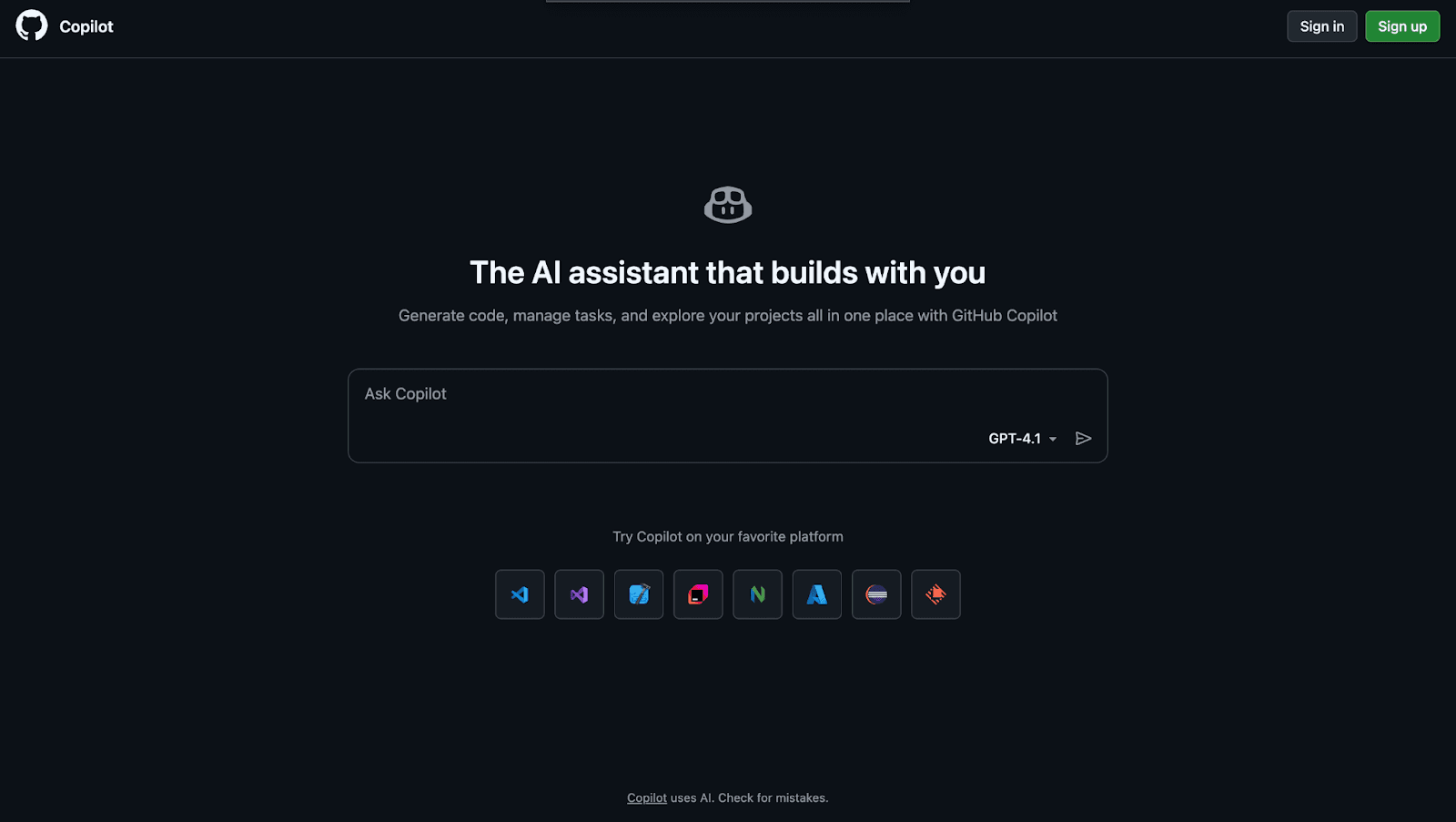
If you're already using GitHub Copilot, its code review features integrate without additional setup. The AI suggests improvements inline, using repository context to inform recommendations. No new tool to install or configure.
Features:
Native GitHub integration with no extra installation
Inline code suggestions in PRs
Context-aware recommendations based on your codebase
Best for: Teams already invested in GitHub Copilot who want basic AI review without adding another tool.
Limitations: Limited security scanning. No quality gates, metrics dashboards, or compliance enforcement. Copilot's review comments don't count as required approvals in branch protection settings.
Pricing: Included with GitHub Copilot subscription; Enterprise tiers required for advanced features.
Checkout this GitHub Copilot alternative.
Qodo
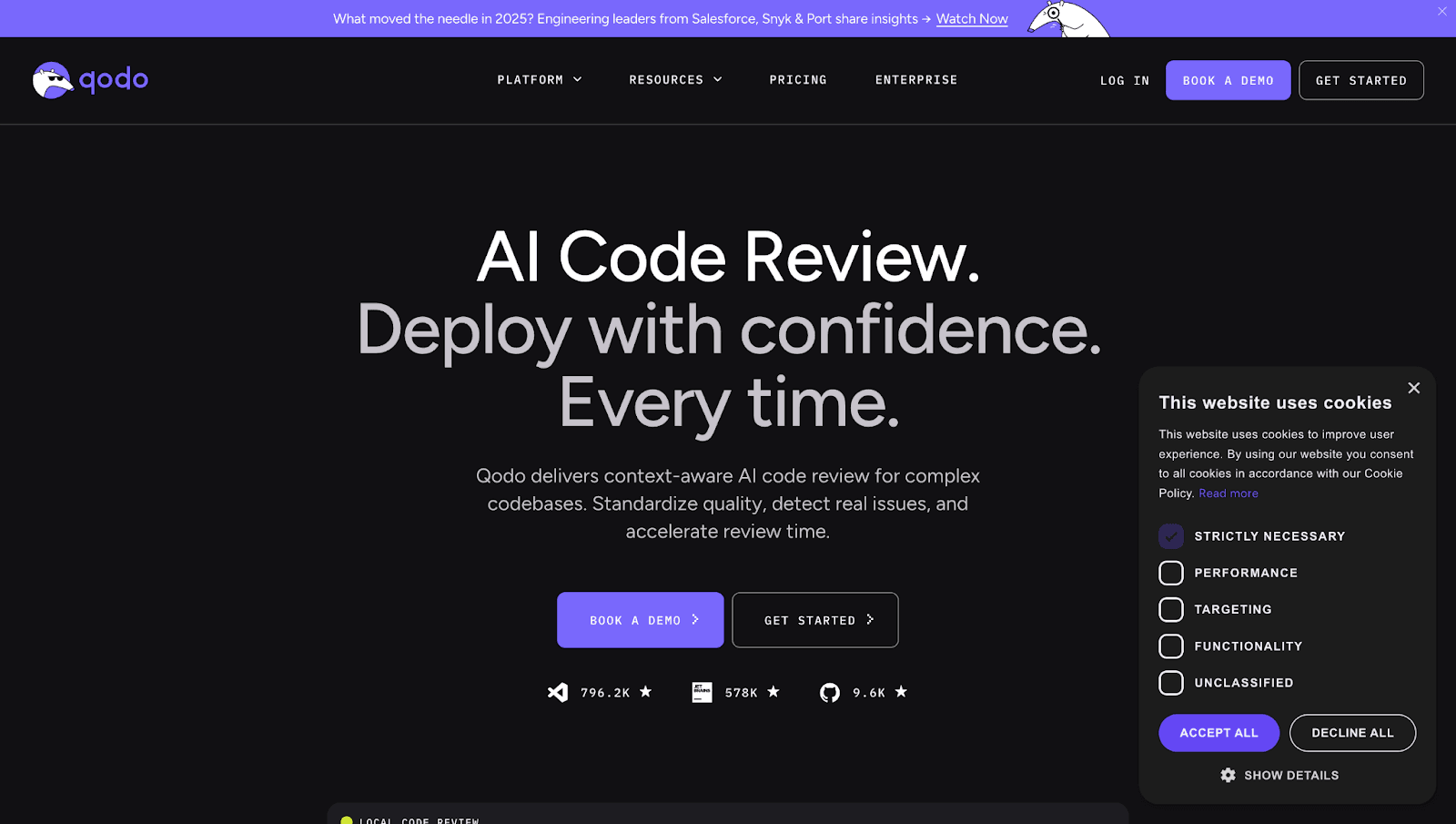
Qodo differentiates itself through AI-generated test suggestions. When you open a PR, it doesn't just review the code—it proposes unit tests for the changes. This is particularly useful for teams trying to improve coverage without slowing down development.
Features:
AI test generation for changed code
PR review comments for quality feedback
IDE integration alongside GitHub support
Best for: Teams focused on improving test coverage as part of the review process.
Limitations: Test generation is the primary strength; less comprehensive for security or quality enforcement.
Pricing: Freemium model with paid tiers for teams.
Checkout this Qodo Alternative.
Snyk Code
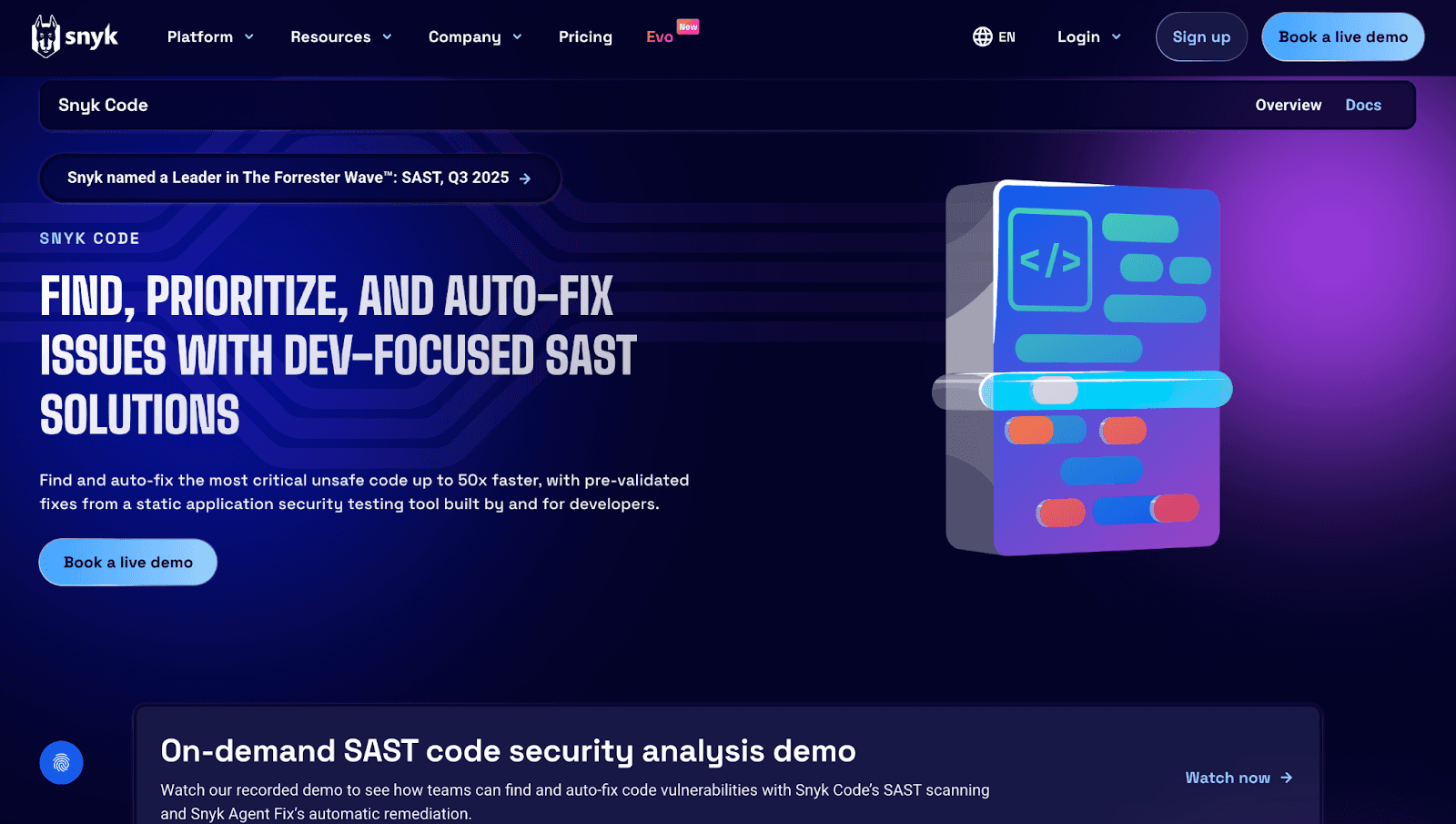
Snyk Code focuses on security-first analysis. It performs real-time SAST, analyzing source code for vulnerabilities without executing it. The tool catches issues as code is written, not just when PRs are opened.
Features:
Real-time SAST scanning as code is written
Dependency scanning for open-source package risks
Fix suggestions with remediation guidance
Best for: Security-conscious teams prioritizing vulnerability detection over general code quality.
Limitations: Focused on security; lacks code quality metrics or AI-driven review summaries.
Pricing: Free for individual developers; team and enterprise tiers based on developer count.
Checkout these Top 13 Snyk Alternatives.
SonarQube
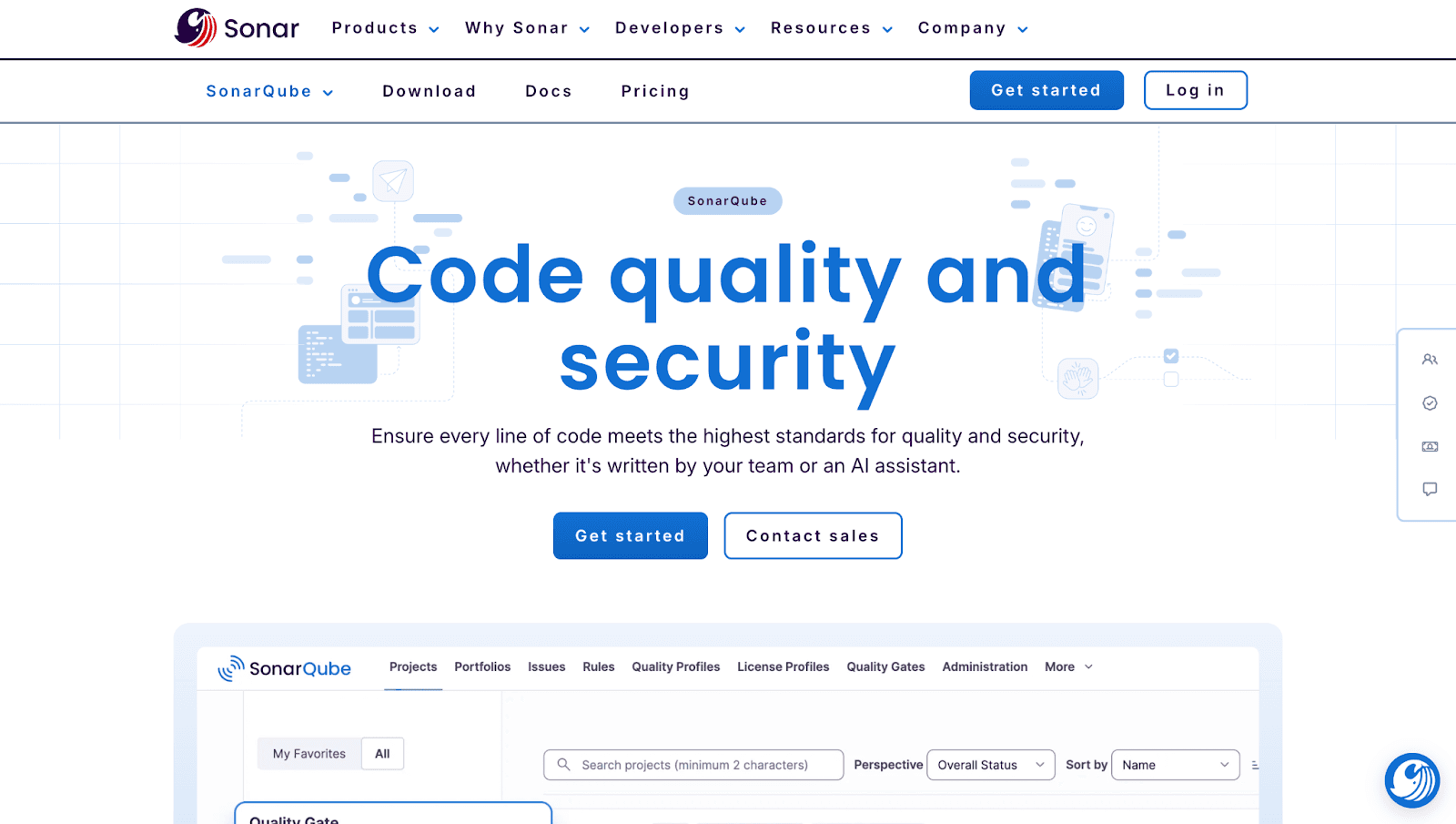
SonarQube has been a staple in enterprise code quality for years. It offers mature static analysis with quality gates that block merges when code doesn't meet defined thresholds. Many large organizations already have SonarQube in their pipelines.
Features:
Static analysis for bugs, code smells, and vulnerabilities
Quality gates that enforce merge standards
On-prem deployment for compliance-sensitive teams
Best for: Enterprises with established DevOps pipelines wanting mature quality controls.
Limitations: Requires infrastructure management for self-hosted deployments. AI capabilities are newer and less mature than dedicated AI tools. Steeper learning curve for first-time users.
Pricing: Free Community Edition; paid editions based on lines of code.
Checkout this SonarQube Alternative.
Codacy
Codacy automates code quality checks across polyglot codebases, supporting dozens of programming languages out of the box. It's particularly useful for teams with diverse tech stacks who want consistent standards everywhere.
Features:
Automated code reviews on every PR
Multi-language support across repositories
Quality dashboards tracking trends over time
Best for: Teams wanting automated quality checks across diverse tech stacks.
Limitations: AI capabilities are limited compared to newer tools. Security scanning is available but not as deep as dedicated platforms.
Pricing: Free for open source; paid plans per seat for private repositories.
Checkout this Codacy Alternative.
DeepSource
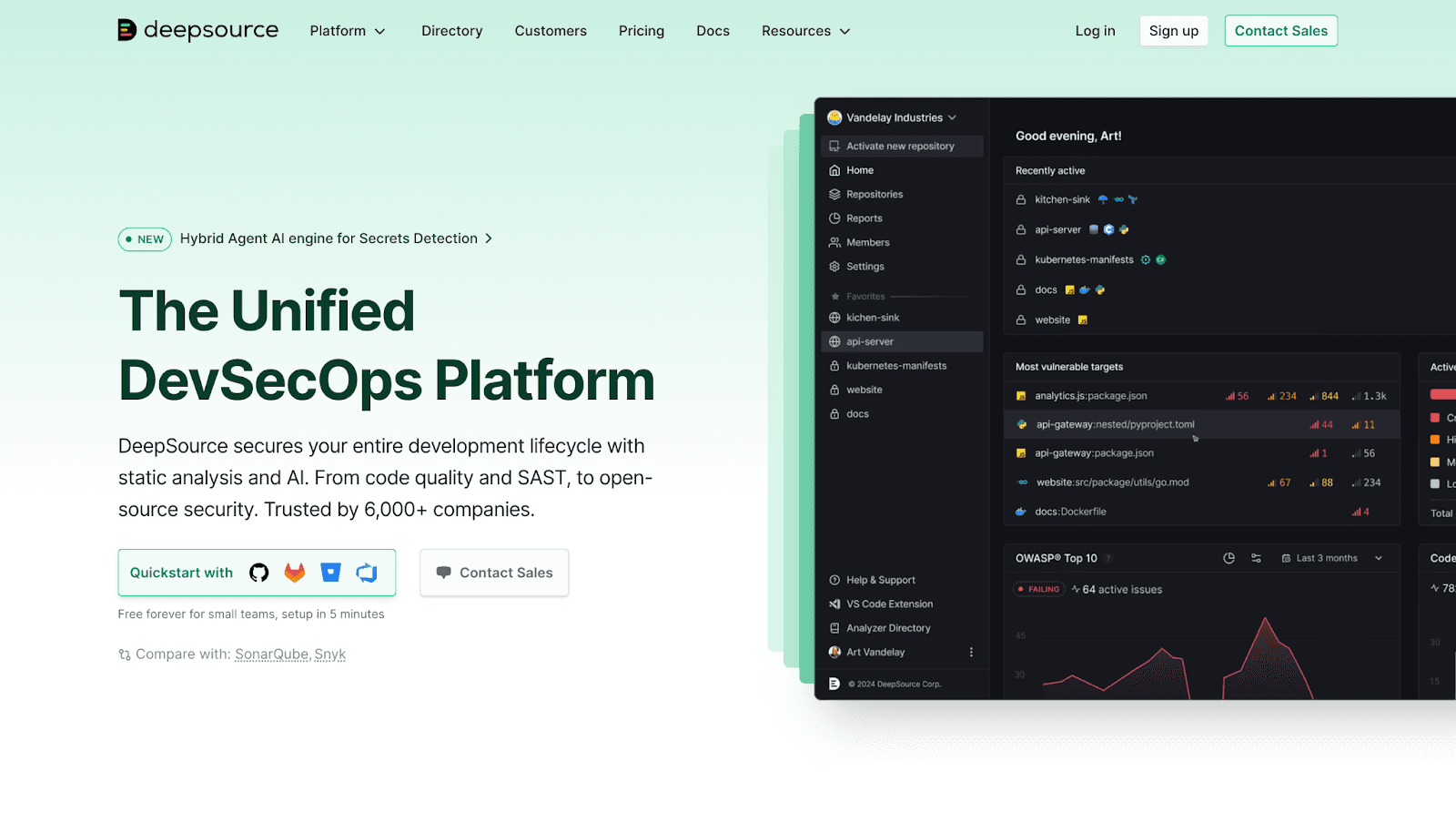
DeepSource emphasizes developer experience with fast scans and low false-positive rates. Analysis completes in seconds, and one-click fixes handle common issues. The tool is tuned to reduce alert fatigue.
Features:
Fast analysis completing in seconds
Auto-fix for common issues
Tuned to reduce alert noise
Best for: Developer-focused teams wanting actionable feedback without alert fatigue.
Limitations: Security depth is lighter than dedicated SAST tools. Enterprise features are still maturing.
Pricing: Free tier for small teams; paid plans based on seats.
Checkout this Deepsource Alternative.
CodeScene
CodeScene takes a different approach with behavioral code analysis. It identifies hotspots based on change frequency and complexity, helping teams prioritize refactoring by business impact rather than arbitrary metrics.
Features:
Behavioral analysis identifying high-risk code areas
Technical debt tracking with prioritization
Team analytics surfacing knowledge silos
Best for: Engineering leaders focused on managing technical debt and improving maintainability.
Limitations: Less focused on line-by-line PR feedback. Requires historical data for meaningful insights.
Pricing: Per-developer pricing with tiered plans.
Amazon CodeGuru
CodeGuru is trained on Amazon's internal codebase patterns and integrates natively with AWS services. It's particularly useful for identifying inefficient code paths in Lambda functions and other AWS workloads.
Features:
ML-powered reviews trained on Amazon's patterns
Performance recommendations for inefficient code
Native AWS service integration
Best for: Teams heavily invested in AWS infrastructure wanting optimization alongside review.
Limitations: Limited language support (primarily Java and Python). Less useful outside AWS ecosystems.
Pricing: Pay-per-analysis model; costs scale with lines of code analyzed.
Key Metrics AI Code Review Tools Help Track
The right tool doesn't just review code, it helps you measure improvement over time.
PR Cycle Time and Review Velocity
PR cycle time measures how long PRs sit before merge. Faster cycles indicate healthier workflows. If PRs are sitting for days, you've got a bottleneck somewhere.
Defect Escape Rate
Defect escape rate tracks bugs that reach production despite reviews. Lower rates signal more effective automated checks. This metric tells you whether your review process is actually catching problems.
Code Coverage and Technical Debt Ratio
Coverage measures test breadth across your codebase. Technical debt ratio tracks accumulation of shortcuts and workarounds. Both indicate long-term maintainability.
Check out these interesting reads:
18 Best Code & Test Coverage Tools for Dev Teams in 2026
Why Tracking Technical Debt Metrics Matters
What is the 80/20 Rule for Technical Debt?
DORA Metrics for Engineering Teams
DORA metrics include deployment frequency, lead time, change failure rate, and mean time to recovery. Engineering teams use DORA to benchmark performance against industry standards.
Check out this interesting reads:
The Promise and Peril of DORA Metrics
How to Pick the Right GitHub AI Code Review Tool for Your Team
Choosing comes down to your team's primary pain point:
Review speed
Security focus
Quality gates
Whatever it is, most tools offer free trials. Go ahead with your trials. Run the tool against your actual codebase for a week before committing to a paid plan. Ready to see AI-driven code reviews, security scanning, and quality tracking in one platform?Book your 1:1 with our experts today!

